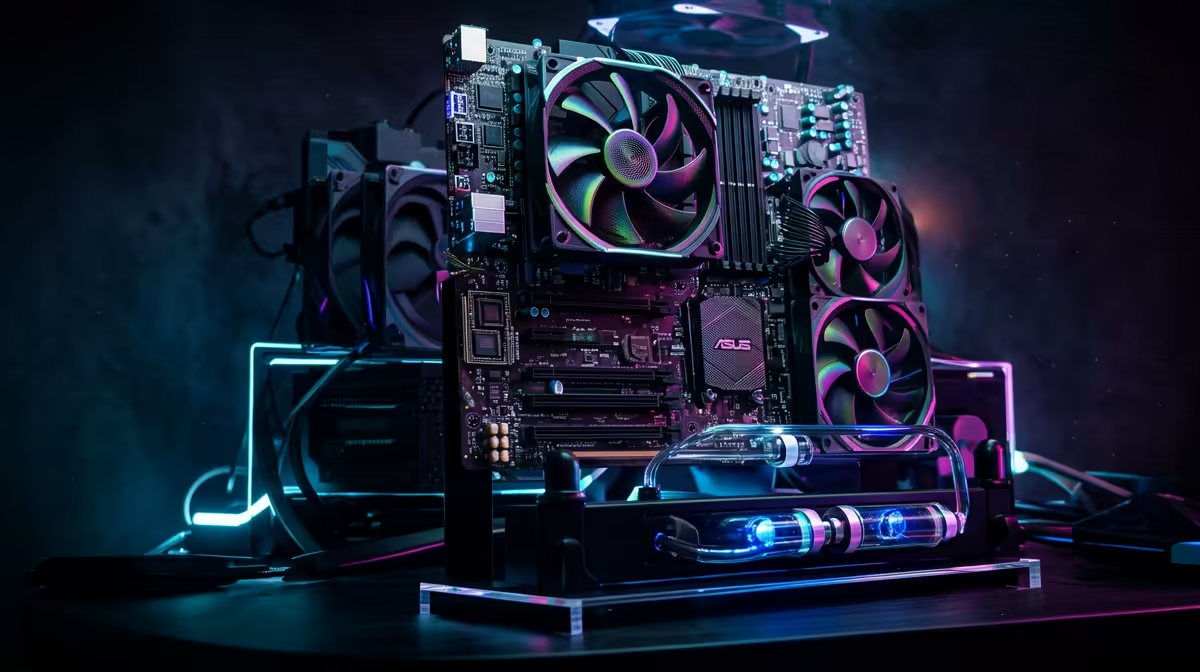
Staring at your rig, wondering if there's more power hiding inside? For South African gamers, squeezing every last drop of performance from our hardware is a national sport. PC overclocking promises that extra edge... pushing your machine for maximum performance, for free. But with our hot climate and unpredictable grid, is it worth the risk? Let's dive into the real-world PC overclocking results in South Africa you can expect right here on home soil. 🚀
Understanding PC Overclocking in the South African Context
At its core, overclocking is the art of running your computer's components—usually the CPU or GPU—at a higher speed than the manufacturer intended. Think of it as tuning your car's engine. The reward? More processing power, which can translate to higher frame rates in games or faster video rendering times.
However, it's not without its challenges, especially here. Pushing components harder generates more heat, a serious consideration during a Johannesburg summer. Furthermore, unstable power from an unexpected outage can threaten a delicate overclock, making a quality Power Supply Unit (PSU) non-negotiable. This is why for mission-critical tasks, many professionals opt for the guaranteed stability of pre-configured workstation PCs, where reliability trumps raw, experimental speed.
Real-World PC Overclocking Performance Gains
So, what kind of PC overclocking results can you actually achieve? While every silicon chip is unique (a concept known as the "silicon lottery"), a stable, well-cooled overclock can yield tangible benefits.
For CPUs, a 5-15% performance uplift is a realistic target. This might not sound massive, but in CPU-bound games like Civilization VI or during a complex video export, it can shave significant time off your tasks and smooth out gameplay. Whether you're working with the latest Intel gaming PCs or one of the many powerful AMD Ryzen systems, there's often headroom to unlock extra power if you have the right cooling.
Monitor Your Vitals! 🌡️
Before you even think about overclocking, install a monitoring tool like MSI Afterburner or HWMonitor. Keep a close eye on your CPU and GPU temperatures. In South Africa's warmer climate, anything consistently over 90°C under load is a danger zone. Good monitoring is the difference between a stable performance boost and a very expensive paperweight.
The key is incremental adjustment and stress testing. Pushing the voltage and clock speed too far, too fast, is a recipe for instability and crashes. Patience is your best friend.
CPU vs. GPU Overclocking: Where's the Best Bang for Your Buck?
When chasing maximum performance in gaming, the GPU is often the star of the show. Overclocking your graphics card directly impacts frame rates, and the results are often more immediately noticeable than with a CPU overclock.
Pushing the core and memory clocks on your graphics card can turn a choppy 50 FPS experience into a fluid 60 FPS one. It's the difference between "playable" and "perfectly smooth." For gamers, this is where the magic happens. Whether you're running one of our top-tier NVIDIA GeForce gaming PCs or a rig powered by the latest AMD Radeon graphics, a careful GPU overclock is one of the most effective ways to boost your in-game performance without spending an extra cent.
So, Is It Worth It?
For the enthusiast who loves to tinker and extract every bit of value, absolutely. Achieving a stable overclock provides a great sense of accomplishment and a genuine, free performance boost. The PC overclocking results in South Africa can be fantastic, provided you have adequate cooling and a stable power source.
For those who just want to play games without the hassle and risk... buying a professionally assembled and tested PC is the smarter move. You get a system built with balanced components, designed for stability and performance right out of the box. ⚡
Ready for Maximum Performance?
Pushing the limits is thrilling, but starting with the right hardware is key. For professionally built, stable, and powerful rigs ready for anything you throw at them, Evetech has you covered. Explore our massive range of PC deals and find the perfect machine to dominate your game.