


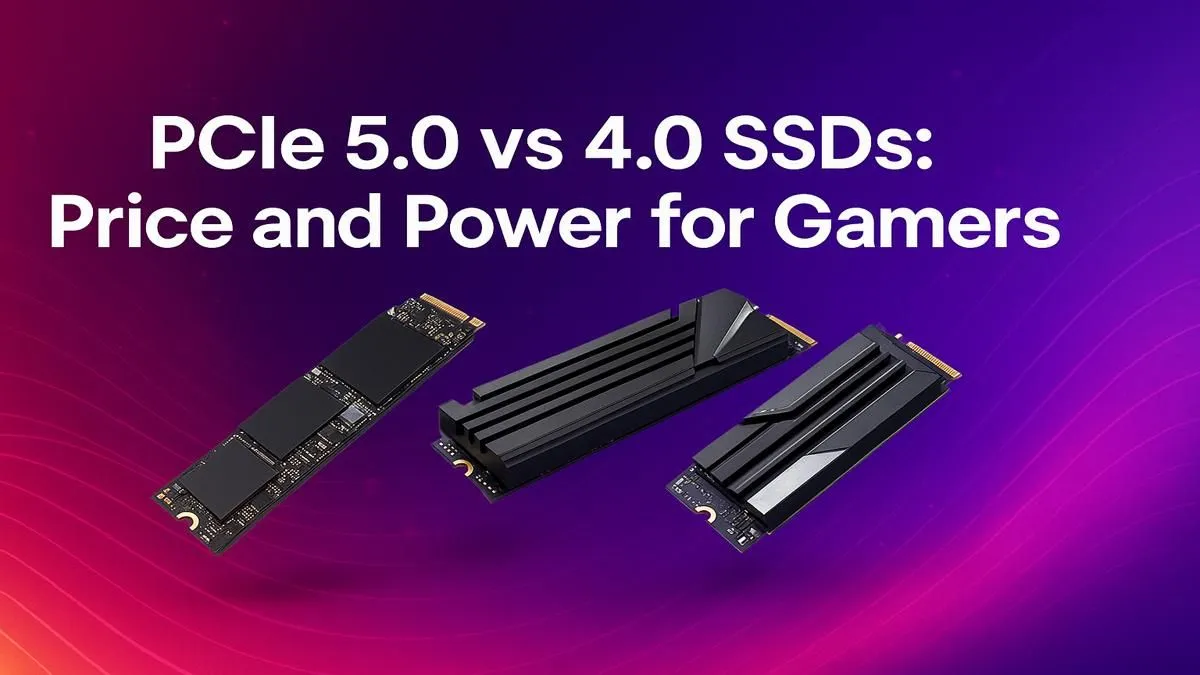
You’re staring at a loading screen… again. That epic boss fight in Elden Ring or the next mission in Starfield is just moments away, but your PC is taking its sweet time. We’ve all been there. The latest PCIe 5.0 SSDs promise to obliterate these waits with mind-blowing speeds, but they come with a hefty price tag. Is the leap from a speedy PCIe 4.0 drive really worth the extra Rands for a South African gamer? Let's find out.
The Raw Speed: What Do the Numbers Mean?
When you compare PCIe 5.0 vs 4.0 SSD performance on paper, the difference is staggering. Think of it like upgrading from a two-lane highway to a four-lane superhighway.
- PCIe 4.0: Tops out at around 8,000 MB/s (Megabytes per second). This is already incredibly fast, loading massive game worlds in seconds.
- PCIe 5.0: Doubles the bandwidth, pushing theoretical speeds up to 14,000 MB/s and beyond.
This jump means that a Gen 5 drive can, in theory, transfer massive files or load complex game assets almost twice as fast. While older storage is measured in seconds, these new drives are measured in fractions of a second. This raw power is a glimpse into the future of what modern NVMe SSDs can do. 🚀
PCIe 5.0 vs 4.0 SSD in Real-World Gaming
Here’s the million-Rand question: does that theoretical speed boost actually translate to a noticeably better gaming experience right now? The answer is… complicated.
For most current games, the difference in loading times between a high-end Gen 4 and a new Gen 5 drive is often just a second or two. Yes, it's faster, but is it "pay R2,000 extra" faster? Probably not for most people.
However, the future is where things get interesting. Technologies like Microsoft's DirectStorage are designed to let the GPU talk directly to the SSD, bypassing the CPU to dramatically speed up how game assets are loaded. As more games adopt this tech, the massive bandwidth of the latest Gen 5 NVMe SSDs will become a significant advantage, potentially eliminating texture pop-in and making loading screens a relic of the past.
Compatibility Check 🔧
Before you even think about buying a PCIe 5.0 SSD, check your hardware! You need a compatible motherboard (like an AMD X670 or Intel Z790 chipset) AND a compatible CPU (like AMD Ryzen 7000 series or Intel 12th Gen or newer) to unlock those top speeds. Plugging a Gen 5 drive into a Gen 4 slot will limit it to Gen 4 speeds.
Beyond Gaming: Where Gen 5 Truly Shines ✨
While the gaming benefits are still emerging, other power users can leverage PCIe 5.0 speed today. If you’re a content creator in Johannesburg, a video editor in Cape Town, or a 3D artist in Durban, a Gen 5 drive can be a massive productivity booster.
Imagine scrubbing through 8K video timelines without a stutter, or transferring hundreds of gigabytes of raw footage in the time it takes to make a cup of coffee. For these professional workloads, the time saved can directly translate into money earned, making the higher initial cost a smart investment.
The Price Factor: Is the Speed Worth the Spend? 💰
In South Africa, value for money is king. A solid 2TB PCIe 4.0 SSD can often be found for a fantastic price, offering what many consider the sweet spot for performance and capacity. A comparable 2TB PCIe 5.0 drive can easily cost 50-70% more.
For that extra cash, you’re paying for cutting-edge technology and future-proofing. If you have the budget and want the absolute fastest hardware possible, it’s an exciting purchase. But for gamers looking for the best bang-for-buck upgrade today, the value proposition is still heavily in favour of the tried-and-true performance offered by our range of Gen 4 NVMe SSDs.
The Verdict: Who Should Buy a PCIe 5.0 SSD?
So, should your next drive be Gen 5 or Gen 4? Let's break it down.
You should buy a PCIe 5.0 SSD if:
- You are a professional content creator, video editor, or 3D artist who moves massive files daily.
- You are an enthusiast building a top-of-the-line rig and want to be ready for future gaming technologies like DirectStorage.
- Budget is not your primary concern, and you simply want the fastest storage on the market.
You should stick with a PCIe 4.0 SSD if:
- You are primarily a gamer looking for the best performance-per-Rand right now.
- Your workflow doesn't involve constant large file transfers.
- You'd rather spend the extra cash on a better GPU, CPU, or more RAM, which will likely give you a more noticeable performance boost in today's games.
Ultimately, the PCIe 5.0 vs 4.0 SSD debate comes down to your specific needs and budget. Gen 4 is the smart, powerful choice for today, while Gen 5 is the enthusiast's investment in tomorrow.
Ready to Slash Your Loading Times? Whether you're chasing world-record speeds or the best value for your rig, the right SSD makes all the difference. Explore our massive range of the best SSD deals and find the perfect drive to supercharge your PC today.









