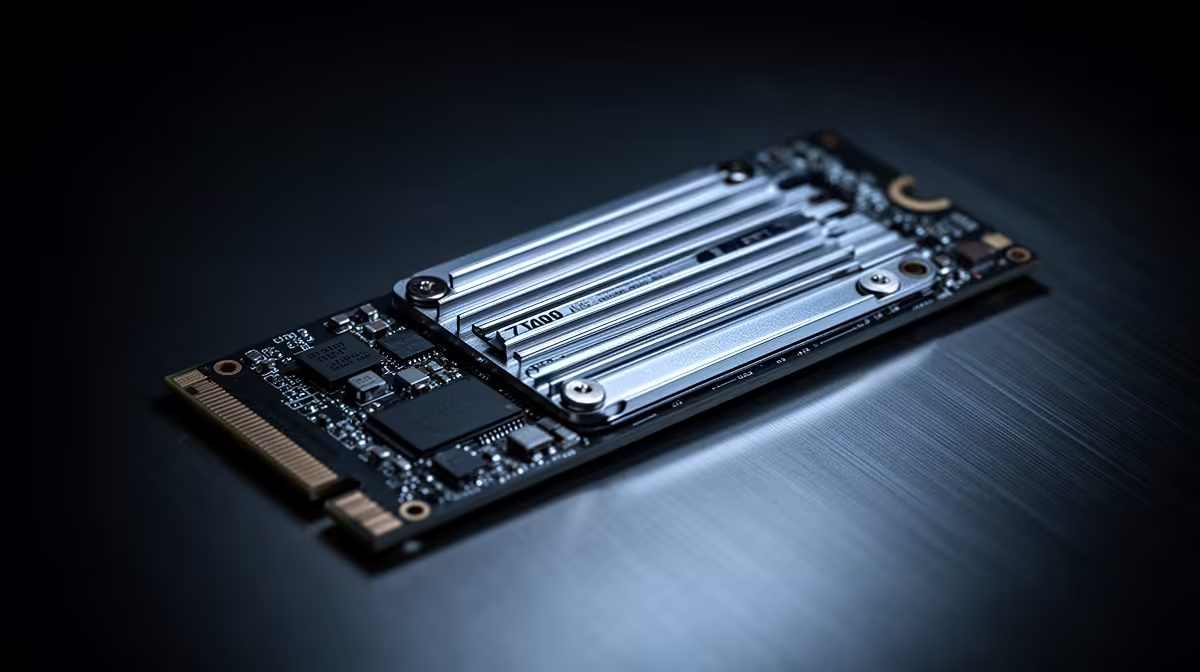
You've seen the hype around PCIe 5.0 SSDs… insane speeds, big numbers. But as a South African gamer, you're asking the real question: does it actually make your games load faster? Let's settle the PCIe 5.0 vs 4.0 SSD debate and see if the speed boost is truly worth your hard-earned Rands for gaming. 🚀
Understanding the Generational Leap: PCIe 4.0 vs 5.0
On paper, the difference is massive. A typical PCIe 4.0 SSD clocks in at around 7,000 MB/s. A new PCIe 5.0 drive? It doubles that, pushing speeds of 12,000 MB/s or even more. Think of it as the difference between a supercar and a fighter jet. Both are incredibly fast, but one is in a completely different league of performance. This generational leap in bandwidth is the core of what makes all modern NVMe SSDs so much faster than older SATA drives. But does all that extra potential translate into a better gaming experience?
How PCIe 5.0 SSDs Impact Real-World Gaming
Here’s the honest truth for gamers in 2024: for now, the difference in game loading times between a top-tier Gen 4 and a Gen 5 SSD is often just a second or two. Sometimes, it's not even noticeable.
Why? Most current games aren't designed to fully utilise that much speed. While future titles built with technologies like Microsoft's DirectStorage might change this, today's games are already lightning-fast on a good Gen 4 drive. For pure gaming value, the sweet spot is still found in the world of high-performance Gen 4 NVMe SSDs, which offer incredible performance without the premium price tag.
Compatibility Check 🔧
Before you even think about upgrading, check your motherboard's specifications! A PCIe 5.0 SSD requires a compatible M.2 slot and a CPU that supports it (like Intel 12th Gen or newer, or AMD Ryzen 7000 series or newer). Plugging a Gen 5 drive into a Gen 4 slot will work, but it will run at slower Gen 4 speeds.
Is a PCIe 5.0 SSD Worth It for Other Tasks?
This is where the conversation shifts. If you're a content creator, video editor, or 3D artist, the PCIe 5.0 vs 4.0 SSD discussion has a different outcome. For professionals who regularly move massive files—like 8K video footage or complex project archives—the speed boost is very real and can save significant time.
Tasks that benefit most from Gen 5 speeds include:
- 4K/8K Video Editing: Scrubbing through timelines is smoother.
- Large File Transfers: Moving hundreds of gigabytes takes a fraction of the time.
- Complex Simulations: Loading huge datasets for scientific or engineering work.
For these power users, investing in one of the bleeding-edge Gen 5 NVMe SSDs can be a sensible productivity investment. ✨
The Verdict: PCIe 5.0 vs 4.0 on a South African Budget
So, is the speed boost worth it?
- For Pure Gamers: Right now, no. A high-quality PCIe 4.0 SSD provides 99% of the gaming performance for a fraction of the cost. Your money is better spent on a more powerful GPU or CPU. The smartest move is to find a drive that balances speed and price, so be sure to check out our latest SSD deals to get the best value.
- For Creators & Future-Proofers: Maybe. If your work involves huge files or you simply want the absolute fastest hardware possible to be ready for next-gen games, a PCIe 5.0 drive is the undisputed king of performance.
The choice between a Gen 5 vs Gen 4 SSD ultimately comes down to your primary use case and your budget. For the vast majority of South African gamers, PCIe 4.0 remains the champion of value and performance.
Ready to Supercharge Your Storage?
The PCIe 5.0 vs 4.0 SSD debate comes down to your needs and budget. For pure gaming supremacy today, a top-tier Gen 4 drive offers incredible value. For ultimate future-proofing and creative workloads, Gen 5 is the new king. Explore our complete range of NVMe SSDs and find the perfect drive for your rig.