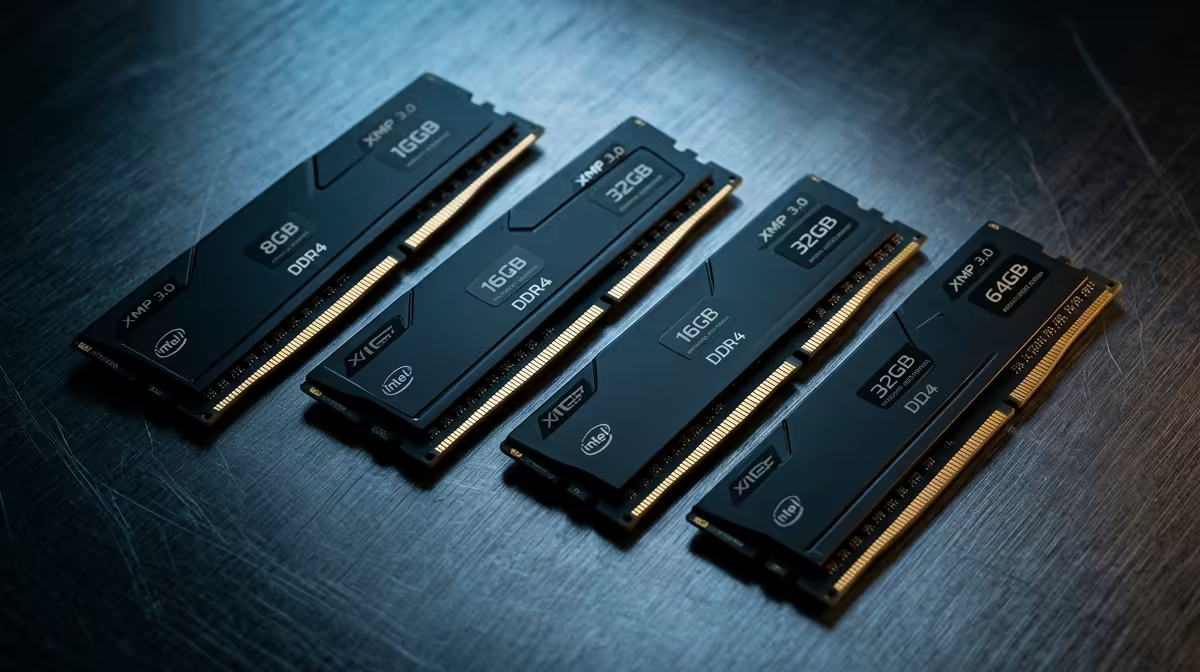
Ever felt that soul-crushing stutter while scrubbing through your 4K timeline? You're not alone. For South African creators, a sluggish editing rig means wasted time and frustration. While CPUs and GPUs get all the glory, the unsung hero of a smooth workflow is your RAM. But how much RAM for video editing is enough? We put it to the test to see how memory really impacts performance, from 1080p vlogs to high-end cinematic projects.
Understanding RAM's Crucial Role in Video Editing
Think of RAM (Random Access Memory) as your PC's high-speed workbench. When you're editing, your software loads video clips, effects, audio, and previews onto this workbench for quick access. The more workbench space (RAM capacity) you have, the more assets you can handle at once without your system slowing down to fetch data from your slower main storage (SSD or HDD).
The performance impact of sufficient RAM for video editing is immediate. You'll experience smoother timeline scrubbing, faster real-time playback of effects, and the ability to work with higher-resolution footage without creating proxies.
The Benchmark Breakdown: 16GB vs 32GB vs 64GB+
So, what's the magic number? We've broken down the real-world performance you can expect at different RAM capacities.
16GB: The Entry-Level Creator
16GB of RAM is the absolute minimum for modern video editing. It’s perfectly capable of handling 1080p projects with a few layers of colour correction and simple graphics. However, once you introduce 4K footage or try to multitask with other apps like Photoshop, you'll feel the pinch. Expect slower render times and potential system lag. It's a decent starting point if you're on a tight budget, often found in affordable pre-built PC deals.
32GB: The Sweet Spot for Most ⚡
This is the gold standard for most YouTubers, freelancers, and serious content creators in South Africa. With 32GB, 4K editing becomes a breeze. You can comfortably stack multiple video layers, apply demanding effects like noise reduction, and keep other essential applications open. The video editing RAM performance at this level provides the best balance of price and capability, pairing perfectly with robust CPUs found in modern Intel PC builds.
64GB and Beyond: For Professional Workflows 🚀
When you're working with 6K or 8K RAW footage, complex VFX in After Effects, or 3D rendering, 64GB (or even 128GB) is non-negotiable. This amount of memory essentially removes RAM as a bottleneck, allowing your CPU and GPU to work at their full potential. For agencies, production houses, and solo professionals tackling high-stakes projects, investing in one of our dedicated Workstation PCs configured with ample RAM is a wise business decision.
Beyond Capacity: Does RAM Speed Matter?
While capacity is king, RAM speed (measured in MHz) and latency also play a part. The jump from DDR4 to faster DDR5 memory can provide a noticeable uplift in timeline responsiveness and reduce render times, especially when paired with the latest processors. For instance, AMD's architecture benefits significantly from fast memory, making it a key consideration for our AMD Ryzen PC deals.
Pro Tip: Unlock Full Speed 🔧
Always enable XMP (for Intel) or EXPO (for AMD) in your PC's BIOS. Without this, your expensive high-speed RAM will run at a much slower default speed. It's a simple, one-click setting that ensures you're getting the performance you paid for!
The Supporting Cast: CPU and GPU Synergy
Remember, RAM for video editing doesn't work in isolation. It's part of a team.
- CPU (Processor): Your CPU does the heavy lifting for encoding and decoding video files. A powerful processor needs enough RAM to be fed data quickly.
- GPU (Graphics Card): Your GPU accelerates visual effects, colour grading, and timeline playback. Both NVIDIA GeForce gaming PCs and systems with AMD Radeon graphics leverage GPU acceleration, but they need data to be loaded into VRAM and system RAM first.
A balanced system where the RAM, CPU, and GPU are all up to the task is the secret to a truly powerful editing machine.
Ready to Build Your Editing Powerhouse?
Choosing the right amount of RAM is the first step to a frustration-free workflow. Don't let lag kill your creativity. A balanced system is key to unlocking your full potential.
Explore our massive range of customisable PCs and configure the perfect machine for your video editing needs today.