


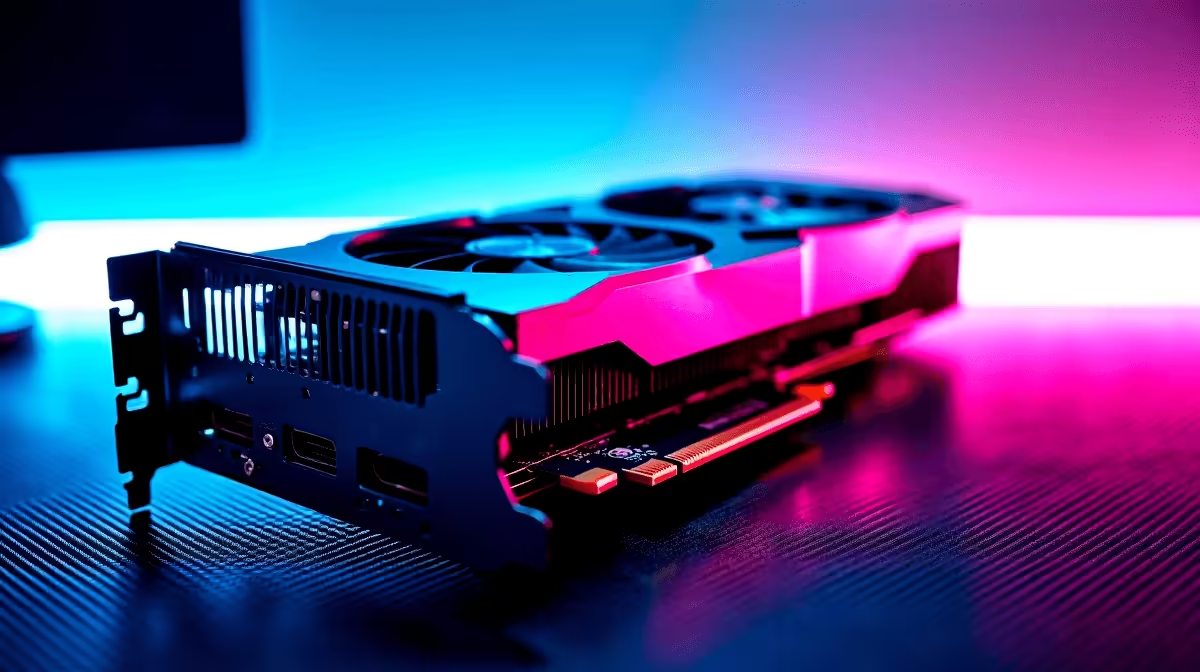
Load-shedding might occasionally pause your gaming schedule, but poor frame rates shouldn't ruin your time in Night City. If you are eyeing those neon-drenched streets, you probably want to know how the latest mainstream hardware handles the heat. Let us dive deep into the RTX 5060 Cyberpunk 2077 at 1440p experience. We will explore real FPS benchmarks and the optimal settings to keep your gameplay buttery smooth without breaking the bank.
Stepping Up to 1440p Gaming 🚀
Moving up from standard 1080p is a massive visual leap... especially for dense open-world RPGs. The RTX 5060 brings impressive architecture that makes 1440p gaming incredibly viable for mid-range South African setups. When you factor in the current ZAR exchange rates, finding the sweet spot between price and raw performance is more important than ever for local gamers.
Whether you are browsing for the latest graphics cards to slot into your current rig or hunting for complete gaming PC deals, understanding this baseline performance is crucial. You want a setup that delivers crisp visuals without stuttering during intense combat sequences.
Real FPS Benchmarks for the RTX 5060 ⚡
So... how does it actually perform under pressure? Testing the RTX 5060 Cyberpunk 2077 at 1440p requires a smart balance of expectations and technology. We tested these benchmarks using a modern processor and 32GB of RAM to ensure no system bottlenecks skewed the results.
On native 1440p with the High preset, you can expect frame rates hovering around 45 to 50 FPS. It is entirely playable, but in a fast-paced shootout through Dogtown, you definitely want more fluidity.
This is where Nvidia's software magic steps in. Turn on DLSS Quality mode and enable Frame Generation. Suddenly, your system is pushing a highly comfortable 75 to 85 FPS. Driving through the dense City Center feels incredibly responsive. If you want this exact tier of performance straight out of the box, our pre-built PC specials offer perfectly balanced systems ready to plug and play.
Optimisation Pro Tip 🔧
For Cyberpunk 2077, turn Screen Space Reflections Quality down to Low. It gives you a massive FPS boost at 1440p while barely affecting visual fidelity in motion.
Dialling in the Optimal Settings ✨
To get the absolute best RTX 5060 Cyberpunk 2077 at 1440p experience, you need to tweak a few specific graphics options. Leave your primary textures on High to keep character models looking sharp, but drop Volumetric Fog and Volumetric Clouds down to Medium.
You should also reduce Cascaded Shadows Resolution... you will barely notice the difference in visual quality, but your GPU will thank you. Colour Precision is another setting you can safely bump down to Medium. It frees up valuable VRAM... which is vital when pushing higher pixel counts.
Keep Ray Tracing switched off unless you are willing to rely heavily on DLSS Performance mode. Interestingly, these exact same optimal settings apply perfectly if you are gaming on the go with the newest RTX 50-series gaming laptops.
Saving a few Rand on your hardware means you have more budget left over for your actual game library and peripherals. Always keep a close eye on our tech specials to maximise your value when upgrading your battle station.
Ready to Upgrade Your Night City Experience? Stop compromising on frame rates and visual fidelity. If you want to experience Cyberpunk 2077 exactly as the developers intended, it is time for an upgrade. Explore our massive range of gaming PC specials and find the perfect machine to conquer your world.











