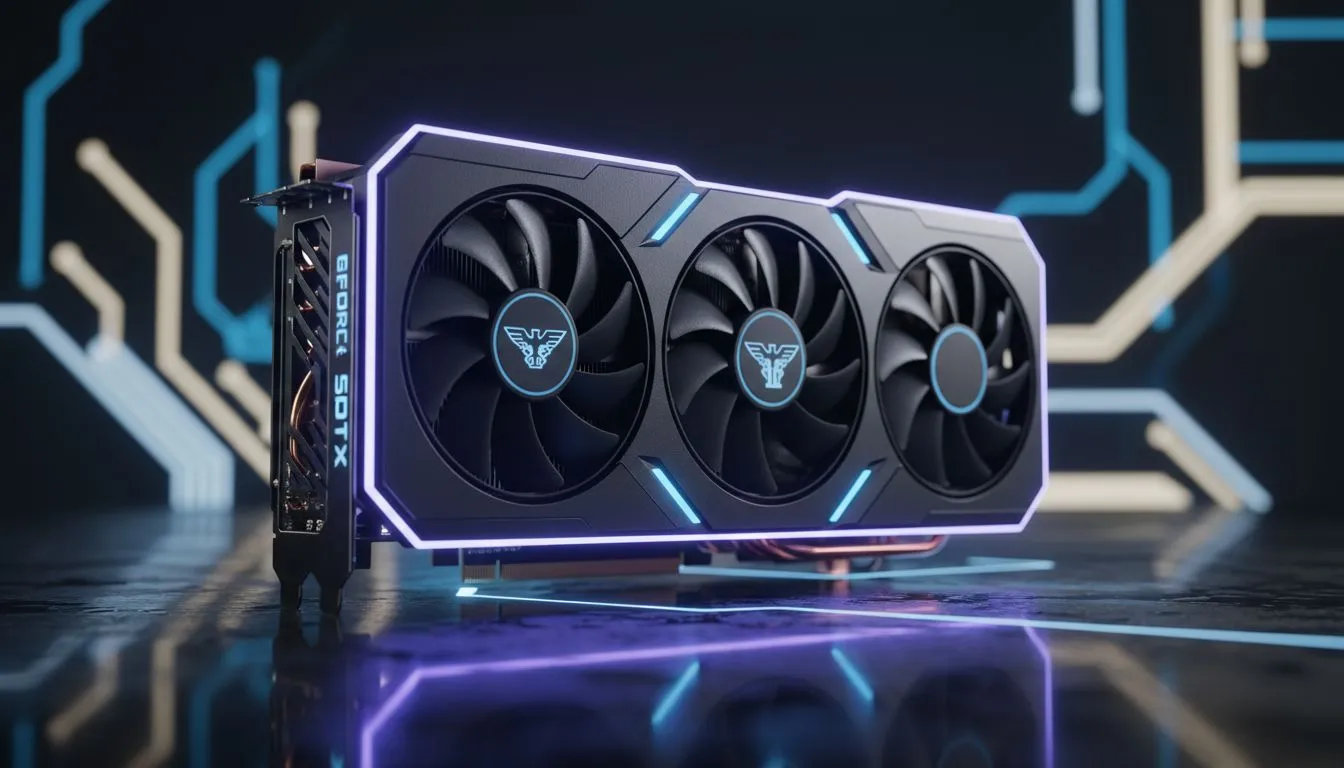
Dropping into a level 9 Helldive on Malevelon Creek is stressful enough without fighting your own frame rate. For South African gamers rocking the latest mid-range powerhouse, getting the perfect RTX 5060 Ti Helldivers settings is the difference between a successful extraction and becoming bug food. You need clarity to spot those Stalkers before they're on top of you... especially when the South African sun is glaring off your monitor.
Optimising Visuals for the Galactic Frontier
The RTX 5060 Ti is a beast for 1080p and 1440p gaming. However, Helldivers 2 is notoriously heavy on both the CPU and GPU. To maintain high visibility, you should look at our latest NVIDIA graphics cards to ensure your hardware is up to the task.
Start by setting Volumetric Fog to 'Medium'. While 'Ultra' looks cinematic, it creates a thick haze that hides Automaton muzzle flashes. In a chaotic firefight, seeing those red tracers early is vital for survival. Space Lighting and Ambient Occlusion can stay on 'High' to maintain the game's atmosphere without sacrificing too many frames.
Fine-Tuning Your RTX 5060 Ti Helldivers Settings
Shadow quality often eats up performance without adding much to the tactical experience. Lowering shadows to 'Medium' allows the RTX 5060 Ti to push higher, more consistent frame rates. If you prefer the superior cooling and local support of MSI graphics cards, you might even have enough thermal headroom to boost your clock speeds.
Keep 'Texture Quality' on 'High' or 'Ultra'. The 5060 Ti has the VRAM to handle these assets easily, ensuring that your cape and armour look crisp while you're diving through the mud.
Visibility Pro Tip ⚡
Turn off 'Depth of Field' and 'Bloom' in the Helldivers 2 display menu. This removes the cinematic fuzziness, making distant enemies appear much sharper against the horizon. It's a simple tweak that drastically improves your long-range sniping accuracy when using the Diligence Counter Sniper or the Anti-Material Rifle.
Dealing with Glare and Motion Blur
Motion Blur should always be set to zero. It makes tracking fast-moving Hunters nearly impossible during a retreat. While some players might consider Intel Arc graphics cards for budget-focused builds, the driver maturity for NVIDIA on Helldivers 2 remains a significant advantage for South Africans who want a hassle-free experience.
For the best RTX 5060 Ti Helldivers settings, use DLSS on the 'Quality' preset if you are playing at 1440p. This provides a cleaner image than the native TAA implementation and helps maintain a smooth 80+ FPS even when the stratagems start falling.
Hardware Considerations for Every Budget
Not every gamer needs the latest ray-tracing features for their daily grind. Some professionals might even use workstation graphics cards for 3D rendering by day and defending Super Earth by night. If you find the current GPU pricing a bit steep, checking out AMD Radeon graphics cards is a smart move for pure rasterization performance in ZAR.
However, for those committed to the green team, the RTX 5060 Ti offers a fantastic balance of efficiency and power. By following these visibility-focused tweaks, you can ensure that your hardware never stands in the way of spreading managed democracy.
Ready to Spread Democracy?
Finding the right balance between performance and price in South Africa can be tricky, but the right GPU makes all the difference. Explore our massive range of graphics card specials and find the perfect hardware to ensure your next Helldive is a glorious victory.