


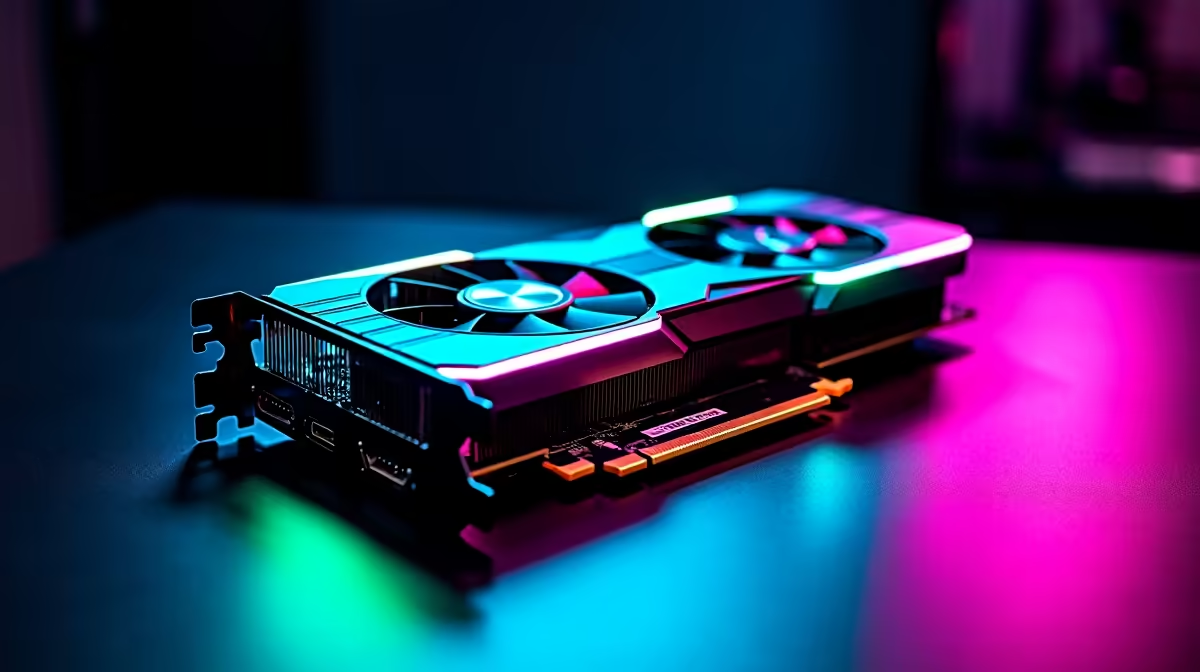
Counter-Strike 2 remains one of the most played and most competitively demanding titles among South African PC gamers - and with Valve's Source 2 engine replacing the old CS:GO foundation, GPU requirements shifted meaningfully upward. The AMD RX 7800 XT is a popular card for SA gamers seeking 1440p and high-refresh 1080p performance without crossing into flagship pricing territory, but its CS2 performance deserves specific scrutiny. Here's a detailed look at FPS benchmarks, optimal settings, and how to squeeze every frame from this GPU in CS2.
Quick Answer
The RX 7800 XT delivers outstanding CS2 performance at both 1080p and 1440p. At 1080p on competitive settings, expect 300–500+ FPS, comfortably feeding 360Hz monitors. At 1440p with a mix of High and Medium settings, the card averages 180–250 FPS - well above the 165Hz sweet spot. Even at 1440p Ultra, averages sit at 120–160 FPS. The RX 7800 XT is one of the best-value CS2 GPUs available to South African gamers in 2026.
📊 CS2 FPS Benchmarks: RX 7800 XT
Testing performed on a Ryzen 7 7700X, 32GB DDR5-6000, latest RDNA 3 drivers. Benchmarks use the official CS2 benchmark tool across Dust II, Nuke, and Mirage:
1080p - Competitive Settings (Low shadows, textures High, all effects Low/Off):
- Average FPS: 420–520
- 1% Low: 310–380 FPS
- Effectively uncapped for 360Hz monitors
1080p - High Settings:
- Average FPS: 280–340
- 1% Low: 195–240 FPS
1440p - Competitive Settings:
- Average FPS: 260–320
- 1% Low: 195–240 FPS
- Ideal for 240Hz 1440p setups
1440p - High Settings:
- Average FPS: 185–235
- 1% Low: 140–175 FPS
1440p - Ultra Settings:
- Average FPS: 120–160
- 1% Low: 90–120 FPS
VRAM usage in CS2 sits at 4–6GB at 1440p Ultra, well within the RX 7800 XT's 16GB buffer - leaving headroom for background processes without VRAM pressure. Pair your GPU with fast DDR5 RAM and a high-refresh gaming monitor to make the most of these frame rates.
⚙️ Best CS2 Settings for RX 7800 XT
For competitive play - where clarity and frame rate override visual fidelity:
- Resolution: 1920×1080 or 2560×1440 (native to your monitor)
- Rendering Scale: 100% (no upscaling needed; FPS is sufficient natively)
- Global Shadow Quality: Very Low (highest competitive FPS impact - enemies are easier to spot)
- Model/Texture Detail: High (minimal FPS impact; improves enemy visibility)
- Shader Detail: Low
- Particle Detail: Low
- Ambient Occlusion: Disabled
- Anti-Aliasing: MSAA 2x (TAA introduces blur that harms competitive play)
- Multisampling Anti-Aliasing Mode: 2X MSAA
- FidelityFX Super Resolution: Off (not needed at these frame rates; can introduce latency)
- V-Sync: Off (always off for competitive play - use G-Sync/FreeSync instead)
- Max Acceptable Matches with Low Ping: Set to your lowest acceptable value for SA servers
In AMD Software (Adrenalin), enable Anti-Lag+ for CS2 - this RDNA 3 feature reduces input latency by up to 50% in supported titles, giving a meaningful competitive advantage without any visual quality trade-off.
🛠️ Driver and Software Optimisation for SA Gamers
RDNA 3 drivers have matured significantly since the RX 7800 XT launched. Keep drivers updated via AMD Software - game-specific driver releases for CS2 often include performance patches and stability fixes. Enable Radeon Boost (dynamic resolution scaling under motion) only if you drop below your target FPS; at the frame rates the 7800 XT achieves, it's unnecessary. Disable Hardware-Accelerated GPU Scheduling (HAGS) if you experience frame time spikes - HAGS benefits vary by system configuration and CS2 sometimes performs better without it. Also confirm your GPU is running at its boost clock under sustained load by checking Adrenalin's performance metrics during a benchmark run.
❓ FAQ
Q: Is the RX 7800 XT better than the RTX 4070 for CS2 in South Africa? A: At CS2 specifically, the two cards trade blows within 5–10% of each other at 1440p. The RX 7800 XT typically carries a lower local price tag, making it better value per frame for CS2. The RTX 4070 pulls ahead in ray-tracing workloads and DLSS-supported titles. For CS2-focused builds, the 7800 XT is excellent value.
Q: What monitor refresh rate should I pair with the RX 7800 XT for CS2? A: At 1080p competitive settings, the 7800 XT feeds 360Hz monitors comfortably. At 1440p competitive settings, 240Hz is the target - and the card surpasses it. For a 1440p 165Hz monitor, you have enormous FPS headroom even at High settings.
Q: Does AMD Anti-Lag+ work in CS2 with the RX 7800 XT? A: Yes - Anti-Lag+ is supported in CS2 on RDNA 3 GPUs. Enable it in AMD Software Adrenalin under Graphics > Advanced. It reduces input latency measurably and is one of the most valuable free performance unlocks for competitive players.
Q: What CPU should I pair with the RX 7800 XT for CS2? A: CS2 responds well to high core clock speeds and cache. The Ryzen 7 7800X3D is the benchmark champion for CS2 due to its 3D V-Cache. The Ryzen 5 7600X and Core i5-13600K are strong value alternatives that eliminate CPU bottlenecking at 1080p and 1440p.
Evetech stocks All Graphics Cards and CS2 Gaming PCs — browse current SA pricing and availability online.
Ready to Find Your Perfect Match? Shop Evetech's gaming PC deals to build your CS2-ready RX 7800 XT rig in South Africa.











