


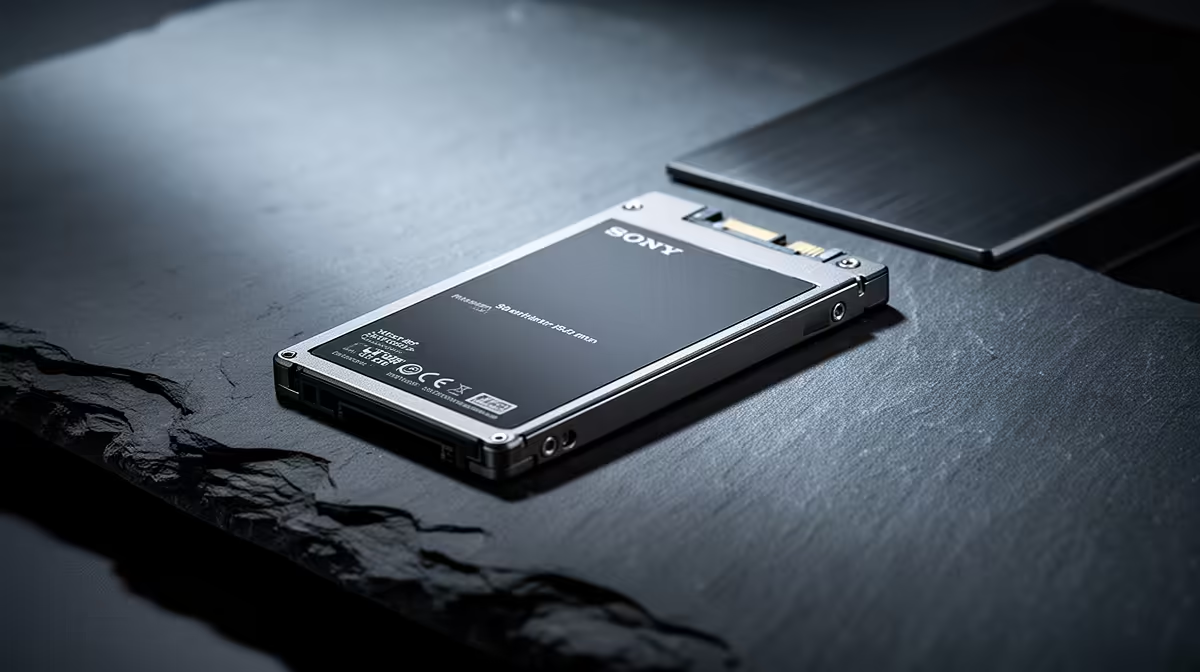
That 9 AM Teams call is starting… and your laptop is still showing the boot screen. We’ve all been there. In South Africa, where every minute of productivity counts, a slow PC is more than just frustrating; it’s a roadblock. If you’re tired of waiting, it’s time to consider the single biggest upgrade you can make. An SSD for work from home isn't a 'nice-to-have' anymore. It's the essential tool for reclaiming your time. 💻
Why Your Old Hard Drive is Sabotaging Your WFH Day
For years, traditional Hard Disk Drives (HDDs) were the standard. Think of them like a tiny record player, with a spinning disk and a mechanical arm that reads data. That physical movement is what causes delays, from starting your PC to opening a simple spreadsheet. It’s old technology, and it simply can’t keep up with the demands of modern remote work.
A Solid State Drive (SSD), on the other hand, uses flash memory—the same tech found in your smartphone. With no moving parts, it accesses data almost instantly. This simple difference is the key to unlocking a faster, smoother, and far less stressful workday. Upgrading is one of the most cost-effective ways to make an old machine feel brand new, and the foundation for any new build.
The Real-World Impact of an SSD for Productivity
So, what does this speed boost actually feel like? It’s not just about benchmark numbers; it’s about tangible, day-to-day improvements that make your work from home life easier.
- Instant Start-Ups: Power on your machine and be logged into Windows in seconds, not minutes. No more missing the start of a meeting while your PC plays catch-up.
- Snappy Applications: Launching heavy programs like Adobe Photoshop, Microsoft Teams, or even just your web browser becomes instantaneous.
- Effortless Multitasking: Juggle dozens of browser tabs, a live video call, and a massive spreadsheet without the dreaded stutter or lag. This is where a quality work from home SSD truly proves its worth.
For a reliable starting point, brands like Kingston offer fantastic value and performance that can handle any office task you throw at them.
Cloning Made Easy 🔧
Upgrading to an SSD doesn't mean you have to lose your data! Most SSD manufacturers offer free cloning software (like Acronis True Image or Macrium Reflect) that lets you create an exact copy of your old hard drive. It's a simple, guided process that moves your Windows installation, programs, and files over to your new, speedy drive.
Choosing the Right SSD for Your Home Office in South Africa
Navigating the world of SSDs can seem daunting, but it boils down to a few key choices. For most work-from-home users in South Africa, the decision is between a traditional 2.5-inch SATA SSD and a newer, faster NVMe SSD.
SATA vs. NVMe
SATA SSDs are a massive leap from any HDD and connect using the same cables, making them a super-easy upgrade for older desktops and laptops.
NVMe (Non-Volatile Memory Express) SSDs are the new standard for performance. These drives often come in a compact M.2 2280 form factor that plugs directly into the motherboard, eliminating cable clutter and delivering speeds that are multiple times faster than SATA. If your PC supports it, an NVMe drive is the best SSD for work from home productivity. Brands like ADATA are known for pushing performance boundaries in this space.
What About the Future? 🚀
Technology never stands still. For professionals working with massive 4K video files, complex datasets, or who simply demand the absolute best, the next generation is already here. The latest Gen 5 NVMe SSDs offer staggering speeds that can cut down rendering and data transfer times dramatically. While it might be overkill for daily office work, it’s a glimpse into a future where waiting is a thing of the past.
Investing a few thousand ZAR in a quality SSD today is one of the smartest financial decisions you can make for your home office. It pays you back every single day with saved time and reduced frustration.
Ready to Supercharge Your Productivity? 🚀 Stop letting a slow computer dictate your workday. The perfect SSD for your work from home setup is a small investment for a massive boost in speed and sanity. Explore our massive range of solid state drives and reclaim your time.









