Staring at a loading screen while a client waits on the other end of a Teams call... we’ve all been there. In South Africa, where every second of productivity counts, your laptop’s storage isn't just a spec—it's your business's engine. The old debate of SSD vs HDD for a business laptop is no longer a debate; it’s a critical decision that directly impacts your workflow, especially when deadlines loom. So, which one truly boosts your output? 🇿🇦
The Heart of the Machine: How SSDs and HDDs Differ
At a glance, they both store your data. But how they do it is worlds apart. Think of a traditional Hard Disk Drive (HDD) as a tiny record player. It has a spinning platter and a mechanical arm that moves to read and write data. It works, but it's slow and fragile.
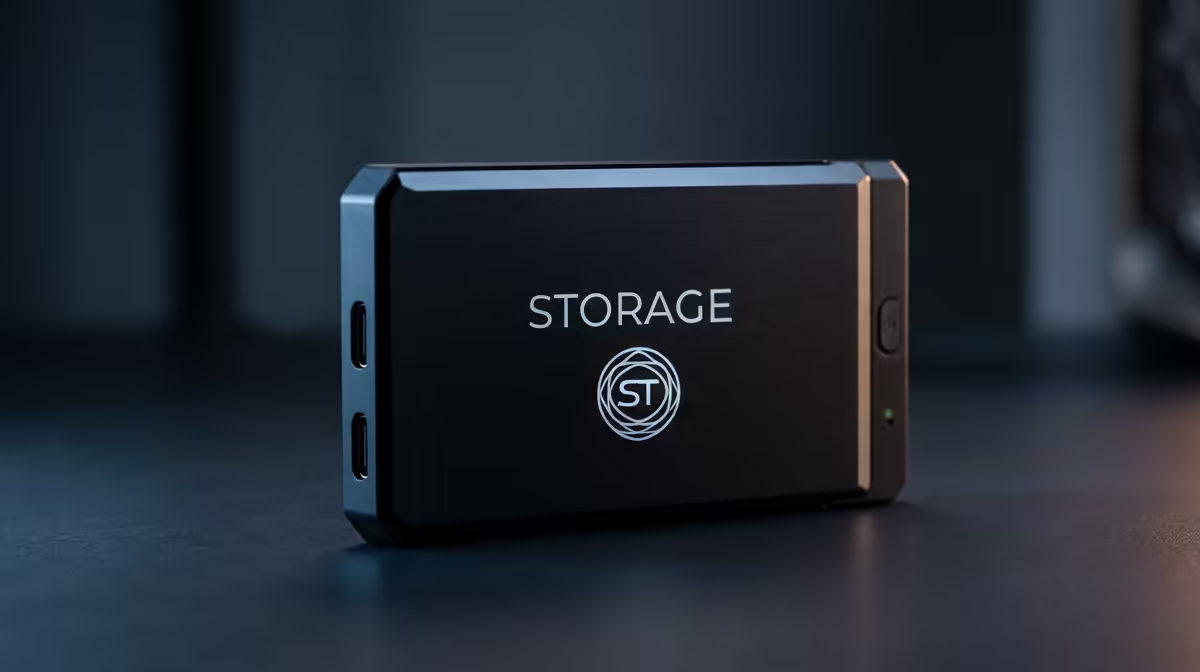
An SSD (Solid-State Drive), on the other hand, has no moving parts. It uses flash memory, like a supercharged USB drive. This fundamental difference is why an SSD is faster, more durable, and more energy-efficient.
SSD vs HDD for a Business Laptop: The Real-World Impact
Let's move past the tech specs and talk about what this means for your 9-to-5 grind. The choice between an SSD or HDD for your business laptop has a massive effect on your daily tasks.
Boot-Up Times & App Launches ⚡
An HDD-powered laptop can take minutes to boot up and become usable. An SSD? We're talking seconds. That's the difference between grabbing a coffee while you wait and getting straight to work. When you're launching big applications like Adobe Photoshop or complex spreadsheets, an SSD opens them almost instantly. This responsive feel is a hallmark of modern Intel-powered laptops, which almost exclusively use SSDs for their primary drive.
Multitasking & File Transfers
Are you the type with 20 browser tabs, Spotify, and your email client all running at once? An HDD struggles under this load, leading to frustrating lag. An SSD handles multitasking with ease, allowing you to switch between demanding programs without a hitch. This is also where today's powerful AMD laptops shine, pairing multi-core processors with lightning-fast SSD storage. Transferring a large presentation file takes seconds on an SSD, versus long, productivity-killing minutes on an HDD.
Productivity Pro Tip 💻
Use Windows Snap Assist (Windows Key + Arrow Keys) to quickly organise your open applications. On an SSD-powered machine, snapping between your research, your document, and your communication app is instantaneous, keeping you in the flow state.
Reliable Everyday Performance
Business laptops get moved around. They're jostled in bags and used on unstable surfaces. With no moving parts, an SSD is far more resistant to bumps and drops, protecting your vital business data. Plus, SSDs consume significantly less power than HDDs. This means longer battery life—a crucial advantage when you're trying to beat a outage schedule and work untethered from the wall.
What About the Cost Factor?
Historically, the main argument for HDDs was cost per gigabyte. While still true to some extent, the price gap has narrowed dramatically. Today, the small saving in ZAR you might get with an HDD is massively outweighed by the daily loss of productivity. The performance standard has shifted so completely that even the best gaming laptop deals prioritise SSDs, because for any demanding task—be it gaming or business—speed is non-negotiable.
The Verdict: An SSD is the Clear Choice for Business Productivity
For any professional in South Africa, the discussion of SSD vs HDD for a business laptop has a clear winner. The speed, durability, and efficiency gains from an SSD are not just "nice-to-haves"; they are essential for a modern, productive workflow. You'll spend less time waiting and more time doing. The question is no longer if you need an SSD, but which machine you'll choose from the latest laptop specials to find the perfect fit. 🚀
Ready to Upgrade Your Productivity?
The SSD vs HDD debate is settled. For a faster, more reliable, and more efficient business machine in South Africa, an SSD is the only way to go. Don't let a slow hard drive hold you back. Explore our massive range of SSD-powered laptops and find the perfect machine to accelerate your success.