


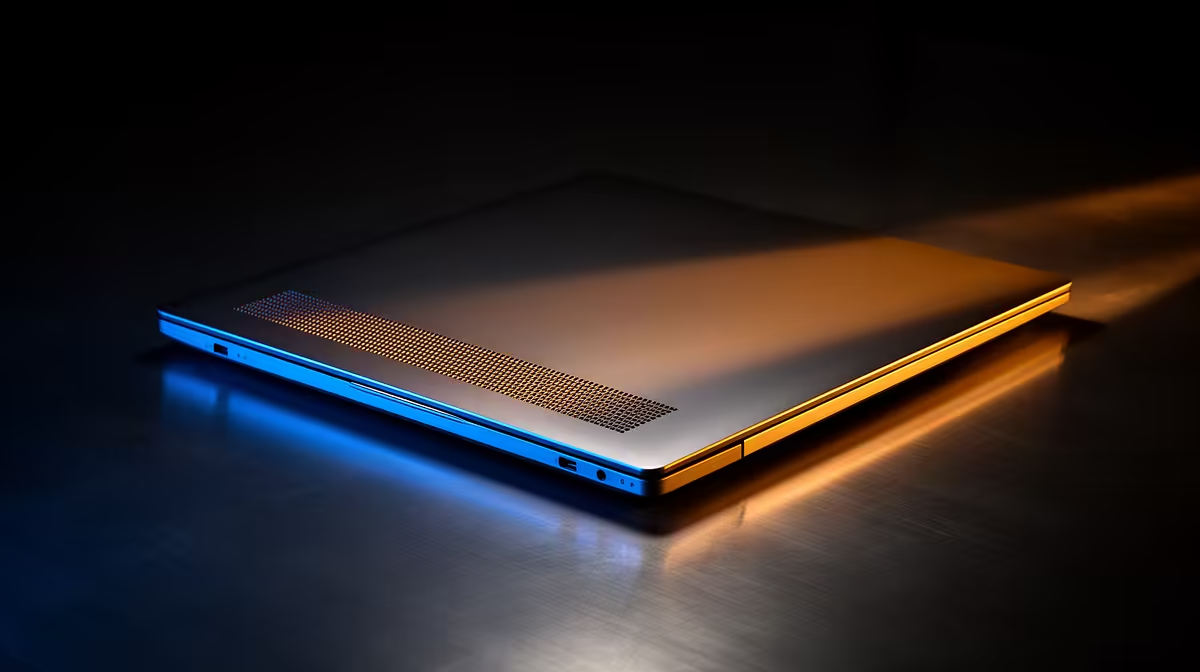
Thunderbolt 5 is coming, promising mind-blowing speeds up to 120Gbps. Imagine transferring massive game files or 8K video projects in seconds! But with great power comes… great heat. For South African gamers and creators pushing their machines to the limit, understanding Thunderbolt 5 thermals is crucial. Can a slim next-gen laptop truly handle this much power without throttling? Let's dive in and find out how your next machine will stay cool under pressure. 🚀
The Thunderbolt 5 Thermal Challenge
So, what's turning up the heat? Thunderbolt 5 isn't just a minor speed bump; it's a complete overhaul. Based on the new USB4 Version 2.0 standard, it doubles the bandwidth of its predecessor. This leap is achieved through some clever tech called PAM-3 (Pulse Amplitude Modulation with 3 levels) signalling, which packs more data into the same signal.
More data moving at incredible speeds generates more heat. It's simple physics.
On top of that, Thunderbolt 5 is designed to deliver up to 240W of power, enough to charge even the most demanding workstation laptops and run multiple power-hungry accessories. This combination of high-speed data and high-wattage power delivery puts immense thermal pressure on the tiny controllers inside a laptop's chassis. Without a solid cooling strategy, performance would plummet as the system throttles to protect itself. This is a major consideration when looking at the latest Intel laptops designed for next-gen connectivity.
How Laptops Will Tame the Heat 🌡️
Laptop manufacturers aren't taking this lying down. They're engineering sophisticated solutions to manage Thunderbolt 5 thermals effectively. The goal is to dissipate heat quickly and quietly, ensuring you get the full performance you paid for.
Here’s what to look for:
Advanced Cooling Hardware
Expect to see more advanced cooling systems become standard in high-performance machines. This includes:
- Vapour Chambers: These are far more efficient than traditional heat pipes at spreading heat over a larger surface area to be cooled by fans.
- Dual-Fan Setups: More fans moving more air, often with liquid-crystal polymer blades for improved efficiency and lower noise.
- Smarter Thermal Design: Optimised airflow paths, larger vents, and high-quality thermal paste are all part of the equation.
CPU and Platform Efficiency
The cooling solution for Thunderbolt 5 doesn't exist in a vacuum. The entire platform's efficiency matters. This is where processors like Intel's Core Ultra 7 CPUs play a vital role. By integrating AI-powered efficiency cores and optimising power usage, they reduce the overall thermal load on the system. This leaves more "thermal budget" for components like the Thunderbolt controller to run at full tilt. For those needing maximum power, their flagship Core Ultra 9 counterparts push this efficiency-to-performance ratio even further.
Check the Reviews! ⚡
Before buying any new laptop, especially one with Thunderbolt 5, look for reviews that specifically test thermal performance and sustained workloads. A laptop that's fast for five minutes isn't useful for a two-hour gaming session in the South African summer. Look for temperature charts and tests for "throttling" to see how it really performs under pressure.
What This Means for Your Next Laptop
When you're browsing for your next powerhouse laptop, the spec sheet is going to get a little more complex. The presence of a Thunderbolt 5 port is a fantastic indicator of a forward-thinking machine, but the real story is in how the laptop supports it.
Will you be a competitive gamer needing consistent frame rates? A video editor rendering 8K timelines? Or a power user who just wants the fastest connection possible?
For intense, sustained tasks, you'll need a laptop built around a robust thermal solution. This is where gaming and creator-focused notebooks shine. They prioritise cooling, often at the expense of being slightly thicker or heavier. You'll find these excellent thermal designs in many powerful Intel Core i7 laptops, which offer a fantastic balance of price and performance. For those who demand the absolute best without compromise, the cooling systems paired with uncompromising Core i9 notebooks are engineered to handle the most extreme loads.
Ultimately, effective Thunderbolt 5 cooling is what separates a truly next-gen laptop from one that just has a next-gen port. It’s the key to unlocking consistent, reliable speed when you need it most. 💻
Ready to Find Your Perfect Match? Next-gen speed requires next-gen cooling. For maximum power, choice, and value in South Africa, a well-engineered Intel laptop is hard to beat. Explore our massive range of laptop specials and find the perfect machine to conquer your world.











