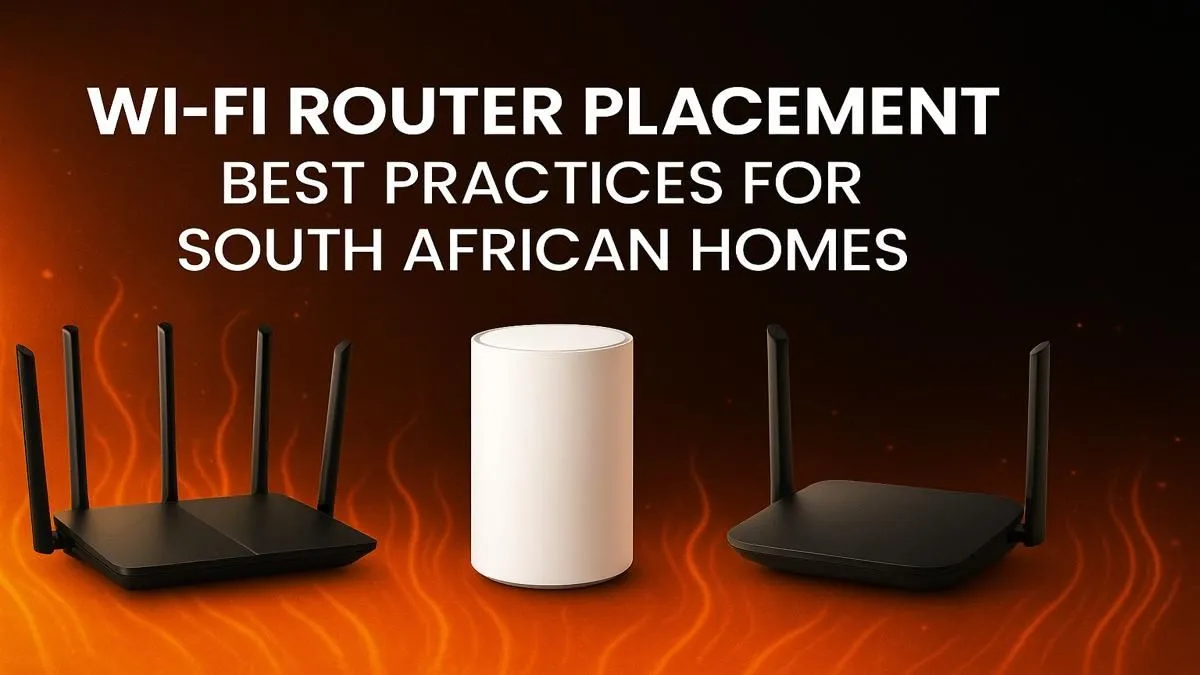
Is your Wi-Fi signal weaker than Eskom's promises during stage 6? You've got fast fibre, but that dreaded lag spike still costs you the match. The culprit is often not your ISP, but where you've stashed your router. Getting your Wi-Fi router placement in South Africa right is one of the easiest, free-est ways to boost your signal across your home. Let's fix those dead spots for good. ✨
A stable connection is the foundation of modern gaming and streaming, and it all starts with understanding your basic wireless networking gear.
Finding the Sweet Spot: Best Wi-Fi Router Placement
Think of your router as a speaker. You wouldn't put it in a cupboard and expect to hear it clearly across the house, would you? Wi-Fi signals are radio waves, and they work best with a clear line of sight. The ideal Wi-Fi router placement follows a few simple rules.
Go Central, Go High
The single best spot for your router is in a central location in your home. This allows the signal to radiate outwards more or less evenly. Placing it on a high shelf or mounting it on a wall helps the signal travel over furniture and other obstacles that can absorb or block it. Avoid tucking it away in a corner of your house, as you'll be broadcasting a large chunk of your precious signal to the garden... or your neighbour.
Avoid the Kitchen and Other Signal Killers
Your router has a few natural enemies commonly found in South African homes. The worst offender? The kitchen. Microwave ovens operate on a similar frequency (2.4 GHz) and can cause massive interference. Other things to avoid placing your router near include:
- Thick Walls: Brick and concrete are notorious signal blockers.
- Metal Objects: Large metal surfaces like fridges or filing cabinets can reflect and scatter Wi-Fi signals.
- Water: Believe it or not, water absorbs radio waves. That beautiful fish tank or underfloor heating system could be a dead zone creator.
Signal Strength Check 📶
Use a free app like Wi-Fi Analyzer on Android or AirPort Utility on iOS to walk around your home and map your signal strength. This helps you visually identify dead zones and see the immediate impact of moving your router. No more guesswork!
Optimising for Gaming and Streaming 🚀
For gamers and streamers, latency is everything. While optimal placement helps the whole house, you want to prioritise the connection to your gaming rig or console.
If possible, try to establish a direct line of sight between your router and your primary gaming device. Every wall the signal has to pass through adds latency and reduces speed. While a wired Ethernet connection is always the gold standard for stability, it's not always practical. If you're too far for a cable, investing in a high-quality PCIe wireless adapter for your desktop PC can provide a much more stable link than a basic USB dongle.
When Placement Isn't Enough: Time for an Upgrade?
Sometimes, even the perfect Wi-Fi router placement can't fix an underlying hardware problem. If your router was a freebie from your ISP several years ago, it's very likely the bottleneck in your network.
Modern routers offer huge benefits, like Wi-Fi 6 technology for better handling of multiple devices, stronger signals, and lower latency. If you've tried all the placement tricks and still suffer from buffering and lag, it might be time for an upgrade. A quick browse through the latest Wi-Fi routers will show you just how far the technology has come.
For those with a blazing-fast connection, you'll want to ensure your hardware can keep up. Specialised fibre routers are specifically designed to handle the gigabit speeds that fibre-to-the-home offers.
And for larger homes, double-storey houses, or properties with a separate lapa that's a total dead zone? A simple wireless range extender or a more advanced mesh system can blanket your entire property in glorious, uninterrupted Wi-Fi.
Fixing your Wi-Fi is a two-step process: first, optimise the position. Second, make sure your gear is up to the task. Get both right, and you'll be unstoppable.
Ready to Banish Buffering for Good?
Optimising your router's position is a great first step, but the right hardware unlocks next-level performance. From powerful routers to range extenders, we've got the gear to build a rock-solid network. Explore our massive range of PC components and find the perfect upgrade today.