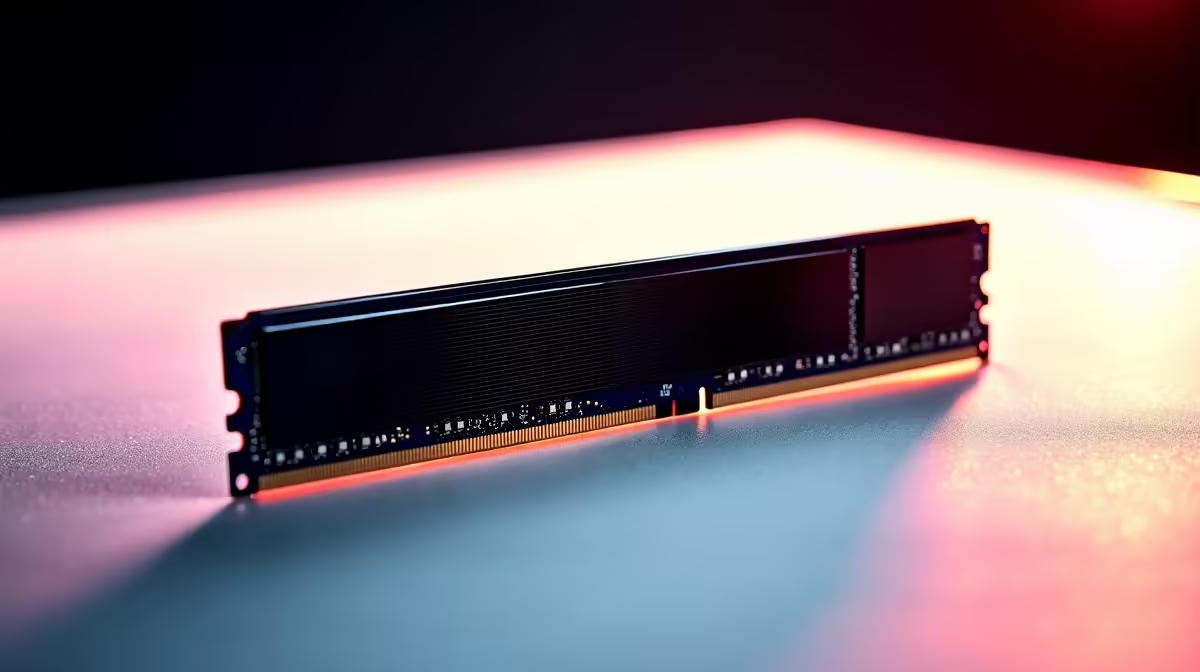
Kingston 16GB current-gen SODIMM at R741 suits a student writing a thesis in South Africa who needs a practical memory lift for browser tabs, documents, PDFs, reference managers, and video calls without moving straight to a larger desktop RAM kit.
Start with the simplest useful upgrade
A 16GB upgrade is worth it when the laptop feels slow during ordinary study work, especially when the machine is already decent but starts pausing with many tabs and long documents open. The Kingston 16GB current-gen SODIMM at R741 is the cleanest pick from this list because the 16GB capacity targets the exact pressure point: smoother multitasking without paying for capacity that may sit unused on a student laptop.
For a desktop study setup, TEAMGROUP VULCAN 32GB current-gen 6000 at R1,460 is the stronger value step. Its 32GB capacity gives more headroom for heavy browser sessions, cloud folders, large notes, and background apps, while the 6000 speed makes it a better long-term match for a current-gen desktop build than a basic laptop-focused upgrade.
Kingston FURY 32GB current-gen 6400 at R2,300 is the more performance-minded desktop option. The 32GB capacity is the same broad multitasking comfort zone, but the 6400 speed suits a newer PC where memory speed matters more for overall responsiveness. Kingston FURY 32GB 5600 at R5,100 is harder to justify here unless that exact 5600 speed is the compatibility target for the system.
Student desk reality for long research sessions
A thesis desk usually has a laptop, charger, external screen, notes, and too many browser tabs competing for attention. If the machine supports it, the Kingston 16GB current-gen SODIMM at R741 is the sensible first upgrade because it directly improves the daily writing environment without turning a study expense into a full rebuild.
Ready to choose the right memory?
Keep TEAMGROUP VULCAN 32GB current-gen 6000 speed at R1,460 on the list for 16gb upgrade writing thesis; its listed spec is the detail to test against that brief.