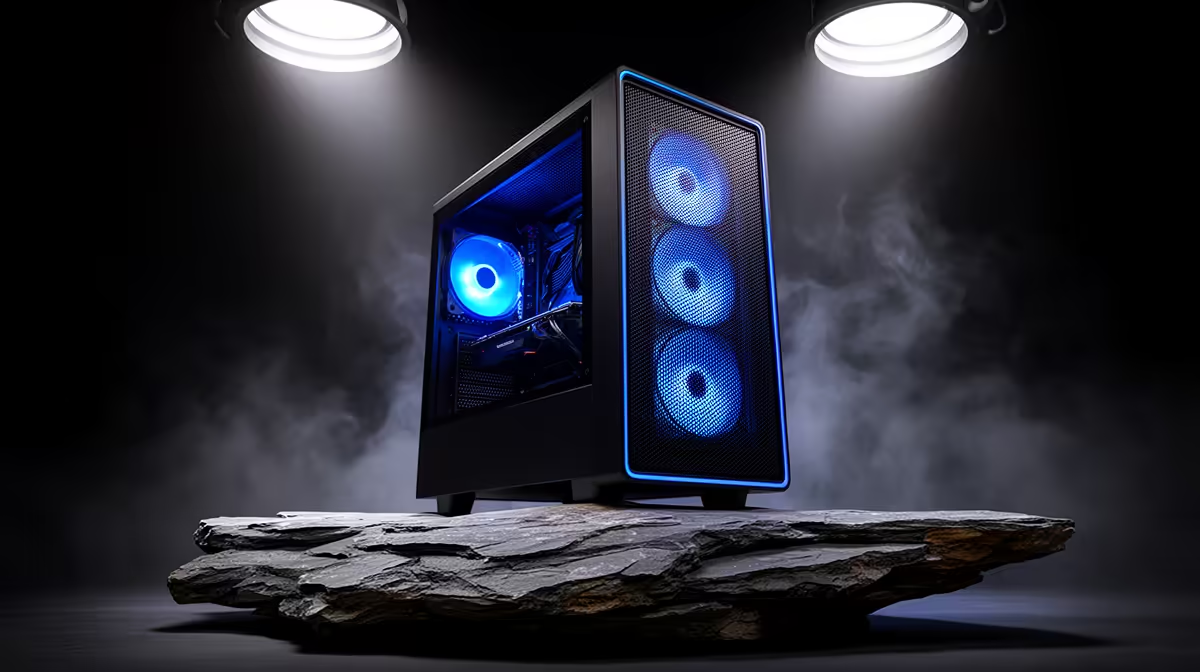
A high-airflow case is worthwhile for 2D animation when the computer runs hot during long exports or uses components that need more ventilation. The artwork style does not determine chassis choice. Processor and graphics load, room temperature, dust, drive count and noise goals provide the useful evidence.
Measure the current thermal problem
The verified facts contain no high-airflow-case SKU, so compare cases elsewhere after recording processor temperature, graphics temperature and fan speed during a representative animation export. Clean filters and confirm that current fans turn in the intended direction. Check whether the existing case sits against a wall or beneath a desk panel that blocks intake. A cooler chassis cannot fix a dried cooler mount or failed fan without separate service.
Choose a case for the complete build
Confirm motherboard format, graphics-card length, cooler height, power-supply size, drive mounts and front-panel connections. Look for removable filters and a layout that routes cables away from fans. More fan positions help only when the builder creates a balanced intake and exhaust path. Test the new case with the same animation, room and fan settings. Record temperature and noise changes instead of judging mesh appearance. Keep backup copies of project files before moving components between chassis. Photograph drive mounts and front-panel leads before moving the animation computer so the rebuild does not consume a delivery day.
Improving creator-PC airflow? > Ask Evetech to check case dimensions, cooling and component fit against the current build.