Case fans benefit a gaming tower only when measured temperatures show that it lacks airflow. The game title does not decide fan count. Dust, blocked intakes, poor cable routing or a weak CPU cooler can produce the same heat symptoms, so diagnose the whole case first.
Record temperatures under play
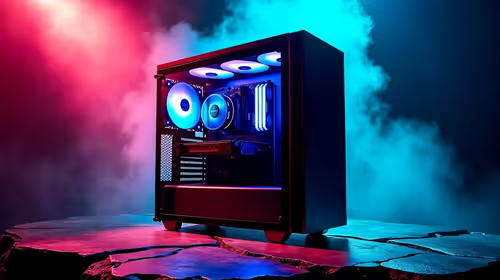
Run the game at the normal resolution and settings for a repeatable period. Record processor and graphics temperatures, clock speed and fan noise. Check filters and vents with the computer off. Confirm that existing front or bottom fans draw air in and rear or top fans exhaust it. Keep the tower clear of a wall or closed cupboard.
No verified case-fan SKU or price appears in the factpacks. Compare current fans by size, connector, airflow direction, speed control, noise rating and warranty. Count available motherboard headers or use a compatible controller. Do not overload a header or mix unknown adapters.
Check the build parts
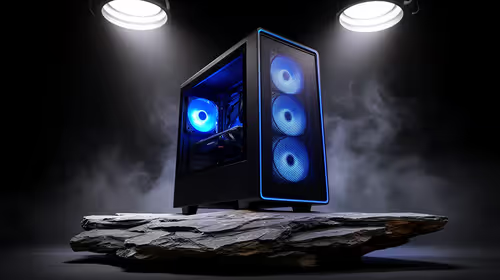
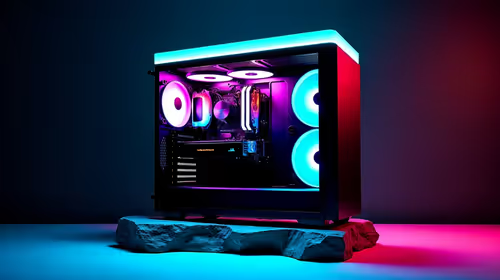
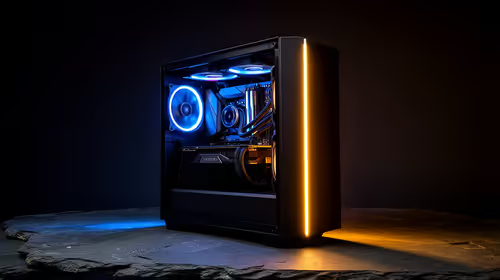
The Palit RTX 5060 8GB graphics card costs a verified R4,800 as a current gaming reference. The GAMDIAS AURA GC11 ARGB PC case costs a verified R400. Confirm GPU clearance, installed fans, mounting positions and game requirements before combining parts. A low case price does not prove suitable airflow for every build.
Add fans only after the baseline exposes heat. Repeat the same game section after installation and keep the change when temperatures or noise improve without creating vibration.
Cooling a gaming tower? > Ask Evetech to check case, graphics-card and fan compatibility.