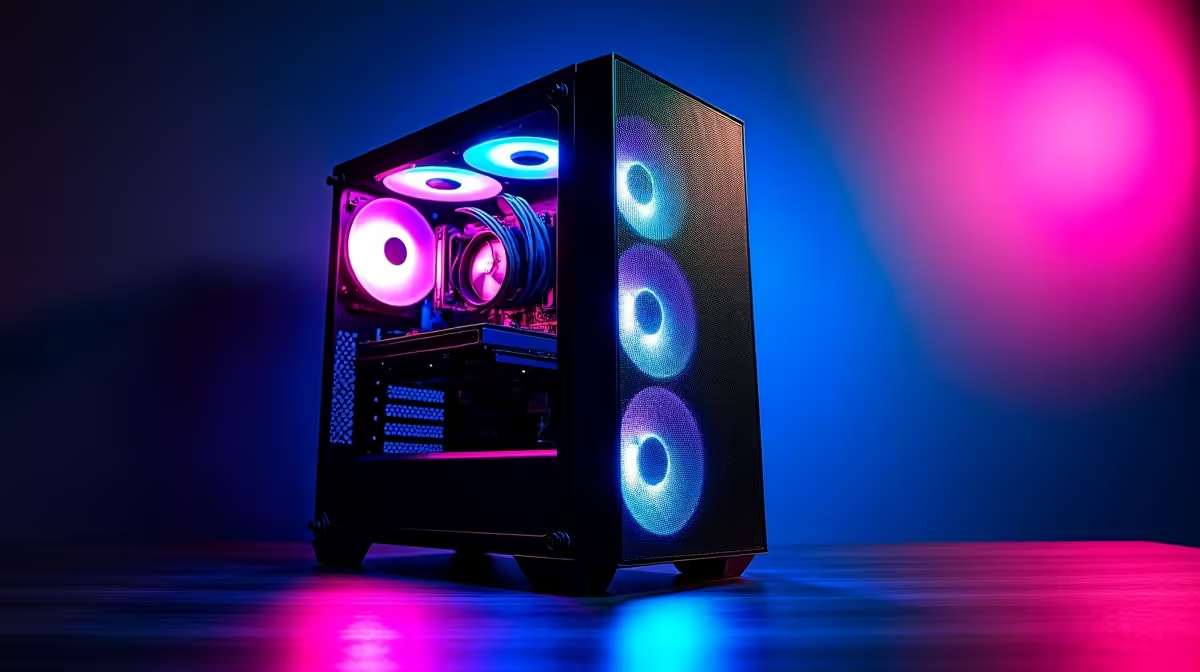
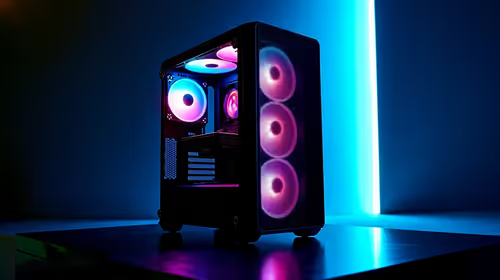
A 4K editing rig is often enough for Full HD gaming, but editing performance does not guarantee frame rates in every title. The graphics card, processor, memory, cooling and game settings still matter, while professional video features may offer little benefit to play.
Test the game and timeline independently
Run a representative edit with normal codecs and effects, then play the actual game at the desired settings and refresh target. Record frame time, GPU and CPU use, memory, temperature and noise. Determine whether both applications must stay open together.
The Palit RTX 5060 8GB at R4,800 is a verified GPU component whose results depend on the complete system. The ViewSonic VX2779A 240Hz monitor at R2,350 and Dell SE2726H 1080p 144Hz monitor at R1,797 are confirmed display references. Neither promises that a particular PC reaches its maximum refresh. Check current game benchmarks, codec support, power, cooling and warranties.
Keep editor caches from filling the game drive, use supported drivers and preserve projects plus saves in independent versioned backups. A 4K production display may have different refresh priorities from a competitive Full HD screen.
Use one rig when both tests pass with stable temperatures. Do not pay for unneeded editing features merely to obtain adequate 1080p gaming performance. Check monitor input mode as carefully as the game resolution setting.
Combining editing and Full HD play? > Compare Evetech GPUs and monitors from both workload tests.