



Can RTX 5090 Hit 60fps in Anno 1800 at 1440p?
RTX 5090 at 1440p for Anno 1800 needs settings, CPU balance, and game limits checked before expecting 60fps. Use this SA-focused view to frame the target without assuming identical results.
Read moreDaVinci Resolve editing is a tougher reason to choose an all-in-one, because creator work can outgrow a compact front-desk machine quickly. Use current Evetech stock, desk space, warranty and upgrade limits to decide whether the all-in-one format is enough for the editing workload.
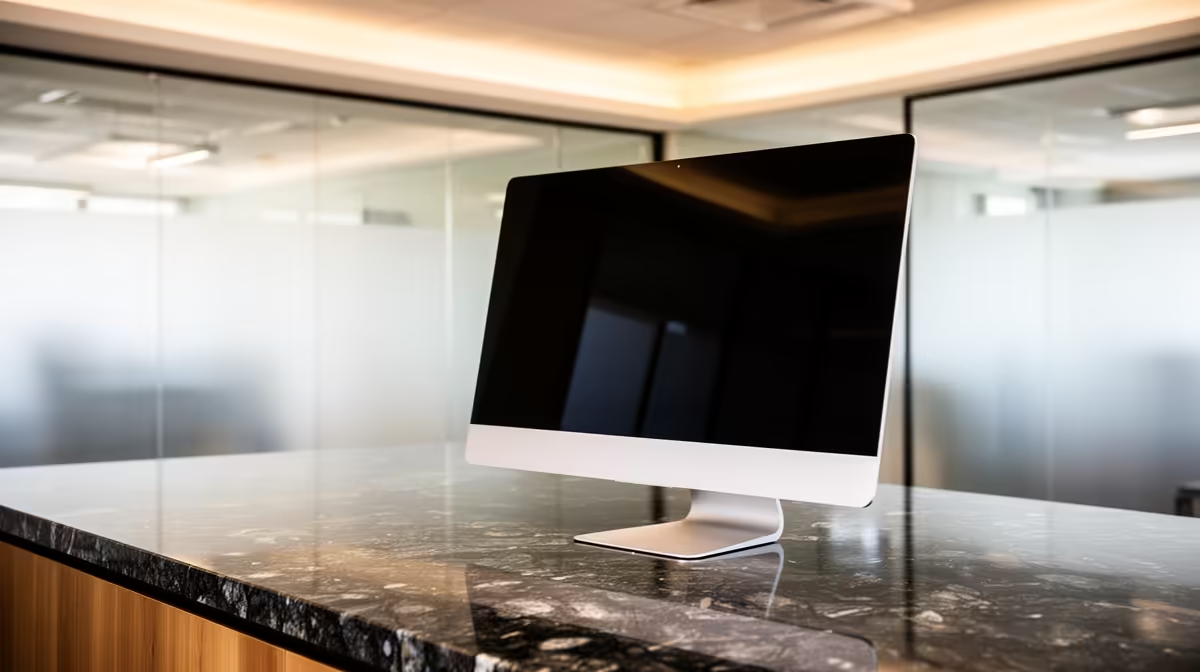
Yes, the HP All-in-One 22 i3-N300 8GB/512GB 21.5in at R10,036 suits a reception or front-desk user who needs a neat all-in-one pc for admin work and light editing in DaVinci Resolve.
The HP All-in-One 22 i3-N300 8GB/512GB 21.5in at R10,036 is the cleanest choice when the screen must be part of the setup. Its 21.5in display keeps the counter simple, while 512GB storage is useful for project files, exported clips, documents, and front-office media without turning the desk into a cable mess.
The Minisforum UM750L at R4,600 is the budget alternative when the business wants the computer tucked away. It costs far less, but the front desk still needs a separate display, so the saving makes most sense where a screen is already assigned to that counter.
For short social clips, signage updates, and quick client-facing video edits, the HP All-in-One 22 i3-N300 8GB/512GB 21.5in at R10,036 is practical because the 21.5in screen and 512GB storage are built into a compact workspace. It is not the right call for heavy timelines, but it is a sensible front-desk machine where tidy presentation matters.
The GEEKOM A8 Max at R12,900 is the stronger compact-box option for a creator desk or back-office station, especially where the machine can sit behind a larger screen. Its higher price makes sense when the editing seat is used more often than the reception terminal.
Ready to choose the right all-in-one pc? Choose HP All-in-One 22 i3-N300 8GB/512GB 21.5in at R10,036 for the DaVinci Resolve edit bay when its listed spec matters more than adding extra desk clutter.
Yes, but only when the creator workload is modest and the compact front-desk format is more important than later hardware changes.
For DaVinci Resolve, judge the all-in-one by editing comfort and sustained work needs, not general office convenience.
Confirm that the machine connects to the editing accessories already used, because all-in-one designs leave less room for fixes later.
Editing needs a steadier specification than basic reception work, so the cheapest compact option may be the wrong compromise.
Put the Resolve workflow first, then see whether the front-desk space saving still justifies the all-in-one choice.
Choose a tower if the editing role is expected to become more demanding over time.
RTX 5090 at 1440p for Anno 1800 needs settings, CPU balance, and game limits checked before expecting 60fps. Use this SA-focused view to frame the target without assuming identical results.
Read more
CPUs mistakes for small bedrooms help SA buyers avoid the wrong spec for the job. The guide checks compatibility, warranty, noise, upgrade room, and where spending more may not improve the daily setup.
Read more
Using a front-desk all-in-one as a home media server is only worth considering when space saving matters more than upgrade flexibility. In South Africa, confirm the current Evetech AIO options first, because a tower may suit storage growth and servicing better.
Read more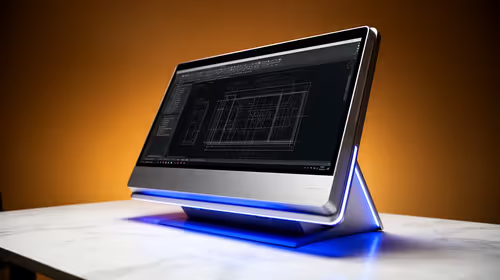
AutoCAD 2D drafting in South Africa can work on an all-in-one PC when the projects are mainly drawings and desk space is limited. Compare current Evetech AIO availability, because users needing broader upgrade options may prefer a tower with RX 7600 or RTX 5060.
Read more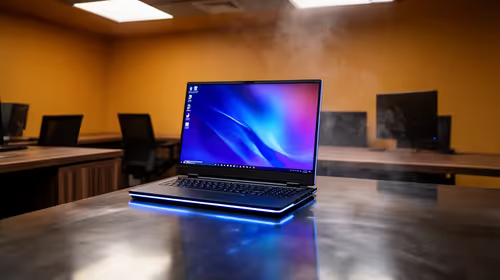
A front-desk all-in-one is enough for a light home lab in South Africa only when the tasks stay modest and do not depend on frequent hardware changes. For broader lab experiments, upgrade flexibility makes a tower the stronger choice, with RX 7600 or RTX 5060 tower options already named in the source context.
Read more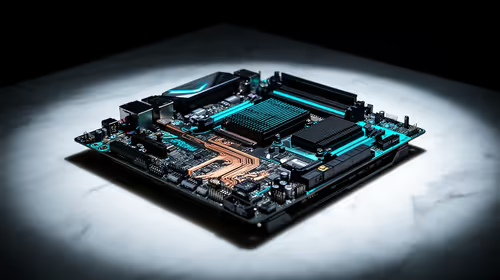
Music production in South Africa makes a B650 motherboard worth a look when the PC component choice supports a reliable everyday workstation. The existing facts point to Ryzen 5 5500 at R1,100, ASUS Prime B850M-F WiFi at R2,300, RM850e at R1,900 and cooling that starts with Gamemax Sigma R235.
Read more
Firefox private browsing separates a temporary session from normal browsing history. It does not make you anonymous online, and files or bookmarks you deliberately save can remain after the last private window closes.
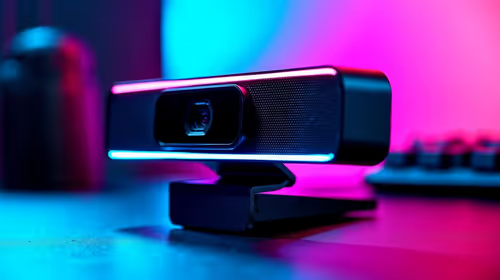
Where bryanston gamers buy a webcam that's needs careful context before choosing parts. Use this guide to compare options, trade-offs, platform fit, and upgrade timing for a South African gaming PC without relying on live stock, price, or benchmark promises.

RTX 5080 build low FPS after a GPU driver update needs a careful rollback path. Check drivers, firmware, cables, USB ports, overlays, and recent settings before replacing hardware in an SA gaming setup.

Cheapest 180Hz 1440p build for cinematic story games in SA helps SA readers plan hardware, settings, compatibility, and upgrade trade-offs. Check GPU, CPU, RAM, storage, monitor, and stability needs without risky performance claims.

Firefox can clear temporary page files without clearing cookies. Select the cached-files option carefully, then reload the affected page before changing unrelated browser settings.

Firefox PDF viewer opens documents in the browser and provides annotation and form tools. Check the PDF action, work on a saved copy and reopen the final file to confirm the information you entered survived before submitting an application or assignment.

Learn how to share WiFi password on iPhone using nearby Apple devices. Keep Wi-Fi and Bluetooth on, check contacts and the connected phone, then use Share Password; separate this process from sharing a mobile-data hotspot or changing a router password.

Firefox screenshot offers a selected region, visible-page capture and full-page capture. Choose the smallest useful area, copy or download the result, and inspect the saved image before sharing account details or assuming every part of a page was captured.
Firefox private browsing separates a temporary session from normal browsing history. It does not make you anonymous online, and files or bookmarks you deliberately save can remain after the last private window closes.

Firefox export bookmarks creates an HTML file for transfer to another browser or computer. A Firefox bookmark backup and a continuing Sync connection serve different purposes, so choose the format before changing your current collection.

Firefox pin tabs keeps frequently used pages compact at the left of the tab strip. Pinning organises an open page; a bookmark serves a different purpose, and neither should be mistaken for saving unfinished work inside a website.

Firefox task manager opens the about:processes view for estimated CPU and memory use. Inspect the busy process, protect unsaved work and retest one change at a time; the combined Extensions row is not a per-extension verdict.