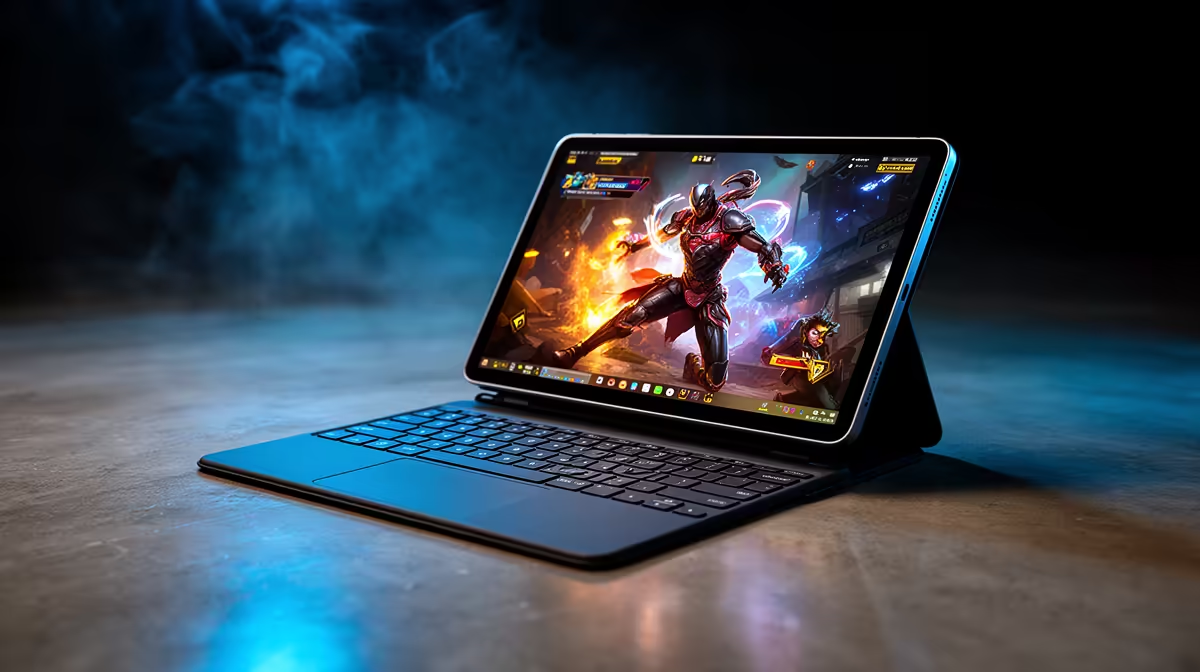
A keyboard case makes a tablet look ready for lectures, but appearance says little about lab apps or long assignments. The tablet vs student laptop choice should start with course software, file handling and the work you will submit.
Quick Answer
A tablet and keyboard can cover readings, handwritten notes, browser research and video calls. Most students should choose a laptop when their course requirements are unclear. The keyboard does not add desktop software support, ports or a full file system. Coding tools, advanced spreadsheets, specialist applications and some assessment platforms can expose the limit fast. Check every required application and complete one real assignment on the proposed tablet before treating it as your only study machine.
Where the tablet setup works
Tablets are comfortable for PDFs, lecture slides and annotation. They wake fast, carry well and can last through a day of light classes. A good keyboard makes emails and short essays easier.
This setup can work when modules use web applications, standard document formats and campus labs for specialist software. It also suits a student who already has access to a dependable desktop at home.
Price the full kit. Add the keyboard case, pointer, storage, hub and protective cover you need. The finished bundle can approach an entry laptop price while retaining the tablet's operating-system limits.
Where it starts fighting you
Desktop Office features, programming environments, statistics packages, CAD and simulation tools may be missing or reduced on a tablet. A web version can open a file and still omit the function used in an assessment.
File handling matters too. Try downloading a folder, renaming several documents, inserting citations, exporting to the required format and uploading through the learning platform. Connect any USB equipment the course uses. One full practice run tells you more than a shop demo.
Ask about examination software and remote-proctoring tools. Support can depend on the exact operating system, browser and webcam behaviour. Get the answer from the university and software provider before purchase.
The safer student baseline
For common document and browser study, start with a current entry processor, 8GB of memory and solid-state storage. The July 2026 price pack lists the Ryzen 3 HP 255R G10 at R8,499. Its configuration includes 8GB RAM and a 512GB SSD.
Use the popular laptop listings for mainstream study options. If a course uses graphics or simulation, check the more powerful laptop range against the application's published requirements.
Make the choice in one afternoon
Collect the module software list. Mark each tool as browser, tablet app, desktop app or campus-only. Then test the learning platform, document format and one peripheral on the exact tablet model.
Choose the tablet when every required job works and its reading benefits matter to you. Choose the laptop when one core task needs desktop software or when later modules remain uncertain. A tablet can still make a good companion later, but your only computer must handle the awkward assignment as well as the easy lecture.
FAQ
Does a keyboard turn a tablet into a laptop replacement?
It improves typing. The tablet keeps its own operating system, application limits, ports and file-management behaviour.
Which courses expose tablet limits fastest?
Courses using programming, engineering, GIS, statistics, advanced spreadsheet work or locked assessment software deserve a full compatibility check.
What is the honest default for an unsure student?
A Windows laptop is the safer starting point because it supports a wider set of university applications and peripherals.
Test your course software and one complete assignment, then compare a student laptop if the tablet misses any required step.