


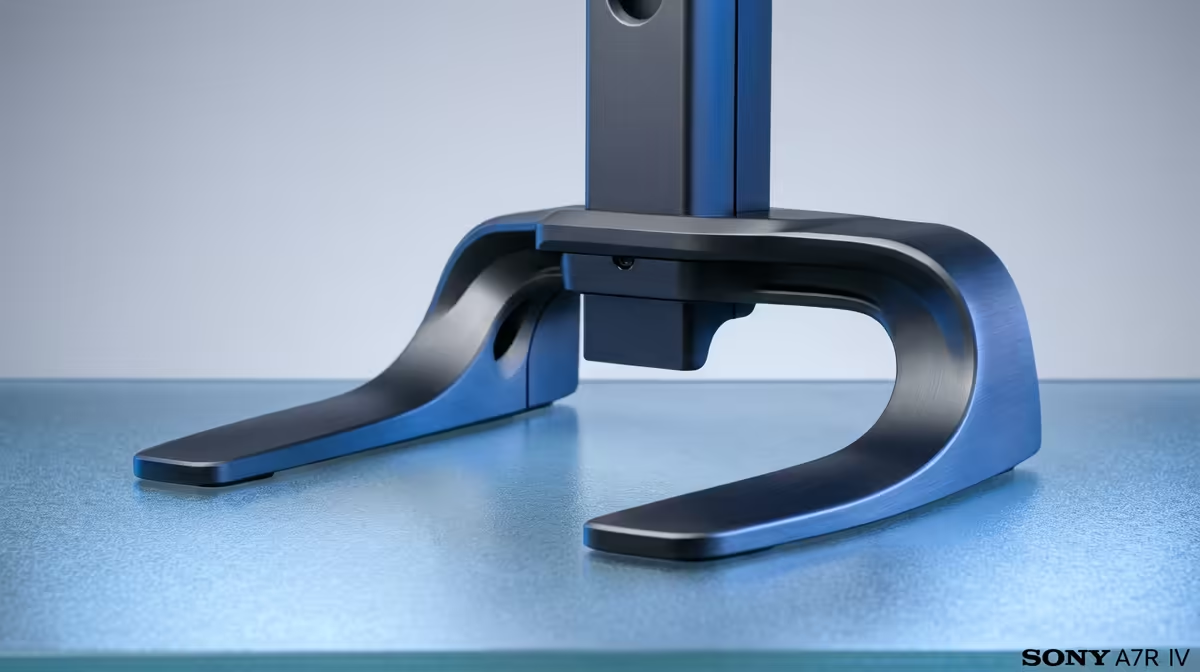
A new monitor arm arrives with two mounting kits in the box, and most people pause at exactly this point: clamp the thing to the desk edge, or drill a hole and bolt it through? The choice between a desk clamp and a grommet mount comes down to your desk, your tolerance for drilling, and how rock-solid you need the arm to sit. Both ship in the same package on nearly every arm, so this is a decision, not a purchase.
Quick Answer
A C-clamp grips the rear edge of your desk with no permanent changes, which is the right choice for renters and most setups. A grommet mount bolts through a drilled hole for a more rigid, lower-profile base, best for heavy or multi-monitor arms on a desk you own. Most arms include both, so you can switch later.
How Each Base Actually Mounts
The two methods solve the same problem, holding the arm to the desk, in opposite ways.
A C-clamp wraps around the back edge of the desktop, tightening from underneath with a screw so the arm pinches the surface between two plates. Nothing is drilled, nothing is permanent, and you can move it along the edge or remove it entirely in a minute.
A grommet mount passes a bolt down through a hole in the desktop, often using an existing cable-routing grommet hole or one you drill yourself. The arm clamps against the top surface and is locked from below, anchoring it through the desk rather than gripping its edge.
If you are still settling the rest of the workspace around the screen, the ergonomic desk range at Evetech is worth a look while you plan the layout, since desk depth and surface height drive where the arm needs to sit.
When the Desk Clamp Is the Right Call
The clamp is the default for good reason. It is reversible, which makes it the obvious pick for anyone renting a flat in Cape Town or living in a res room where drilling the furniture is not allowed. It installs in minutes with no tools beyond the included thumbscrew, and it leaves no trace when you move out.
Clamps need a clear stretch of rear edge to grip, so check that nothing behind your desk, a wall, a backboard, or a hutch, blocks the bracket. Desk thickness matters too: most clamps are rated for a range of edge thicknesses, so confirm your desktop falls within it. For single monitors and most dual setups on a normal desk, the clamp holds perfectly well.
When a Grommet Mount Makes Sense
Bolting through the desk gives the most rigid base you can get. Because the load transfers straight down through the desktop rather than pinching an edge, a grommet mount resists wobble better under a heavy ultrawide or a tall multi-monitor stack, and it lets the arm sit cleanly in the middle of a deep desk where a clamp could never reach.
The cost is permanence. You need a hole, either an existing grommet port or one you drill, and that hole stays. On a desk you own and intend to keep, that is a fair trade for a sturdier, lower-profile result. On rented or shared furniture, it is usually a non-starter. Also confirm your desktop is solid enough; very thin or hollow-core surfaces may not give a grommet bolt enough material to bite into.
Quick Decision Guide
Pick the clamp if you rent, want zero modification, or have a clear rear edge and a single or dual monitor. It covers the large majority of setups and undoes itself instantly. Pick the grommet mount if you own the desk, run heavy or multiple screens, or want the arm centred on a deep surface with the steadiest possible base. When you are weighing the arm against your wider gear budget, the best-selling workspace accessories at Evetech help benchmark how ergonomic desk spend is trending across SA setups.
Frequently Asked Questions
Do I have to choose one method when I buy?
No. Almost every monitor arm includes both a C-clamp and a grommet kit in the box, so you decide at install time and can swap to the other method later if your setup changes.
Is a grommet mount more stable than a clamp?
Generally yes, because the load runs straight down through the desk rather than gripping an edge. The difference is most noticeable with heavy ultrawides or multi-monitor arms; for a single screen a clamp is plenty stable.
Will a clamp damage my desk?
A properly tightened clamp should not mark a solid desk, though soft or veneered surfaces can dent under high pressure. Use the supplied pad and avoid over-tightening, and the clamp leaves no permanent trace.
What if my desk is up against a wall?
A C-clamp needs clear access to the rear edge, so a desk pushed flush to a wall can block it. In that case a grommet mount, which bolts through the surface, is often the only workable option.
How thick can my desk be for a clamp?
Each arm lists a supported edge-thickness range, commonly covering typical desktops. Measure your desk edge and confirm it falls inside that range before assuming the clamp will fit.
Sorting out the desk before the monitor arm arrives? Browse the seating and workspace range at Evetech to get your ergonomics right, then mount the arm with the base that suits your setup.









