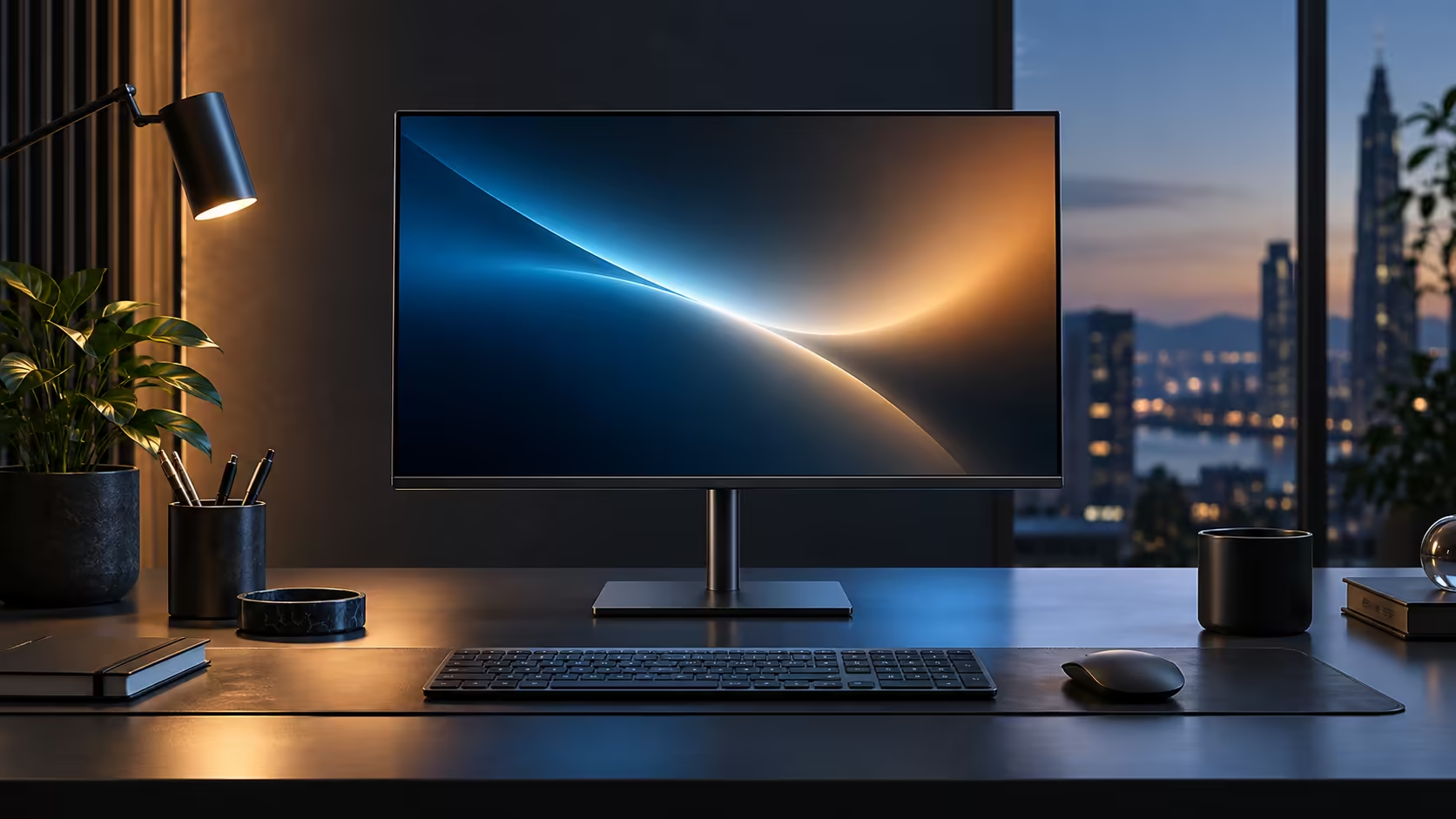
Not every feature on a spec sheet earns its place on every desk, and built-in RJ45 Ethernet is a good example of one that matters enormously for some people and barely at all for others. The R6,099 Dell Pro 24 Plus P2425DE includes it either way, so the real question is whether you will actually use it.
Quick Answer
If you take calls from home on a shared fibre line, it earns its place. Working alone beside a strong router, it is a convenience rather than a fix. Either way the socket is included in the R6,099 figure rather than charged as an extra.
📶 When wired Ethernet genuinely solves a problem
This feature exists for a specific failure mode, and recognising whether you actually have that problem is the whole decision.
A wired connection removes three sources of Wi-Fi instability at once: distance from the router weakening the signal, contention from other devices sharing the same wireless band, and interference from neighbouring networks or household electronics. If your video calls occasionally freeze or drop, if screen sharing lags during busy hours, or if several people in your household are online at the same time as you, running the laptop through the monitor's RJ45 socket instead directly addresses each of those causes.
🏠 When it is closer to a nice-to-have
Being honest about the other side of this avoids overselling a feature you may not need.
A single person working alone in a room close to a strong, uncontested router rarely experiences the instability a wired connection fixes. In that situation the RJ45 port is still useful, since a wired connection is marginally more consistent than even a strong Wi-Fi signal, but the improvement is smaller and less noticeable day to day than it is in a busier household.
🔧 Setting it up takes under a minute either way
Since the feature costs nothing extra and the setup is quick, there is little reason not to use it once the monitor is already on the desk.
Run the router's network lead into the monitor's RJ45 socket first, and only afterward bring the laptop in over its usual single cable. Windows tends to pick up the wired link on its own, ahead of Wi-Fi, with no driver to hunt down; peeking at Network & internet under Settings confirms Ethernet rather than Wi-Fi if you want the certainty. Compare the wider wired networking range for router-side equipment, check wireless routers if the router itself, rather than the laptop's connection, turns out to be the real weak point, and the office monitor range is where to look for other panels carrying the same built-in port.
Frequently Asked Questions
Do I need to disable Wi-Fi to use the monitor's Ethernet port?
No. Windows generally prioritises the wired connection automatically once it detects it as active, though you can disable Wi-Fi manually if you want to be certain.
Does the RJ45 port slow down if several devices are on the same network?
The port itself carries a full wired connection independent of other devices; overall speed still depends on the household's total internet bandwidth being shared across everyone using it.
Is a wired connection always faster than Wi-Fi?
Not necessarily in raw speed on a strong Wi-Fi signal, but it is consistently more stable, which matters more than peak speed for video calls specifically.
Will using the Ethernet port instead of Wi-Fi improve my laptop's battery life?
Marginally. Wi-Fi radios use a small amount of power, often under 1W, that a wired connection avoids, though the difference is not usually significant enough to notice.
Ready to work out if wired Ethernet solves an actual problem on your desk?
Think about how often Wi-Fi contention affects your calls before deciding how much the feature is worth to you.