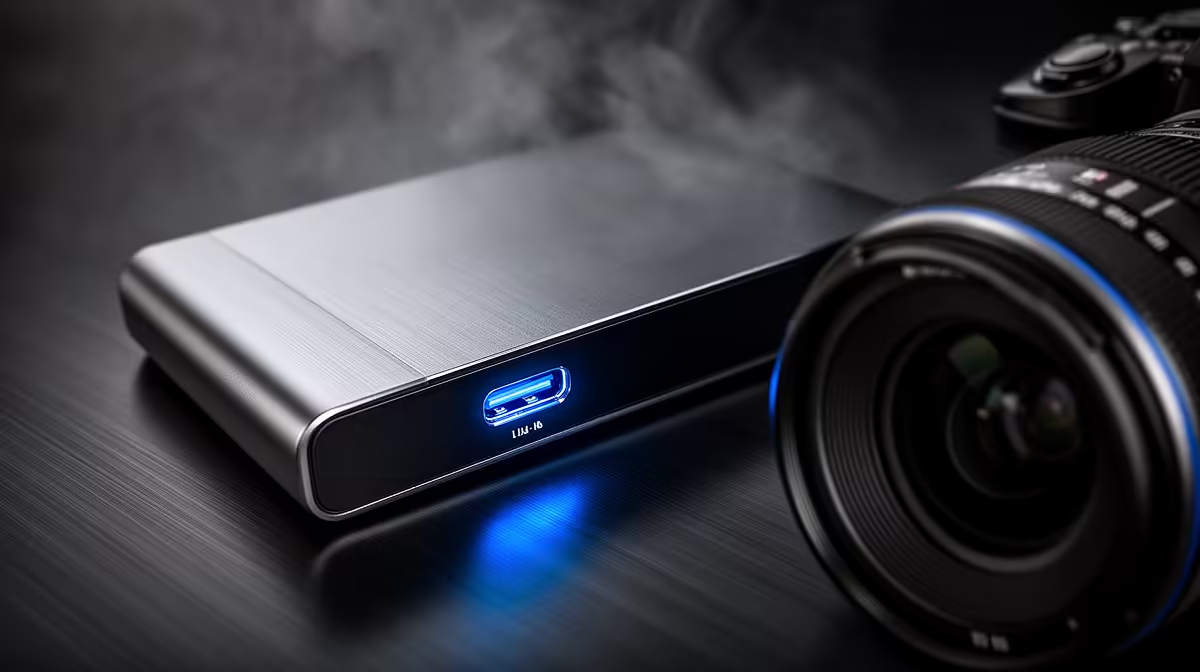
The USB-C port on most modern capture cards looks identical regardless of whether it runs at USB 3.0 speeds or the newer USB 3.1 standard. One delivers 5 Gbps, the other 10 Gbps. For anything below 4K that gap is completely invisible. At 4K60, USB-C 3.1 data transfer is what separates a clean, high-bitrate recording from one that chokes on bandwidth and drops frames in the moments that matter most.
Quick Answer
USB-C 3.1 at 10 Gbps handles 4K60 recording at around 130 Mbps without strain. USB 3.0 at 5 Gbps caps real-world throughput at roughly 450 MB/s, which 4K60 footage at peak bitrate exceeds. At 1080p60, both standards deliver identical results since that resolution never approaches the USB 3.0 ceiling.
⚡ What the Bandwidth Numbers Mean in Practice
Bandwidth figures in Gbps describe theoretical maximums. Real-world throughput is lower due to protocol overhead: USB 3.0 at 5 Gbps delivers around 400 to 450 MB/s in use, and USB-C 3.1 at 10 Gbps delivers around 850 to 950 MB/s.
A 4K60 recording at 130 Mbps converts to roughly 16 MB/s of data, which sounds modest. The complication is that 130 Mbps is the average bitrate. Variable bitrate encoding spikes well above the average during complex scenes, where lots of on-screen motion means more data per frame. Those spikes push the peak demand higher, and when the USB 3.0 ceiling is already close to full on average, the spikes overflow the buffer and frames get discarded.
USB-C 3.1 leaves a buffer above the peak demand that means even the most intense scenes stay within the pipe's capacity. The recording has room to absorb spikes rather than dropping them.
🔧 Where USB 3.0 Still Works Perfectly
For 1080p60 recording, USB 3.0 is entirely adequate. A 1080p60 stream at typical bitrates uses well under 1 Gbps, so the 5 Gbps ceiling leaves enormous headroom. The recording behaves identically under both standards at this resolution, and there is no quality improvement from upgrading the connection.
1080p120 and 1080p240 are where the calculation shifts. High frame rate recording pushes bitrates higher, and at 240fps the demands approach USB 3.0's practical limits. For SA creators recording fast esports titles at high frame rate, this is worth checking before assuming the connection is fine.
The upgrade to USB-C 3.1 earns its value at 4K60 and at high-frame-rate 1080p. At standard 1080p60, the Rand difference between a 3.0 and a 3.1 card buys nothing.
🔆 Checking Whether Your PC Port Matches
A USB-C port's speed is not determined by its shape. Many laptops include USB-C ports running at USB 3.0 speeds despite the identical physical connector, because USB-C describes the plug design, not the underlying standard. A 10 Gbps capture card connected to a 5 Gbps port operates at 5 Gbps, losing the speed advantage entirely.
The port's specification appears in the PC or laptop's manual, the manufacturer's spec sheet, or the motherboard documentation. Some PCs label the ports with a small number or a lightning bolt symbol indicating higher speed capability. Confirming this before purchase prevents a situation where the card's 10 Gbps capability is unused because the port delivering data to it is a 5 Gbps variant with a 3.1-style plug.
Frequently Asked Questions
Does USB-C 3.1 actually improve recording quality at 4K?
Yes, specifically at 4K60 and above. The wider bandwidth allows a higher recording bitrate without the buffer overflowing. In practical terms, a card running over USB-C 3.1 can record 4K60 at around 130 Mbps cleanly, versus approximately 60 Mbps as a safe ceiling on USB 3.0. The extra bitrate produces noticeably sharper footage, particularly in motion-heavy scenes.
Is there any visible difference at 1080p60?
No. A 1080p60 recording at typical bitrates uses a fraction of what either standard can carry. The two connections produce identical footage at 1080p60 because neither comes close to its capacity limit. The connection speed only becomes relevant when the resolution or frame rate pushes the bitrate toward the ceiling.
Does USB-C 3.1 reduce dropped frames in busy scenes?
Yes at 4K60. Complex scenes spike the bitrate above the average, and USB 3.0 has little headroom to absorb those spikes before the buffer fills. USB-C 3.1 maintains substantial headroom above even peak-bitrate moments, so the buffer absorbs the spike and continues without discarding anything.
Is the cost difference worth it if I record at 1080p?
No. If your workflow is 1080p60 recording, USB 3.0 carries it without restriction, and paying more for a USB-C 3.1 card brings no benefit to the recording itself. Save the budget difference for storage, since a fast NVMe SSD improves the setup for 1080p recording in a way the connection upgrade does not.
Could my PC's USB-C port cancel out the speed advantage?
Yes. If the PC's USB-C port runs at USB 3.0 speeds internally, the card's 10 Gbps capability is unused. The connection operates at the lower of the two speeds, not the higher. Check the port specification in the PC documentation before concluding the card's USB-C 3.1 spec is performing to its rating.
Ready to record 4K60 without bandwidth holding you back?
Browse the USB-C capture card range and find the model with the connection speed your resolution demands, matched to the port your PC actually provides.