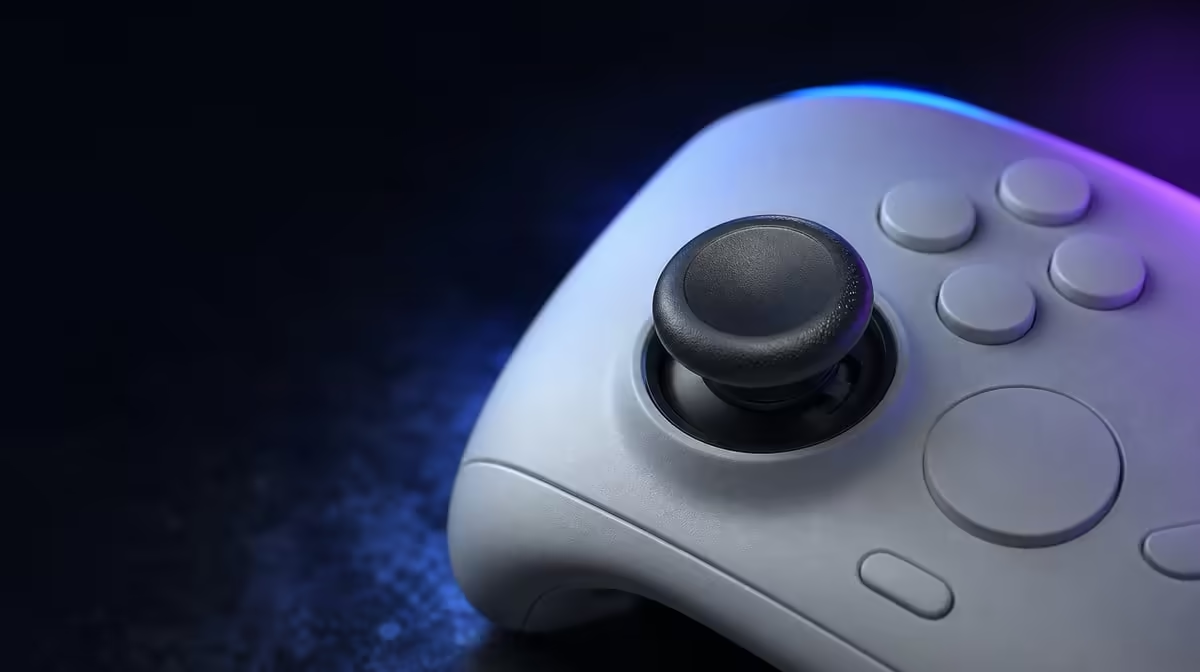
Wireless does not cause stick drift by itself. Why wireless controllers develop input drift is usually a story about worn measurement contacts, poor calibration, debris, pressure or unsuitable deadzones. The R999 GameSir Cyclone 2 uses Mag-Res TMR sticks, changing the common potentiometer wear path while still needing a clean baseline and sensible care.
Quick Answer
Traditional stick drift can develop when rubbing potentiometer contacts wear, while calibration, debris or physical damage can also move the neutral reading. The R999 Cyclone 2 uses magnetic TMR sensing instead of that conventional contact path. Check neutral, profile and connection separately before increasing deadzone.
🧲 Separate drift from the wireless link
Drift is unwanted stick input while the control should be neutral. A dropped wireless command or delayed online response may feel wrong, but it follows another path.
Test in a local menu with the controller close to the host. Rest the Cyclone 2, release both sticks and observe whether movement appears without input. If the connection pauses rather than showing a steady offset, diagnose the route first.
Keep the game profile at default. Custom response curves can create an unusual centre feel even when the sensor behaves consistently. If neutral changes only after a profile loads, restore the baseline before altering hardware calibration.
Use several observations. A repeatable slow movement at rest is different from one missed input during a wireless interruption. Write down which symptom appears instead of grouping every control problem under drift.
The Evetech gaming controller selection gives magnetic-stick designs the right comparison context.
🎯 Test neutral before adding deadzone
Trace the full range of each TMR stick slowly, then release it without guiding the return. Repeat from several directions. Consistent centre matters more than one perfect reading.
Check fine movement near neutral and full travel at the edge as separate steps. The first shows small correction behaviour; the second shows whether the range is reached. One deadzone value should not be used blindly to solve both.
Restore a default profile before changing response. A large deadzone can hide a small offset while making early movement feel sluggish. Adjust only after calibration and physical obstruction have been checked.
Disable unrelated mappings during the test. Hall trigger travel and RGB have different roles, while connection should remain fixed.
Run the same sequence in another supported title if the offset appears in only one game. A game-specific result points towards its settings rather than a universal controller fault.
🛡️ Protect the physical mechanism
Magnetic sensing avoids one rubbing measurement contact, but the stick still has moving parts. Keep dust, food and moisture away, and do not store the controller with pressure on a stick.
The included charging dock can provide a fixed resting point. Seat the gamepad correctly and keep the dock stable so storage does not introduce awkward pressure.
Before travel, make sure no object in the bag holds a stick against its edge. After travel, repeat the neutral check before changing sensitivity. This keeps a temporary physical obstruction from becoming a permanent software compensation.
Browse Evetech gaming accessories for the surrounding setup, followed by the accessory best-seller collection after the input routine is established.
At R999, the Cyclone 2 offers TMR sensing as part of a larger controller-and-dock package. Its drift-resistance value comes from the changed measurement path plus careful calibration and storage, not from wireless status alone.
Keep a baseline record after the controller is configured: host, connection, game, neutral result and deadzone. If apparent drift appears later, repeat that exact test before creating a new profile. Comparing like with like can reveal whether the change follows software, transport or the physical control.
The best prevention routine is quiet and repeatable. Store the sticks freely, keep the controller clean, check neutral occasionally and change one setting per test.
Keep a brief record of when the unwanted movement appears: at neutral, after release, in one game or across every host. That pattern can separate a title-specific setting from a broader controller issue. Retest with the default profile before deciding that any single cause explains the behaviour.
Preventive care also means storage. Return the Cyclone 2 to its dock without pressing the sticks against nearby objects, and keep food, liquid and loose desk items away from the moving controls.
Frequently Asked Questions
What causes contact-related drift?
Worn potentiometer measurement tracks can produce an inconsistent neutral signal in traditional designs.
How does TMR change that path?
TMR senses position magnetically, avoiding the conventional rubbing contact used to measure movement.
Can TMR sticks still show bad input?
Yes. Calibration, mechanics, debris, damage and software can still affect the finished response.
What does the TMR-equipped Cyclone 2 cost?
The Phantom White controller-and-dock package is R999 at Evetech.
Ready to diagnose drift at the correct layer?
Explore Evetech gaming controllers and compare magnetic sensing, calibration and storage habits before using deadzone as a blanket fix.