


Quick Answer
A 360mm radiator provides roughly 40 percent more heat dissipation surface than a 240mm unit, accommodating CPUs up to 280W TDP without thermal throttling. For gaming builds with a Ryzen 7 9800X3D and for creator workstations running sustained video encodes with a Ryzen 9 9950X, the 360mm format is the practical ceiling before entering custom loop territory.
Radiator Construction and Materials 🔧
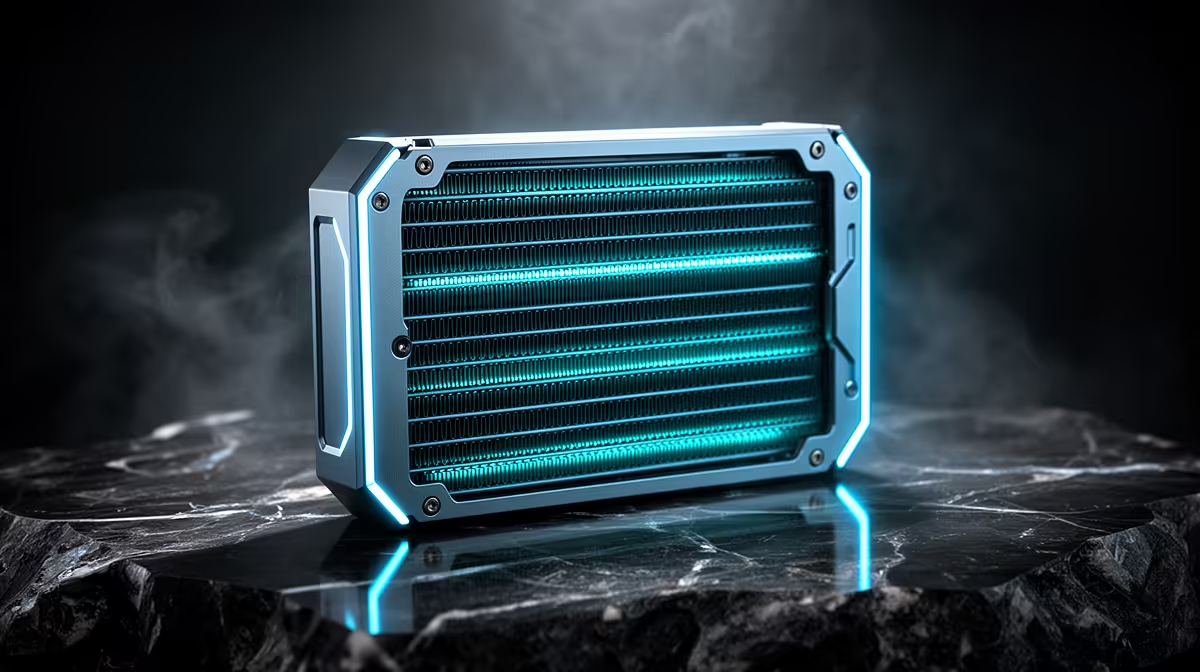
The radiator itself is an aluminium or copper matrix with dozens of thin fins soldered to water tubes. Premium 360mm radiators, like those in the ASUS ROG RYUO IV SLC 360 or NZXT Kraken Elite 360, use thicker copper fin stacks at 27mm to 30mm depth. Thicker radiators hold more thermal mass and perform better under long-duration loads but require fans with higher static pressure to push air effectively through the denser fin pack.
Fin pitch, measured in fins per inch (FPI), also affects performance. A 16 to 22 FPI radiator balances airflow resistance with heat transfer surface area. Very high FPI radiators (above 24 FPI) squeeze extra performance from the copper surface but are more sensitive to dust accumulation, a relevant concern in Johannesburg and Cape Town homes where fine dust is common.
Fan Selection and Static Pressure 🌀
The fans mounted on a 360mm radiator matter as much as the radiator itself. Radiator-facing fans must prioritise static pressure over airflow volume. Static pressure fans, like the Corsair LL120, Noctua NF-F12 iPPC, or included fans on quality AIO kits, force air through dense fin stacks that a standard case fan would struggle to penetrate.
For gaming use, 1,200 to 1,500 RPM provides adequate cooling with low noise. Under a heavy CPU render, fan curves can ramp to 1,800 to 2,000 RPM, where a quality fan produces 28 to 32 dBA. In a gaming scenario with a headset on, this is barely audible. AIO kits priced between R3,000 and R5,500 at Evetech typically include three matched fans with appropriate static pressure ratings already configured in the included software.
Pump and Cold Plate Integration 🖥️
The pump unit attached to the CPU socket connects to the radiator via two flexible tubes.
For creator PCs with threadripper or high-core Ryzen CPUs, some premium 360mm AIO blocks use an enlarged cold plate footprint to cover the full IHS surface of larger processors. Check whether the AIO you are considering ships with the appropriate LGA1700, LGA1851, or AM5 mounting bracket, as these are generation-specific.
Re-Paste After 2 Years ⚡
Thermal paste between the CPU IHS and AIO cold plate dries out over time. After two years of use, removing the cooler and applying a fresh pea-sized amount of quality thermal compound can recover 3 to 8 degrees Celsius of headroom. This is especially worthwhile on creator workstations running long encoding jobs regularly.
FAQ
What is the ideal fan configuration for a 360mm radiator?
Three 120mm fans in a pull or push configuration covers most use cases. Push configuration (fans on the outside of the case pushing air through the radiator) is slightly more efficient in top-mounted setups. Push-pull (fans on both sides of the radiator) adds 5 to 8 percent thermal performance but nearly doubles fan noise at high RPM.
Can a 360mm AIO handle overclocking?
Yes. A 360mm AIO with a quality pump and static pressure fans can sustain CPU overclocks that raise package power by 20 to 30 percent beyond stock TDP. For example, a mild Ryzen 9 9900X overclock pushing package power from 120W to 150W stays well within 360mm capacity.
Do 360mm AIOs fit most mid-tower cases?
Most mid-towers rated for 360mm radiators have top or front panel support. Confirm the clearance figures in the case spec sheet, specifically the maximum radiator thickness plus fan height combined, typically needing 55 to 65mm of unobstructed panel clearance.
Upgrading to a 360mm liquid cooler? Shop the AIO cooler range at Evetech, covering 360mm options for gaming and creator builds, with ARGB fans and LCD displays across multiple budgets.











