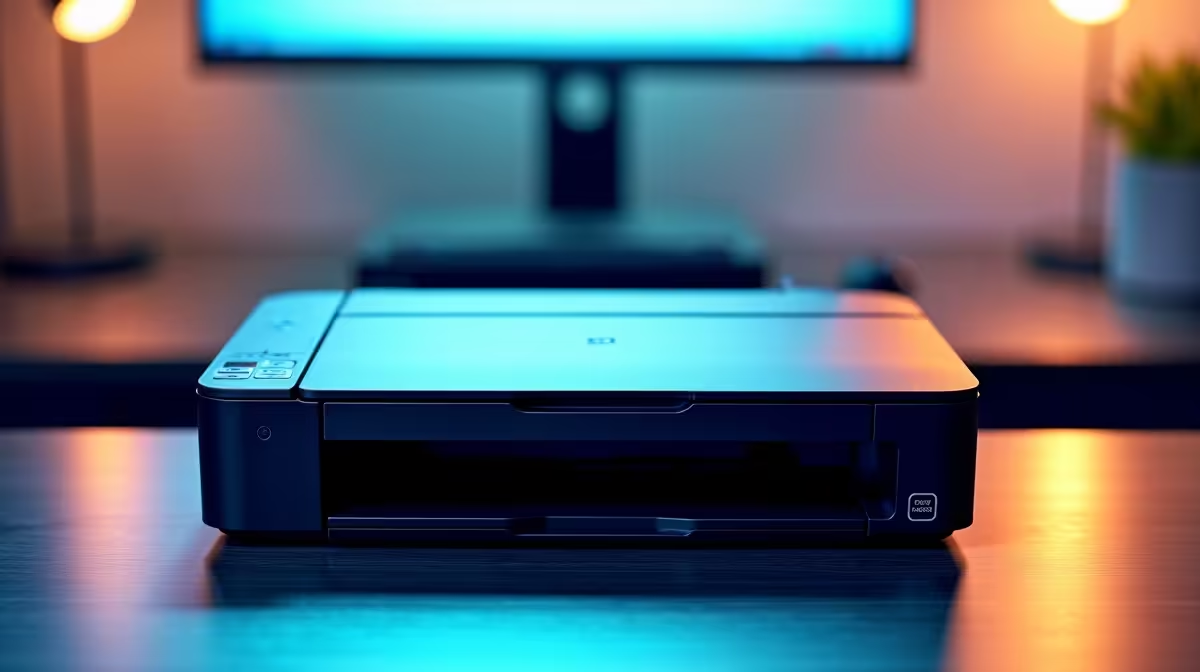
You finally have power after a brutal loadshedding block. You hit print on an urgent document... and your screen freezes. A printer driver crash is the last thing any South African needs when time is tight. Driver conflicts can bring your workflow to a grinding halt. Searching for a reliable fix printer driver crash South Africa support guide? Let us get your system back online fast.
Understanding the Printer Driver Crash ⚡
Why do these frustrating crashes happen? Usually, it is a miscommunication between your operating system and the hardware. Background updates are notorious for messing up older drivers. Sometimes, a sudden power dip corrupts vital system files. Older hardware often struggles to keep up with modern software demands. If your system struggles with basic tasks constantly, it might indicate deeper hardware age. You might want to explore the best gaming PC deals if your entire rig feels sluggish.
Step-by-Step Fix for Printer Issues
Before you throw your hardware out the window, try a clean installation. First, disconnect your USB cable or disconnect from the network. Go to your Windows settings and remove the device completely. A clean slate removes any corrupted files causing the crash.
Quick Spooler Fix 🔧
Sometimes the Windows print spooler gets stuck. Press Windows Key + R, type 'services.msc', find Print Spooler, right-click, and hit Restart. This simple trick fixes half of all printing errors instantly without needing a system reboot.
Next, head to the official manufacturer website. Download the absolute latest software version. Do not rely on generic Windows drivers. If you are working from one of our modern laptops, the download process is incredibly fast thanks to updated Wi-Fi 6 connectivity. This ensures you get the exact software meant for your specific model.
When Software Fixes Are Not Enough 🚀
Sometimes a simple fix printer driver crash search reveals much bigger problems. If your PC keeps freezing during installations, your motherboard or storage drive might be failing. Upgrading your hardware does not have to drain your wallet. You can find incredible pre-built PC deals that save you the hassle of troubleshooting old parts. A fresh system eliminates lingering software ghosts.
If you are a creative professional, you know that rendering out designs to print requires serious horsepower. Upgrading your system with a dedicated GPU ensures smooth sailing. You can easily buy graphics cards that handle massive design files without breaking a sweat. High-resolution prints need stable memory to process correctly.
Prevent Future South Africa Support Headaches ✨
To stop future crashes, keep your system updated manually. Turn off automatic driver updates so Microsoft does not overwrite your working software. Also, invest in a good surge protector. Power spikes cost South Africans millions of ZAR in damaged tech every single year. A UPS is also a brilliant investment to keep your router and PC alive during grid drops.
Always keep an eye on your hardware performance. If you want to keep your setup running perfectly without overspending, check out our latest specials for components that stabilise your daily workflow. Staying proactive is the best way to avoid downtime.
Ready to Upgrade Your Home Office?
Stop fighting with outdated hardware and crashing systems. Whether you need a reliable workhorse or a high-end creative station, Evetech has you covered. Explore our massive range of PC specials and find the perfect machine to conquer your daily tasks without the stress.