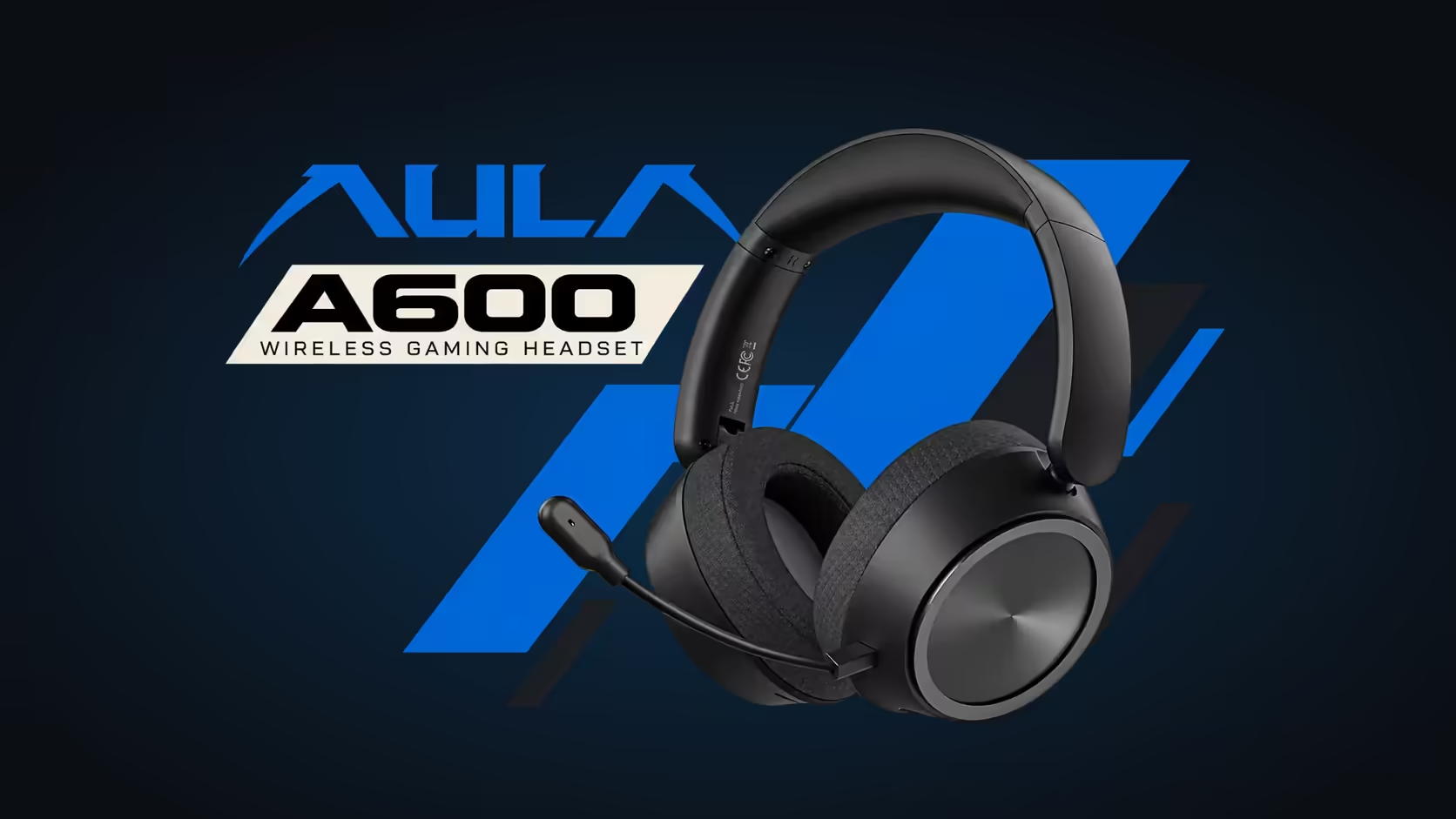
Most headsets hide their sound settings inside an app you forget to open. The AULA A600 puts the choice on a single button on the ear cup, and that one press decides whether the headset is chasing footsteps or carrying a song. Knowing what the A600 M button changes, and what it leaves alone, saves you from blaming the drivers when the real culprit is the wrong profile.
Quick Answer
A single press of the M button swaps the AULA A600, R459 at Evetech, between Game Mode and Music Mode. Game Mode is AULA's FPS-tuned profile and it is the setting the headset starts in, shaped to help you place footsteps and gunfire. Music Mode is the one AULA intends for albums, playlists and films. A double-click of the same button does something else entirely: it moves the headset from 2.4GHz to Bluetooth.
🎯 What Game Mode is listening for
Shooters reward hearing small, directional cues early: a reload behind a wall, boots on a metal staircase, a door opening on the wrong side of the map. A profile tuned for that kind of play generally lifts the detail those sounds live in so they stand out from explosions and music beds. AULA describes Game Mode as FPS-tuned for picking out steps and shots, and ships the A600 with it switched on.
That default is a sensible one for a headset sold as a gaming product. Plug in the receiver, launch a match and the tuning is already aimed at the job. The flip side is that the same emphasis can make a song sound thinner or sharper than you expect, because the profile is not trying to flatter vocals or bass lines.
🎵 When Music Mode earns its press
Music Mode is the profile for everything that is not a match. Think of a long playlist while you work, a series episode on the laptop, or a film where dialogue and score matter more than directional detail. Switching over takes one press, and switching back takes another, so there is no reason to leave the headset on the wrong profile for the content in front of you.
A simple habit helps: press M when the game closes, not when the music starts sounding odd. Doing it by routine means you never sit through half an album wondering why the drums feel flat.
Both modes, same hardware
Neither profile changes what is physically inside the ear cups. Both run through the same pair of 53mm dynamic drivers, which AULA lists as Hi-Res Audio certified, with a 20Hz to 20kHz range and 32 ohm impedance. The profile shapes how that output is balanced; the drivers, battery and connection stay exactly as they were.
🎛️ Finding the button without looking
The M button sits on the ear cup alongside the power button, the mic slide switch and a volume scroll wheel. That cluster means you can change profile mid-session without reaching for the keyboard or alt-tabbing out of a game. Spend a minute with the headset on and feel your way across the controls so you know which bump is which before a match starts.
Keep the single-press and double-press difference in mind. One press is a sound change. Two quick presses is a connection change, which will drop you off the receiver and onto Bluetooth. If audio suddenly stops on your PC, a stray double-click is the likely reason.
Evetech has added the A600 to its line-up, listing it among the other gaming headsets if you want to compare how other brands handle sound profiles. For a wider look at cable-free options, the wireless headset collection groups them in one place.
Frequently Asked Questions
Which profile does a new A600 start in?
Game Mode. AULA sets its FPS-tuned profile as the default, so it is ready for a shooter as soon as it powers on.
Is a double-click on M just a faster profile switch?
No. A double-click changes the connection from 2.4GHz to Bluetooth. Profiles change on a single press.
Why do my songs sound sharp on the A600?
You are probably still in Game Mode, which is tuned for directional detail. One press of M moves you to Music Mode.
Do the profiles use different drivers?
No. Both modes run through the same 53mm dynamic drivers.
Can I change profile without software?
Yes. The M button on the ear cup handles it directly, with nothing to install.
Who handles a faulty M button?
Evetech handles claims under the 1 Year Local Warranty, so a button fault is dealt with here rather than overseas.
Want one headset for matches and music?
Browse the gaming headset range at Evetech and compare how each model switches between game and listening profiles.