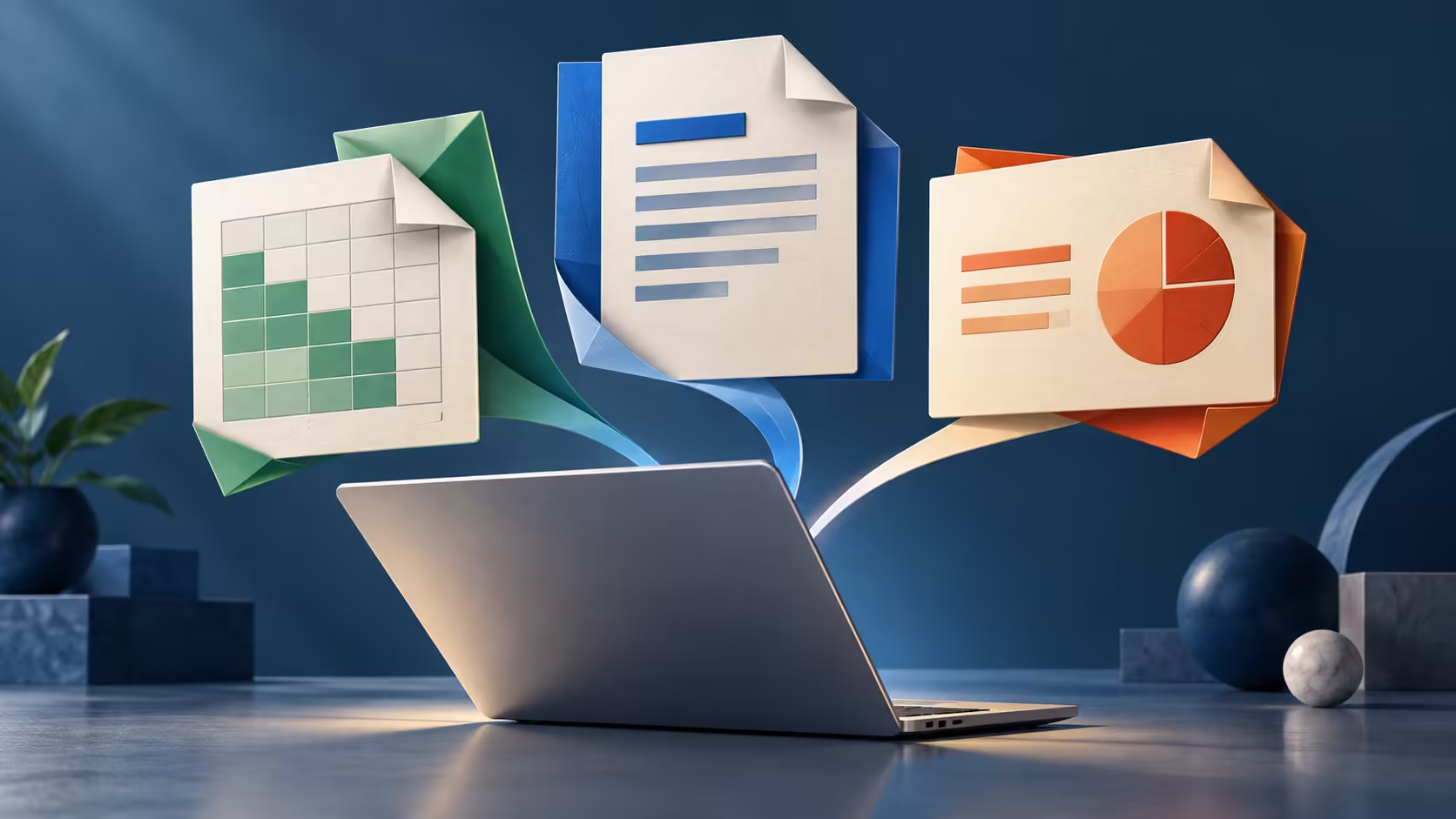
A familiar file icon does not mean a familiar editing experience. Microsoft 365 on Googlebook can be useful for documents and collaboration, but the edition opening a file matters as much as the account used to sign in.
Quick Answer
Google confirms Microsoft 365 support for Googlebook, including common Office file tasks. Treat the Android and browser routes as their own applications, with their own features and licence conditions. On a laptop-sized screen, confirm editing entitlement through your Microsoft plan; do not assume that free phone editing or a Windows Office purchase transfers unchanged.
📄 Match the app to the document
Simple text, everyday tables and straightforward slide decks are different from automated spreadsheets or elaborate print layouts. Start with a real file containing the features you use: comments, tracked edits, unusual fonts, embedded media or formulas. Open a copy, edit it, save it and reopen the result in the original environment.
That round trip exposes more than a successful first open. A presentation can display correctly yet lose an effect when saved. A document can retain its text while changing page breaks. For a final submission, export the required format and examine that exported copy, not just the live editor view.
Use Evetech's laptop listings to compare alternatives when a mandatory feature needs a desktop application. The requirement should lead the hardware decision.
🔑 Understand what your subscription actually grants
Microsoft distinguishes viewing from editing and qualifying from non-qualifying plans. Its mobile guidance also includes display-size limits, including plan-specific 10.1-inch and 10.9-inch conditions. Googlebook screens are larger than phone displays, so a feature that works on a handset is a poor licence test for the new laptop.
Sign into the Microsoft identity that owns the subscription. A personal email, a school account and a work account may each have different rights even when they belong to one person. A school can also restrict which devices or storage locations are allowed.
Avoid buying a second plan simply because an app presents an upgrade prompt. First identify the current entitlement and the app edition. A missing feature can be an edition limit rather than an expired subscription.
🧮 Recognise the desktop boundary
Excel for the web does not run VBA. A workbook can therefore appear healthy, show its sheets and allow ordinary edits while the button that produces a report remains unusable. Keep automated workbooks in a supported desktop workflow unless their automation has been deliberately rebuilt and verified.
For collaboration, use one agreed cloud copy instead of passing several identically named attachments between apps. If offline work matters, establish how the chosen edition saves locally and how edits merge later. Offline capability belongs to the application, not to the Microsoft 365 label alone.
People comparing gaming-capable laptops for both study and entertainment should include software compatibility in the comparison. A faster chip cannot provide a missing Office feature, while a modest supported machine may complete the required document workflow perfectly well.
Frequently Asked Questions
Does Googlebook include Windows desktop Office?
The announcement supports Microsoft 365 use but does not promise installation of the Windows desktop Office applications.
Can Word files move to the new laptop?
A document can be opened in a compatible app or browser service. Complex layout, fonts and special features still need a round-trip review.
Is mobile Office editing always free on a large laptop?
No. Microsoft applies plan and screen-size conditions to mobile editing. A phone entitlement does not automatically cover a laptop display.
Will Excel VBA run in a browser?
Microsoft explicitly excludes creating, editing and running VBA in Excel for the web, even though macro-containing files can be opened.
Does saving to OneDrive install desktop apps?
OneDrive stores and synchronises files. It does not convert the operating system or add Windows-only Office capabilities.
Choose the Office route that fits your documents?
Compare Evetech laptop options around your actual Office files, required features and subscription rights so the device matches the work.