


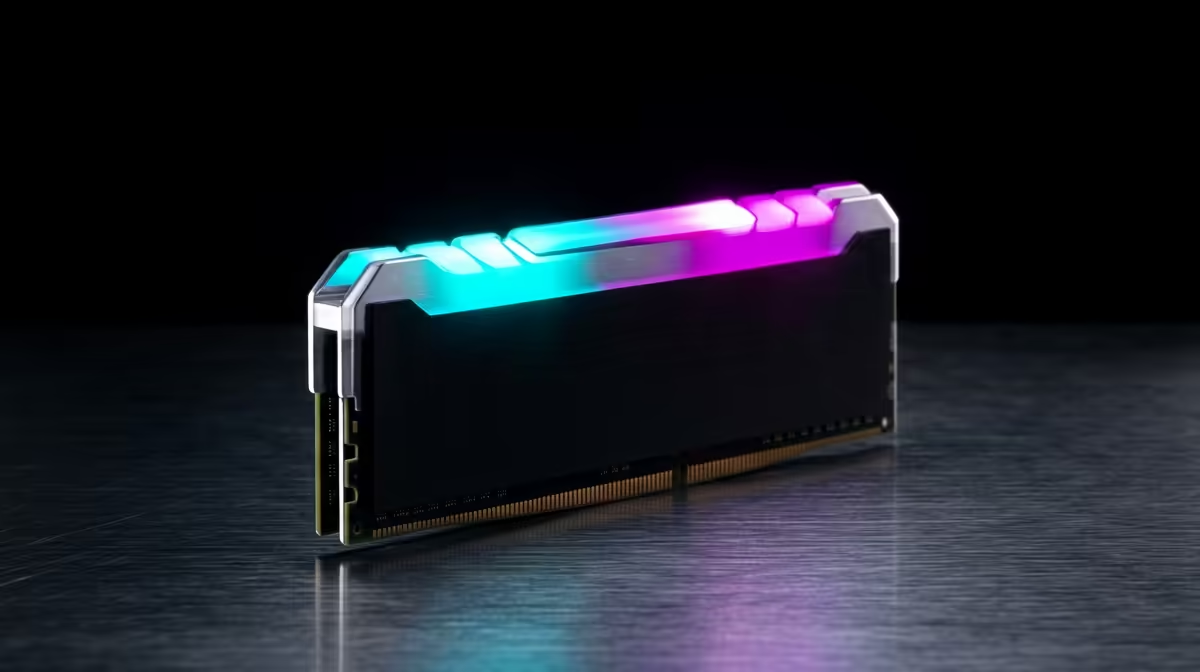
Streaming while you game means your PC is running two demanding jobs at once, and memory is what keeps the game, the encoder and the browser overlays from fighting each other. Too little RAM is felt as stutter, not a crash.
Quick Answer
For streaming plus gaming, 32GB of DDR5-6000 is the comfortable target, while 16GB is the bare minimum that leaves little room for browser sources and chat. On a R12,000 build, choose 32GB DDR5-6000 CL30 over 16GB of faster RAM, because the extra capacity prevents the stutter that viewers notice.
Why 16GB Falls Short For Streamers
A modern game can use 12GB to 16GB on its own, and once OBS, a browser with multiple tabs, Discord and a chat overlay are added, 16GB starts swapping to disk and causes frame drops on stream. 32GB gives headroom so the encoder never stalls. DDR5-6000 CL30 on AM5 also lifts 1 percent low frame rates, which is exactly where stutter shows up live.
Capacity Beats Raw Speed For This Job
Between 32GB at 5600 and 16GB at 6400, the 32GB kit wins for streaming every time because running out of memory is far worse than slightly slower memory. A R12,000 setup is best served by a 2x16GB DDR5-6000 kit (often R1,200 to R2,000), with two slots left for a future jump to 64GB if you add heavy multitasking.
GPU Encoding Frees Your RAM And CPU
Using NVENC on an RTX card moves encoding off the CPU, but the system still needs memory for the game, OBS scenes and browser sources. Pair 32GB with NVENC and a wired connection, and the stream stays smooth even during busy gameplay. Dual-channel matched sticks are essential, since single-channel memory throttles both the game and the encoder.
FAQ
Is 16GB enough to stream and game?
It is the minimum and it works for light setups, but modern games plus OBS, a browser and Discord push past 16GB and cause stutter. 32GB is the comfortable target that keeps the stream smooth.
Does RAM speed matter for streaming?
Capacity matters more, but DDR5-6000 CL30 does lift 1 percent low frame rates where stutter shows. Choose 32GB at 6000 over 16GB at a higher speed every time for streaming.
Should I use CPU or GPU encoding?
GPU encoding with NVENC on an RTX card keeps the CPU free for the game and uses less RAM pressure than x264. It is the recommended path for most SA streamers running a single PC.
Pro Tip
For single-PC streaming, run 32GB of DDR5-6000 CL30 and enable NVENC in OBS. That combination stops the memory-starvation stutter that viewers spot instantly, without needing a second machine.









