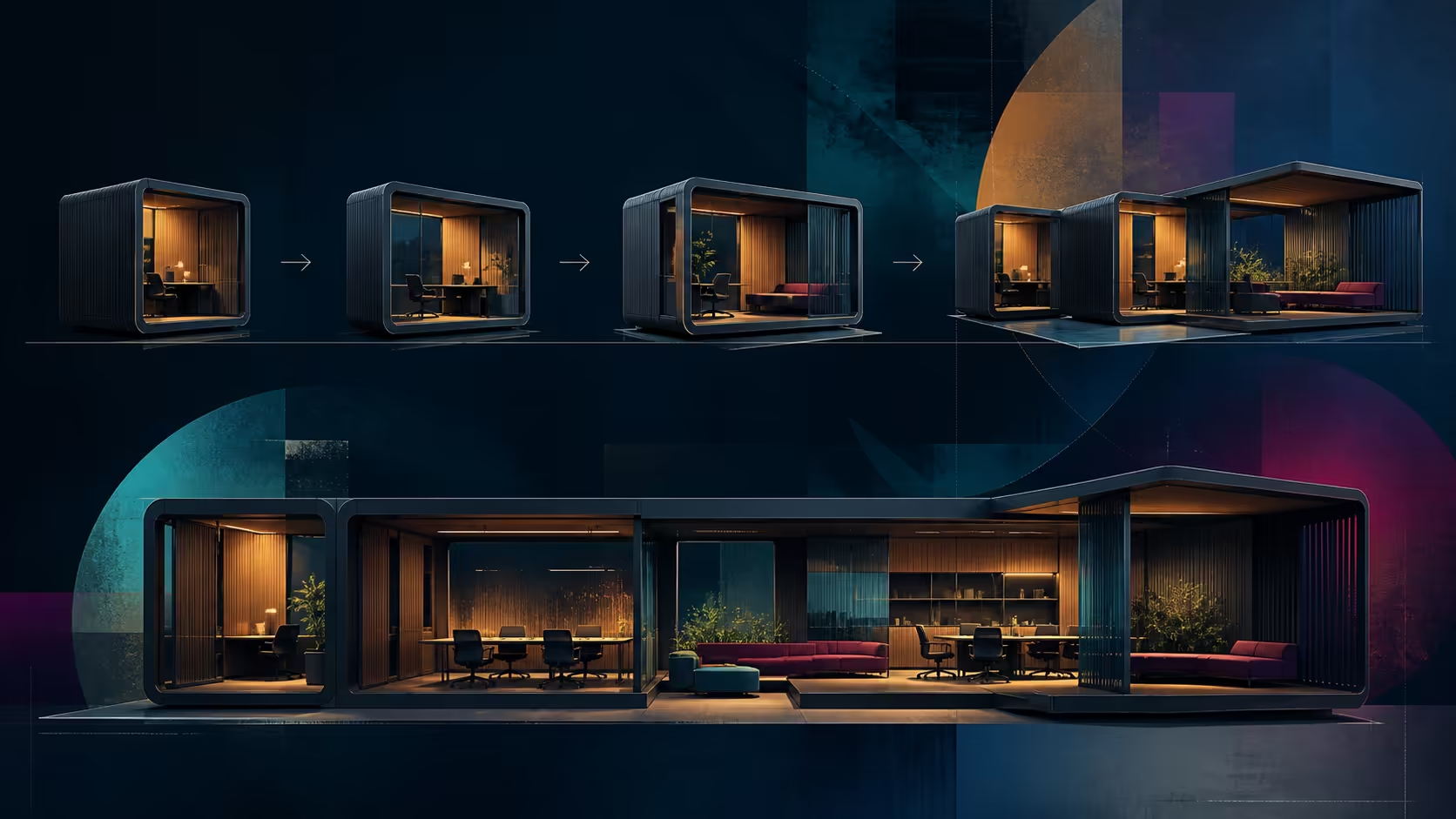
A future-ready office is not a pile of premium accessories. It is a mobile office laptop setup whose processor, memory, storage, screen and connection paths meet today's work while leaving sensible choices for the next desk or network change.
Quick Answer
Use R19,999 as the core-computer allocation, then price only equipment tied to the mobile workflow. Thunderbolt 4 and Wi-Fi 7 give the Prestige adaptable connection starting points without proving that every later office requirement is already covered.
📋 Define the office before pricing it
Write down where work happens and what must connect at each location. Include applications, local file volumes, external screens, input devices, network access and meeting tools. Separate essentials from upgrades that can wait.
This prevents an arbitrary accessory bundle from consuming the budget. It also exposes hidden dependencies: a dock needs compatible connections, a wireless upgrade needs matching network equipment, and an external display needs a suitable complete path.
Keep contingency for items that solve a demonstrated problem. Future-ready should mean adaptable around known standards, not a promise that no later purchase will ever be needed.
🧮 Allocate the R19,999 platform cost
The Prestige 14 combines its Core Ultra 5 226V with 97 TOPS AI capability. Treat that capability as useful when named tools can employ it, and measure conventional applications by their own requirements.
A representative workday must fit inside 16GB LPDDR5x, while its software and local projects share 512GB NVMe. Include operating room, updates and backups in the office calculation.
🔗 Design the connection paths
This configuration includes Thunderbolt 4 as its wired standard. It can start a compatible desktop arrangement, although every dock, cable and peripheral must support the intended function.
Wi-Fi 7 equips the laptop for a current wireless environment. Actual networking depends on the router, access point, service and local conditions. Budget for the weakest necessary part of the path rather than expecting the notebook alone to transform it.
The MSI professional laptop category at Evetech helps compare configurations when the desk needs different hardware. For processor-led alternatives, explore the Evetech AI PC range.
📈 Leave room for realistic change
The built-in 14-inch FHD+ display refreshes at 144Hz, and Intel Arc 130V supplies graphics. Decide whether the internal screen is sufficient at each location before assigning money to an external one.
A mobile-office budget should also cover backup, carrying and power requirements once their exact products and prices are known. Do not infer battery endurance or chassis weight from the screen size.
At R19,999, this MSI establishes the core computer cost. Add only components tied to a documented workflow, verify interoperability, and keep the remainder available for needs revealed through use.
Build the office in phases. The first phase should contain only the notebook and items required for the first working day. A second phase can add comfort or capacity after the user identifies a repeated limitation, while a third can cover expansion for a planned role change.
This staged approach protects the budget from speculative purchases. It also creates useful evidence: if the built-in 14-inch screen proves sufficient in one location, an external display can remain a targeted desk purchase rather than a universal assumption. If Wi-Fi 7 works with current infrastructure, network spending can focus elsewhere.
Review the plan after a representative week. Reallocate the remaining amount to the most frequent friction instead of the feature that looked most impressive before use.
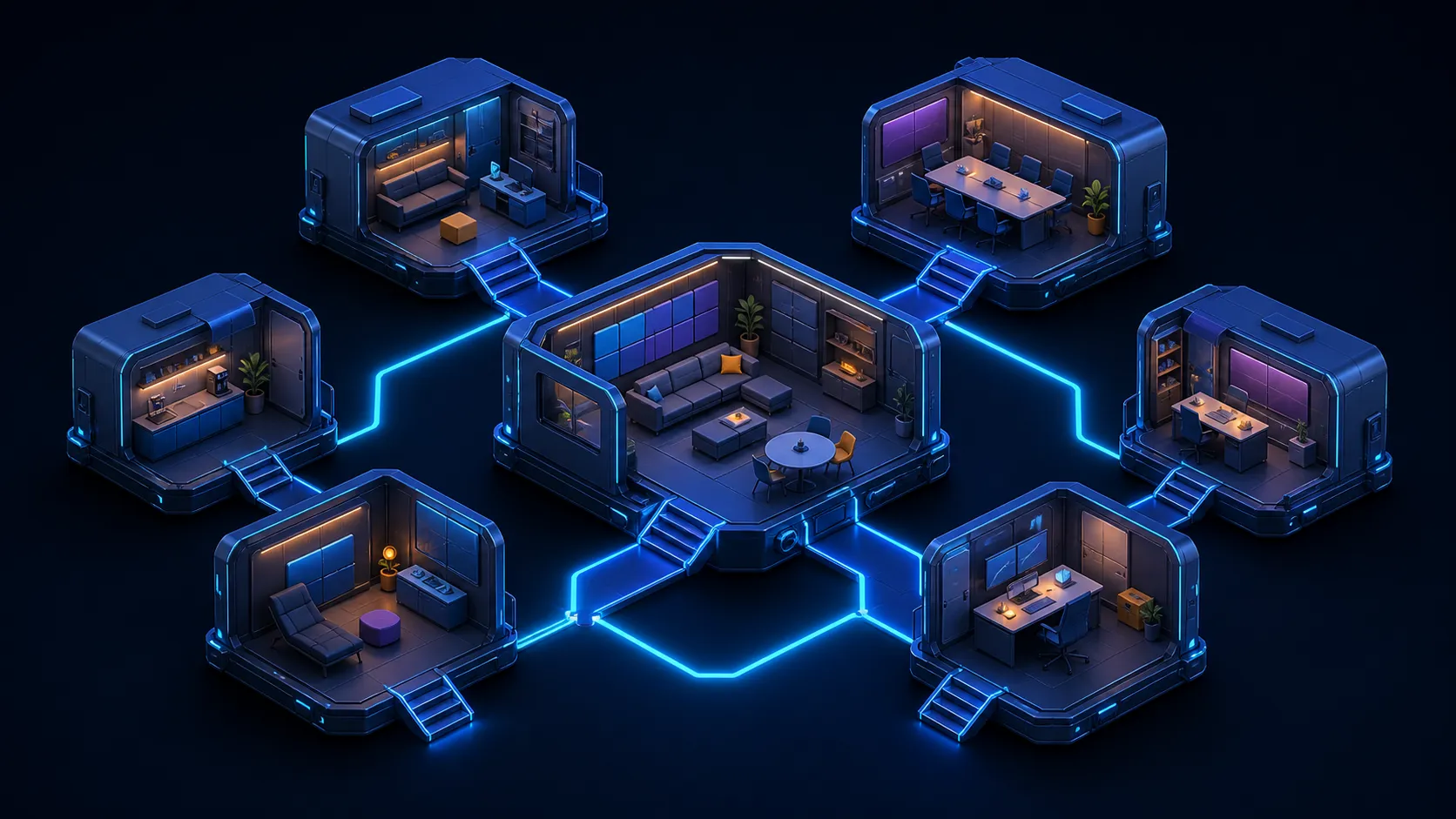
Frequently Asked Questions
What anchors this South African office budget?
The MSI Prestige 14 AI+ Evo costs R19,999. Accessories and services should be calculated separately around the actual locations and tasks.
Which wired connection is built in?
Thunderbolt 4 is included. A docked plan still requires the cable, dock, monitor and peripherals to support the intended functions.
How is the wireless side prepared?
Wi-Fi 7 is part of the notebook, but real network performance also depends on compatible infrastructure, service and the operating environment.
Does future-ready mean permanently complete?
No. It means choosing a sound base and adaptable connections for foreseeable needs, while accepting that later work may introduce new requirements.
Building a mobile office without losing control of the budget?
Price the R19,999 platform, map every desk connection, and compare MSI professional and AI PC options at Evetech before adding accessories.