You are in the final circle of Warzone, heart pounding, and suddenly... black screen. Your rig reboots. It is the absolute worst nightmare for any South African gamer. Between load-shedding surges and hardware gremlins, random reboots are deeply infuriating. If you want to learn how to fix random restarts without losing your sanity, you are in the right place. Let us troubleshoot this together.
Identifying the Root Cause of Random Restarts
Before you panic and replace everything, we need to isolate the problem. The most common culprits are usually heat, power delivery, or failing components. Start by checking your system temperatures. South African summers are brutal on electronics. If you do not optimise your airflow, your system will automatically reboot to protect itself from permanent damage.
Cooling Pro Tip 🔧
Download free monitoring software like HWMonitor to track your CPU and GPU temperatures while gaming. If you are hitting 90 degrees Celsius consistently, it is time to clean out the dust or upgrade your thermal paste.
Tackling Overheating and Hardware Faults
If temperatures are sky-high, ensure your case fans are spinning properly. Sometimes, older components simply cannot handle modern gaming loads. If your GPU is constantly thermal throttling under pressure, it might be time to look at upgrading. You can browse our massive selection of graphics cards to find a cooler, much more efficient replacement.
Power Supply Issues and Dirty Electricity ⚡
Our local power grid is notoriously unstable. Even with standard surge protectors, dirty power can slowly degrade your Power Supply Unit. A failing PSU will often trigger a restart when your system draws peak power during intense gaming moments. If you suspect your power supply is dying, keep an eye on our specials for high-quality replacements. Investing in a pure sine wave UPS is also highly recommended.
Software Conflicts and Memory Errors
Sometimes the issue is not physical at all. Outdated drivers or conflicting software can force a system crash. Always keep your Windows OS and graphics drivers updated. Faulty RAM is another silent culprit. Try reseating your memory sticks or running the Windows Memory Diagnostic tool to rule out corrupted memory sectors.
When to Stop Troubleshooting and Start Upgrading 🚀
If you have tested the power supply, monitored temperatures, and updated drivers... but the restarts continue, your core hardware might be failing. Diagnosing a dying motherboard is incredibly frustrating. Sometimes it is much more cost-effective to start fresh.
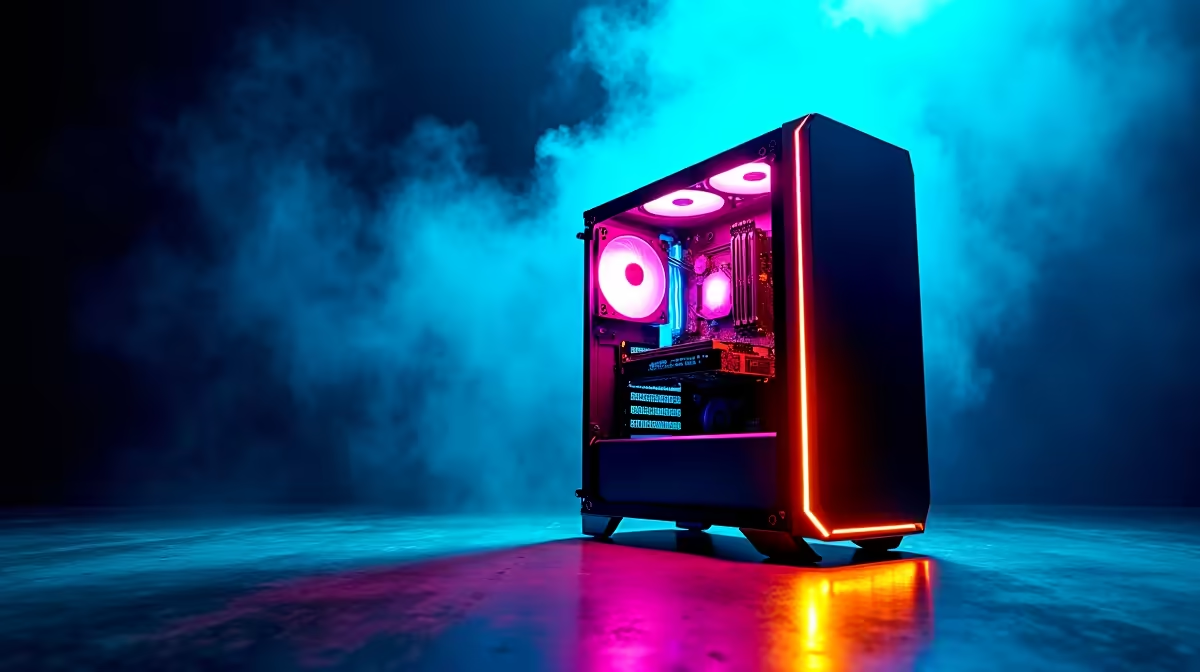
You do not have to spend 50,000 ZAR to get a reliable system. We have incredible pre-built PC deals that take the guesswork out of troubleshooting. If you prefer building it yourself, explore our best gaming PC deals for unbeatable value.
Alternatively, if you want something with a built-in battery to survive shorter power dips, switching to a mobile setup makes sense. Check out our high-performance laptops and notebooks to keep gaming through the chaos. ✨
Ready to Leave Random Restarts Behind?
Stop letting hardware failures ruin your rank. Whether you need a simple component upgrade or a completely new rig, Evetech has the best prices in South Africa. Explore our latest gaming specials and get back to winning.