Imagine this... Or a submarine cable snaps. Your internet is dead. But your workflow does not have to stop. Learning how to run local AI models on your PC without internet is easier than you think. You just need the right hardware and a bit of prep. Let us show you how to keep the artificial intelligence flowing completely offline.
Why Go Offline?
Privacy is a massive factor for many South African professionals. When you figure out how to run local AI models on your PC without internet, your data never leaves your machine. Lawyers, developers, and writers can feed sensitive data into the prompt without violating NDAs. There are no corporate servers snooping on your confidential documents. Plus... you get zero latency. You receive instant responses, provided your rig has the hardware muscle to handle the processing load.
The Hardware Muscle You Need ⚡
Artificial intelligence thrives on graphics processing. Specifically, VRAM is your best friend here. To comfortably run a standard 7-billion parameter model, you want at least 8GB of VRAM. An Nvidia RTX 3060 or better is ideal for most users.
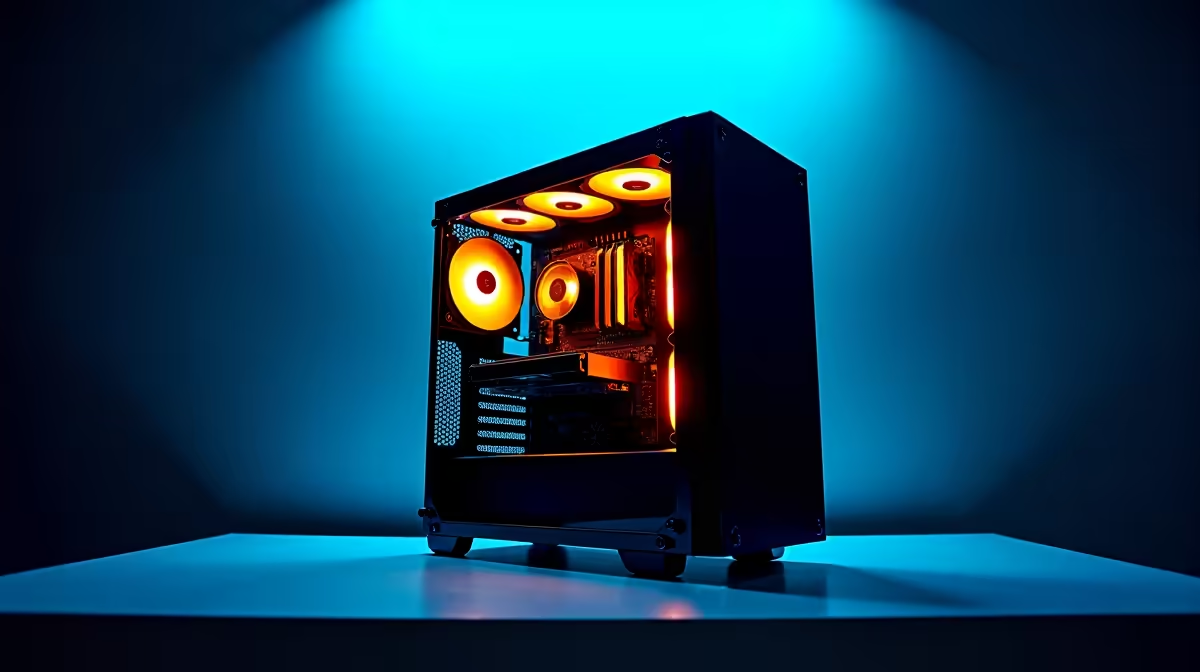
If your current rig is struggling to keep up, it might be time for an upgrade. Browsing the best gaming PC deals is a smart place to start looking. Alternatively, if you want a machine ready to plug and play straight out the box, check out our pre-built PC deals. Spending a few thousand ZAR now saves hours of rendering frustration later.
Software... Making the Magic Happen 🤖
You do not need a degree in computer science to do this. Applications like LM Studio or GPT4All make the setup process incredibly simple. You just download the application, choose a language model, and click run. It feels just like using a web-based chatbot... but it lives entirely on your hard drive. Another popular option for developers is Ollama, which runs quietly in the background and integrates perfectly with local coding tools.
VRAM Pro Tip 🧠
When selecting an open-source model from Hugging Face, look for "quantised" versions like GGUF files. These are compressed to use significantly less RAM and VRAM. This lets you run surprisingly smart AI on standard consumer hardware without crashing your system.
The Initial Setup Phase
There is a slight catch. You do need a connection to download the software and the model files initially. Some of these files are huge... often weighing in at 4GB to 10GB each. You will want a stable connection and a reliable router to get everything downloaded quickly before the next blackout hits your neighbourhood.
Once the files are safely on your SSD, you can unplug the ethernet cable. You are now fully offline and ready to generate text, summarise documents, or write code.
Taking Your AI on the Go 🚀
What if you are travelling or working from a coffee shop with terrible Wi-Fi? You can still take your AI assistant with you. Modern mobile GPUs pack serious computing power. If you need portability for your workflow, explore our massive range of laptops to find a notebook with a dedicated RTX graphics card.
Whether you are coding offline or writing articles during a power outage, local AI is a massive productivity boost. Keep an eye on our latest specials to find the hardware you need at prices that respect your budget.
Ready to Build Your Offline AI Powerhouse?
Running AI locally requires serious graphics horsepower, but Evetech has you covered. Explore our massive range of desktop graphics cards and find the perfect GPU to turn your PC into an unstoppable, offline AI machine.