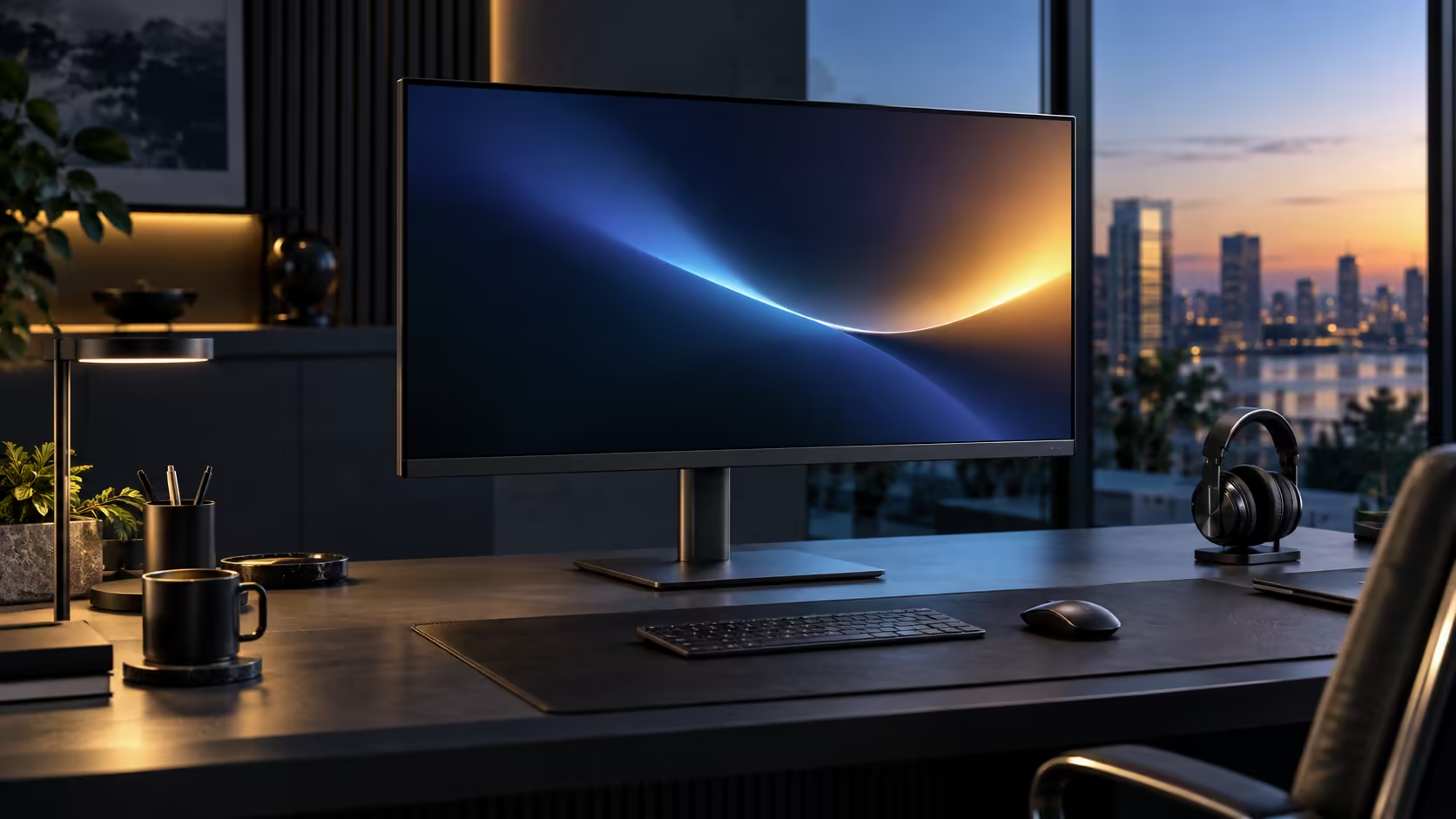
A large monitor pulling double duty as a charger raises a fair question: does the extra screen real estate come at the cost of charging headroom for a bigger laptop. The Dell Pro 32 Plus P3225DE answers that at R8,799 with the same 90W ceiling as its smaller sibling.
Quick Answer
For most 13 to 16 inch business laptops, 90W covers charging while you work. A machine with discrete graphics can draw more under load and lose a little battery during a long render, then recover once the job ends. This Dell supplies 90W at R8,799.
🔌 Matching 90W against a real laptop, not a spec sheet number
The only comparison that actually matters is your specific laptop's original charger against this monitor's output.
Check the wattage printed on your laptop's own charger brick, most commonly 45W, 65W or 90W for mainstream business machines. A laptop that shipped with 45W or 65W has genuine headroom under this monitor's 90W supply, charging normally even under fairly demanding daily use. A laptop that shipped with 90W sits right at the edge, charging fine under typical office work with only the heaviest tasks occasionally drawing it down slightly.
💻 What actually happens during a demanding task
Rather than treating 90W as a pass or fail threshold, it helps to understand what a laptop actually does when its power draw briefly exceeds the monitor's supply.
A laptop drawing more than 90W under sustained load, typically while rendering video, compiling a large project, or running a demanding application on a discrete GPU, does not stop working or lose the connection. It simply loses battery charge slowly during that specific period rather than gaining it, then resumes charging normally once the workload eases. This is a graceful, safe behaviour rather than a fault, and most people doing genuinely heavy work already keep their original charger nearby for exactly this reason.
🖥️ Does the larger screen itself draw extra power from the laptop?
This is a common misunderstanding worth clearing up directly.
The monitor's own power supply, drawing from the wall, runs the display itself; it does not draw from the 90W budget being sent to the laptop. Screen size and resolution affect how much power the monitor itself consumes from the wall, not how much charging power reaches the laptop, so a 31.5-inch panel and a smaller one with the same Power Delivery rating charge a connected laptop identically.
🔋 A simple way to test your specific setup
Rather than relying on specifications alone, a short real-world test settles the question for your exact machine.
Unplug the laptop's own wall charger, leave only the monitor's USB-C cable connected, and watch the battery percentage under Power & battery for roughly fifteen minutes of your normal daily work. A steady climb confirms 90W comfortably covers your workload. Compare the office monitor range and check a docking station rated above 90W if your specific machine consistently needs more, alongside comprehensive cable solutions for a tidy single-cable setup either way.
Frequently Asked Questions
Will a 31.5-inch monitor charge my laptop slower than a smaller one at the same wattage?
No. Charging speed depends on the monitor's Power Delivery rating, not its screen size. Two monitors rated at 90W charge identically regardless of panel size.
What happens if my laptop needs more than 90W during a specific task?
It loses charge slowly during that task rather than gaining it, then resumes normal charging once the demanding workload finishes. Keeping the original charger available covers those specific moments.
Does a bigger screen use more of my laptop's battery to display?
No. The monitor draws its own power from the wall independently of the laptop's battery or its charging connection.
How do I find my laptop's original charger wattage?
Check the number printed directly on the charger brick, usually shown as an output wattage figure, or search the laptop's model specifications online.
Ready to check whether 90W covers your specific laptop and workload?
Test it directly against your own daily tasks with the original charger unplugged.