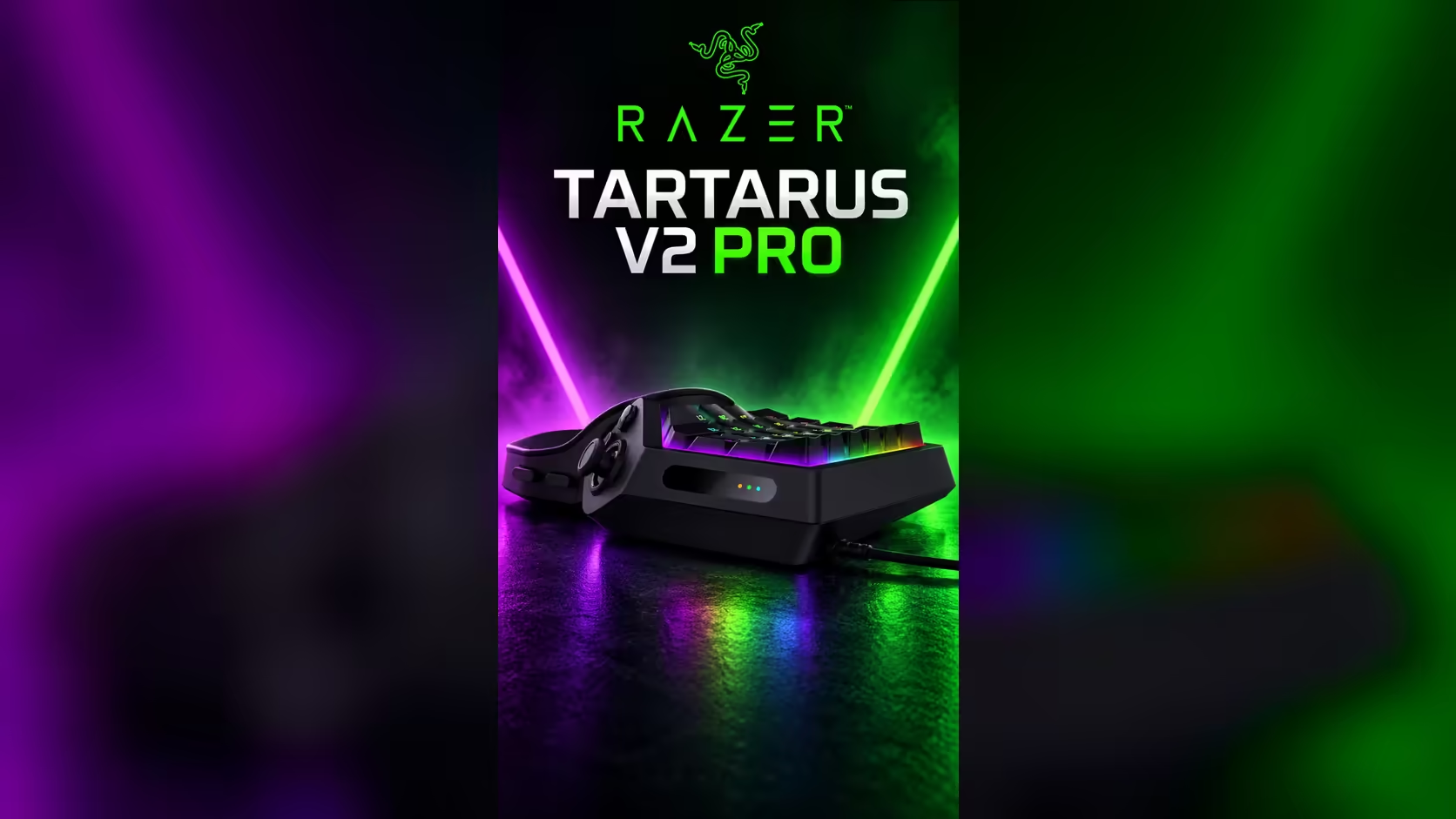
An 8000Hz polling rate sounds like a headline feature, and on the Tartarus V2 Pro it is available when you want it. Whether it helps depends on the kind of input you make and the screen you play on. This article works through the timing so you can decide if the setting is worth changing, instead of taking the number on trust.
Quick Answer
It helps most in very fast, repeated inputs where timing gaps matter, and the gain is small for slower play. The Tartarus V2 Pro supports up to 8000Hz polling, so the setting is there when you need it. At R4,799 the rate comes with the keypad, and for slower games the rest of the keypad's features will matter more to your results.
⏱️ Count the gap, then decide
At 8000Hz the keypad checks its state 8,000 times a second, a gap of 0.125ms between checks. At 1000Hz the gap is 1.0ms. The difference is 0.875ms, which is the most a press can wait for a check that happens sooner. Put that against your own inputs. If your fastest two presses sit 50ms apart, a 0.875ms gain is under 2 per cent of that interval, which is hard to feel.
The rate matters more when two inputs land within a few milliseconds of each other, because the finer check places each press more precisely in time. Those situations are rare in most games, and they are the only place the setting pays off directly.
🖥️ Your screen sets the slower clock
Your display shows a new frame at a fixed rate. A 144Hz screen gives you a frame every 6.9ms, and a 240Hz screen every 4.2ms. The keypad's reports land several times inside each frame at either rate, so the frame is the step that decides when you see the result. Faster polling does not make the frame arrive sooner.
That makes the screen the first thing to check if a game feels slow. A high polling rate on a 60Hz screen will show almost no change, because the screen is the limit. The setting pays off most when the screen is fast enough to show the difference, and a high-refresh display is the honest test for it.
🎯 Where it pays off and where it does not
The setting helps fast, repeated inputs, such as a rapid-fire sequence or a tight combo that depends on exact timing. It helps less in a slow turn-based game, a long ability rotation or a game where each action waits on a cooldown. In those games the input is already faster than the rest of the chain.
It also matters less than the connection. A ping of 40ms to a server is over 300 times the 0.125ms gap that 8000Hz saves, so the network delay dominates the timing long before the keypad does. Check your ping in the game's network readout before you judge the polling rate.
If you compare keypads on polling, put that gap in context with the other features. The gaming keyboards range lists the choices together, and the peripheral best sellers page shows what other buyers are picking alongside keypads and mice.
Frequently Asked Questions
Is 8000Hz useful for a slow game?
Not much. Slow games wait on cooldowns and frames rather than on the keypad's check interval, so the gain is hard to notice.
Will 8000Hz help on a 60Hz screen?
Very little. The screen shows a new frame about every 16.7ms, so the keypad's finer checks are hidden behind it.
Should I leave polling on 8000Hz all the time?
If you have no reason to change it, yes. The setting is there for the fast inputs you make, and leaving it at the top rate costs you nothing in play.
What is the first thing to check if my inputs feel late?
Check the frame rate on your screen and your ping to the server. The keypad's polling gap is usually the smallest delay in the chain.
Choosing a keypad for fast inputs?
Look at the whole chain, from the screen to the server, and then compare keypads in the gaming keyboard range.