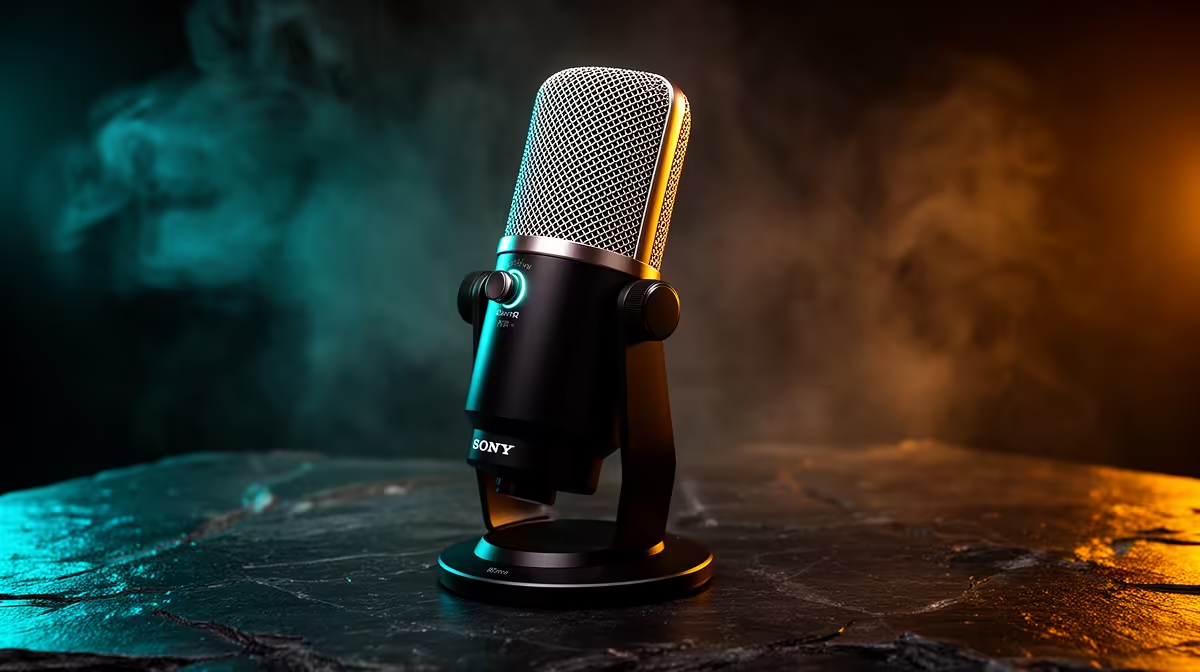
Buy the microphone before the camera when your first stream has neither. Viewers can follow an ordinary picture while they listen to clear speech. Distant, clipped or echoing audio makes every explanation tiring. The useful purchase is not the fanciest mic; it is one you can place close, set correctly and keep out of the keyboard's path.
Quick Answer
Start with a cardioid USB microphone and a stand or arm that places it near your mouth. Test your room before choosing dynamic or condenser. Keep the webcam you own, or use a basic model under decent light. Upgrade the camera after speech stays clear through a normal game, laugh and keyboard session.
Why audio carries the stream
Your voice explains the game, holds a conversation and fills moments when the picture changes little. Many viewers listen while glancing at another screen. If consonants vanish under noise suppression or volume jumps between sentences, the content becomes work.
A soft 720p face window can still show expression. A sharp 4K picture cannot restore a word the microphone missed. This is a practical priority rather than a claim that image quality has no value.
Browse the streaming essentials range by microphone connection, pattern and included mounting. Open the named product because low category prices can belong to cables and filters.
Placement beats a price jump
Put the capsule close enough that normal speech reaches it without high gain. Aim the mic according to its pickup design and place its quieter side toward the PC or keyboard where possible. Speak slightly across it to reduce breath bursts.
Make a local recording with the game running. Set gain for headroom when you raise your voice. Use light noise control only after distance, fan speed and room reflections have been addressed.
Keep the camera in perspective
Good light improves almost any webcam. Face a window with controlled daylight or use one diffused lamp above eye level. Avoid a bright window behind you. Lock exposure and white balance when the camera software permits it.
The webcam catalogue helps when the current camera cannot hold focus, exposure or the field of view you need. Compare those behaviours before resolution.
Check the full signal
Run the microphone, camera, game and streaming encoder together. Listen for USB clicks and watch audio sync after twenty minutes. A microphone that sounds fine on an empty desktop can expose dropouts once the PC and USB controller are busy. Keep the first test connection direct, then add a hub only where its power and bandwidth are suitable.
Frequently Asked Questions
Is a USB microphone enough for streaming?
Yes. A suitable USB mic used close can deliver clear speech without a separate interface.
Should I buy a boom arm with the microphone?
Buy one when the included stand leaves the mic too far away or carries desk vibration. Check payload and clamp fit.
When should the camera become the next upgrade?
Move after audio is stable and the existing camera still fails under controlled light or framing.
Put the first streaming purchase into a microphone you can position well, then prove the audio in a full-load recording before upgrading video.