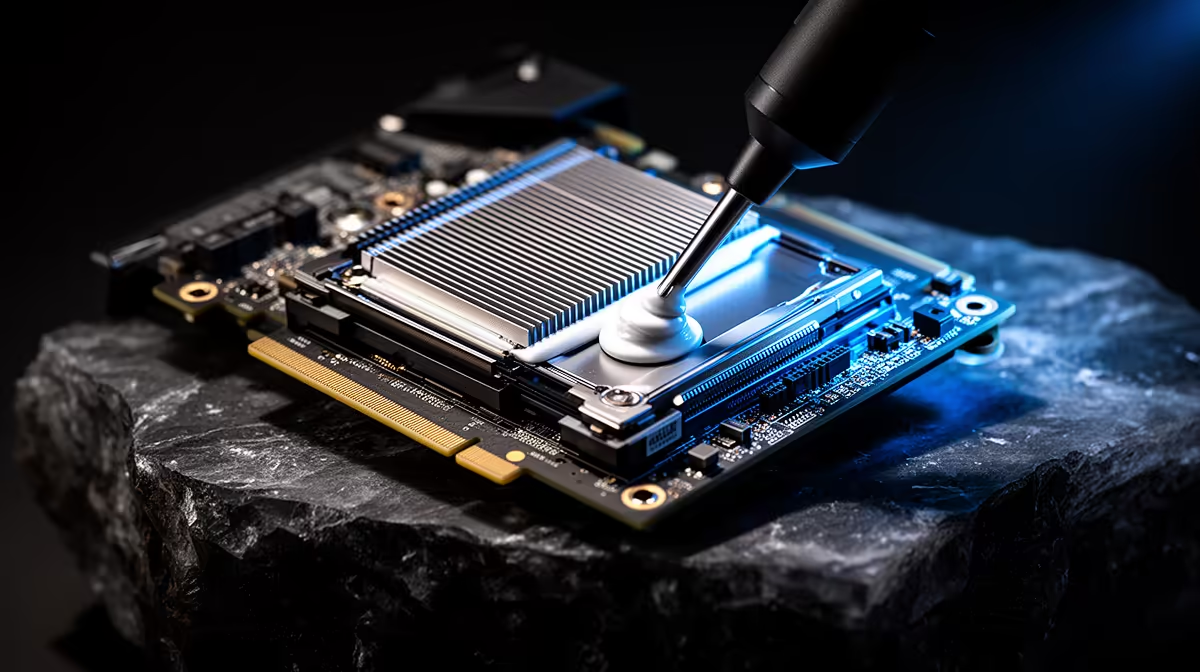
Repaste a GPU when repeatable evidence points to a poor thermal interface and the proper service route allows it. Leave a healthy factory mount alone. Age by itself is not a reason to open the cooler, and wrong thermal-pad thickness can make temperatures worse.
Quick Answer
Log the same game at stock over time. Clean filters, verify fans and improve case airflow first. Consider service when core and hotspot trends worsen, the card throttles or fan noise rises despite the same power and room temperature.
Compare cooler designs in the NVIDIA graphics-card selection and GPU best-seller range. Those products do not set a maintenance interval for your card.
Build Evidence
Record core, hotspot, memory junction where available, board power, fan RPM, clock and room temperature. Use the same twenty-minute load.
If both temperatures rise together, dust, room heat or airflow can be central. A growing hotspot gap can strengthen the contact question, but exact card behaviour and limits matter.
Check Warranty and Materials
Opening the card can affect support. Ask the seller or manufacturer before removing seals or screws. A qualified service may be the better path.
Thermal pads come in model-specific thickness and softness. Reusing torn pads or fitting thicker ones can lift the heatsink away from the die. Obtain exact documentation and materials.
Do Not Disturb a Working Mount
Factory paste can last for years. A card running within its designed range with stable clocks and tolerable noise has no thermal problem to solve.
An undervolt can reduce heat and is reversible, but it should not hide a card that fails at stock. Restore defaults during diagnosis.
Know What Service Involves
A proper repaste requires removing the cooler evenly, protecting the PCB, cleaning the die and cold plate with suitable materials and applying the correct interface. The cooler then needs its specified tightening pattern and pressure.
Pads that tear during removal must be replaced with exact equivalents. Put a pad in the wrong location or thickness and the cooler may stop contacting the GPU die. Photograph every original pad before disturbance.
Liquid metal demands specialist handling and is inappropriate as a casual replacement on hardware not designed for it. Ordinary compatible paste is the safer model-correct route.
Validate After Service
Before and after logs need the same room, power limit, fan curve and workload. Check core, hotspot, memory, fan RPM and sustained clock.
Power down at once if hotspot jumps, the card throttles or a fan cable was trapped. A worse result means the mount needs correction, not a longer stress test.
Retest several games and any compute work. Keep evidence and service documentation for future support or resale.
Alternatives Can Solve the Real Problem
Clean the case, replace a failed case fan or use a conservative undervolt when the cooler contact remains healthy. These changes are reversible and can remove noise.
If the GPU is old and service cost approaches replacement value, compare a named July 2026 card. Repair is worthwhile when it restores a useful product, rather than because repasting feels like routine maintenance.
FAQ
How often should a GPU be repasted?
There is no fixed schedule. Use measured degradation and model-specific service guidance.
Will new paste always lower hotspot?
No. Mount pressure, pad thickness, cooler flatness and application can improve or worsen the result.
Should I tighten the cooler screws first?
No blind adjustment. Use the exact torque pattern and qualified guidance if service is warranted.
Trend stock temperatures in one repeatable load, exhaust airflow and fan checks and repaste only through a model-correct service plan.