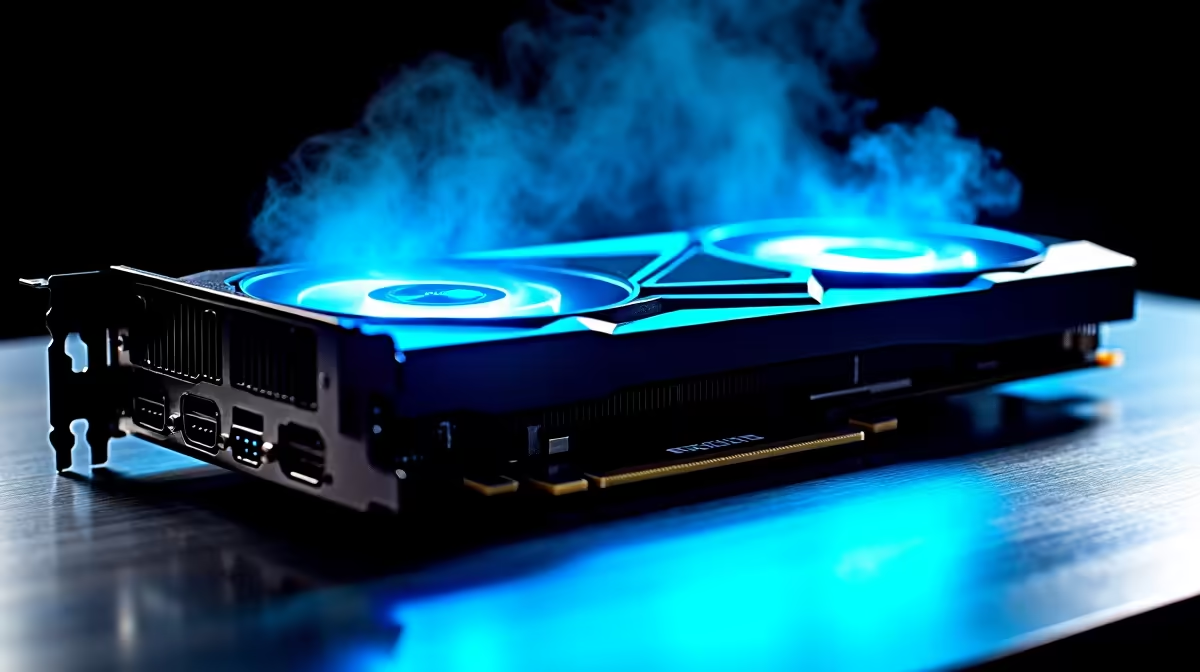
You finally dropped your hard-earned ZAR on a beastly AMD graphics card. You boot up the latest AAA title, expecting buttery-smooth frames... but instead, you are met with stuttering. Dealing with RX 7800 XT low FPS is incredibly frustrating. Before you panic and assume your hardware is broken, let us walk through some proven fixes. These steps will get your rig back to peak performance in 2026.
Banish RX 7800 XT Low FPS with Clean Drivers 🚀
The most common culprit for poor performance is messy software. If you recently upgraded from an older GPU, leftover registry files cause severe conflicts. This often leads to the dreaded RX 7800 XT low FPS issue. Always ensure you are running the latest AMD Adrenalin drivers directly from the official site.
Windows updates can also overwrite your official AMD drivers with generic versions. If your Adrenalin software refuses to open, this is likely what happened. Pausing automatic driver updates in Windows saves you hours of frustration. If you are building a fresh rig, you might want to explore our best gaming PC deals. This helps you avoid compatibility headaches right from the start.
Software Pro Tip 🔧
Always use Display Driver Uninstaller (DDU) in Safe Mode before installing new graphics drivers. This completely wipes old files from your system, ensuring a clean slate and preventing mysterious frame drops.
Check Your Power and Thermals ⚡
This graphics card is a powerhouse... but it needs adequate juice. If your power supply is struggling, your GPU will throttle itself to prevent a crash. We recommend at least a high-quality 750W power supply. If you are shopping for reliable power or upgrading other graphics cards, always check the recommended wattage.
Thermals also play a massive role. South African summers are unforgiving. If your chassis lacks airflow, your card will overheat and drop clock speeds. Monitor your temperatures while gaming. If they creep past 85 degrees Celsius, it is time to optimise your fan curves. Adding better case cooling is also a smart move.
Avoid Hardware Bottlenecks
Sometimes the graphics card is not the problem at all. If you paired this high-end GPU with an ageing processor, you will experience severe bottlenecking. Your CPU simply cannot feed data to the graphics card fast enough.
If your processor is holding you back, consider a full system overhaul. You can grab incredible value by checking out our pre-built PC deals. Upgrading your core components ensures every frame is delivered smoothly. Perhaps you prefer taking your gaming on the go instead of tweaking desktop parts? We have a massive selection of high-performance notebooks for sale in South Africa. These premium laptops require zero troubleshooting out of the box.
Tweak Your In-Game Settings ✨
Ray tracing is beautiful... but it is incredibly demanding. If you are experiencing RX 7800 XT low FPS in specific titles, dial back the ray tracing. Enable AMD FidelityFX Super Resolution (FSR) to instantly boost your frame rates. This gives you extra performance without sacrificing visual fidelity.
Make sure AMD Smart Access Memory (SAM) is enabled in your BIOS. This feature allows your CPU to access the full VRAM of your graphics card at once. It eliminates data transfer bottlenecks and provides a free performance uplift. Staying updated on the latest hardware trends does not have to drain your wallet. Keep an eye on our weekly specials to score premium gear at unbeatable ZAR prices.
Ready to Find Your Perfect Match?
Troubleshooting hardware can be exhausting. If you want maximum power, choice, and value in South Africa without the hassle, Evetech is your ultimate destination. Explore our massive range of gaming PCs and find the perfect machine to conquer your world.