


Quick Answer
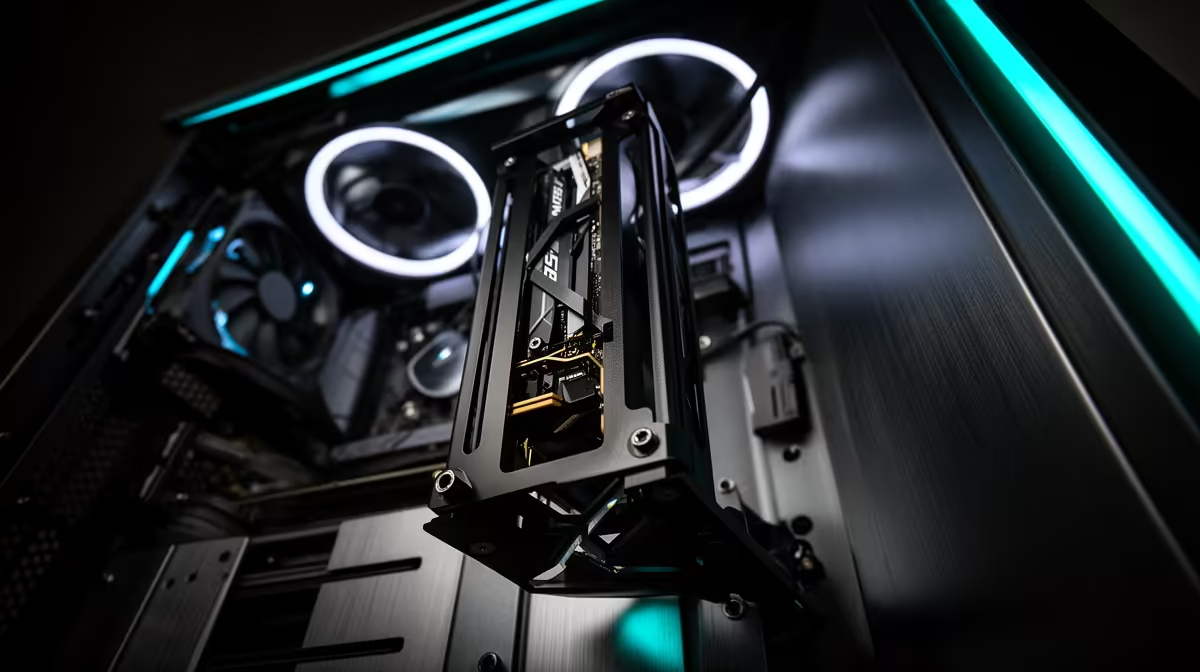
Buy a vertical GPU mount only if your case has enough side-panel clearance and the riser cable is PCIe 4.0 or PCIe 5.0 quality. On a R20,000, performance and temperatures matter more than showing the graphics card face-on.
Clearance Is The Main Risk
A vertical mount can push the GPU fans close to the glass side panel, which raises temperatures and noise. Triple-slot RTX 4080, RTX 5080, and RTX 4090-class cards need generous breathing room. If the gap to glass is tiny, keep the normal horizontal mount.
Riser Cable Quality
Use part of the R20,000 for a proper riser cable, not the cheapest unknown cable. A poor riser can cause black screens, PCIe link drops, or boot issues that look like GPU failure. Check whether the motherboard slot and riser support PCIe 4.0 or PCIe 5.0 before final assembly.
When It Makes Sense
Vertical mounting makes sense for showcase builds, water-cooled GPUs, or cases designed around vertical airflow. It is less sensible in compact cases or front-glass cases with weak airflow. For SA buyers, the mount must also survive transport without putting extra strain on the PCIe slot.
Final Fit Check
Before the final cart, confirm the boring details that decide daily use: clearance in millimetres, cable standard, warranty path, delivery handling, and whether the part still suits the monitor, desk, and room you already use.
FAQ
Will a vertical GPU mount reduce fps?
Not directly, if the riser is good and temperatures stay controlled. If the GPU runs hotter and throttles, fps can drop.
Can any case use a vertical mount?
No. The case needs compatible slots, enough width, and space between GPU fans and the side panel.
Is PCIe 3.0 riser enough?
It can work for some cards, but PCIe 4.0 or newer is the safer match for modern GPUs. Match the riser to the card and motherboard.
Buyer Check
Before buying, measure the side-panel gap from the mounted GPU fan face; if it is cramped, skip the vertical mount.









