Quick Answer
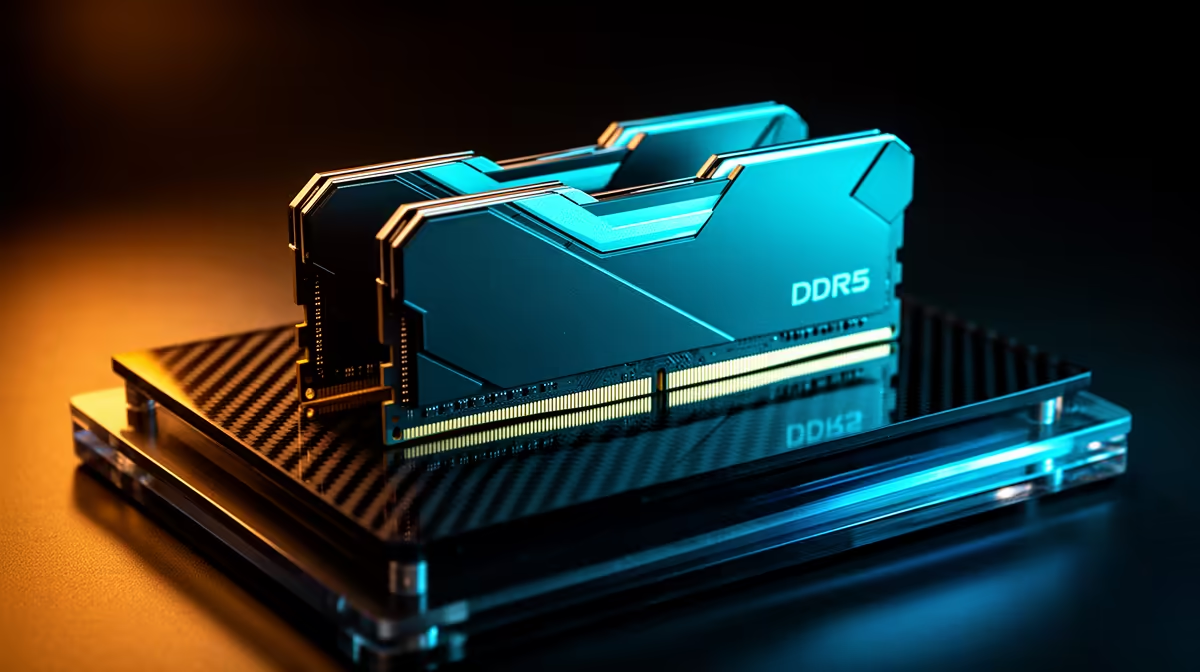
Upgrade to DDR5 only when the platform move is happening anyway or your workload needs more capacity and bandwidth. A 32GB DDR5-6000 kit is the sensible target for Ryzen 7000 and Ryzen 9000, while a good 32GB DDR4-3600 kit can still keep many gaming PCs useful.
DDR5 helps most with a platform move
DDR5 is not a drop-in upgrade for DDR4 boards. You need a compatible motherboard, which means the real cost includes CPU, board, and memory. For AM5, DDR5-6000 CL30 is the practical sweet spot; DDR5-6400 can work, but it is not the first choice if stability matters more than chasing small benchmark gains. Expect broad SA pricing around R1,500 to R3,000 for many 32GB kits.
Where DDR4 still makes sense
A Ryzen 5 5600 or Core i5 DDR4 gaming PC can still run esports and many AAA games well if the GPU is strong enough. If you already have 32GB DDR4 and a decent SSD, a GPU upgrade may add more visible fps than rebuilding the memory platform. If you only have 8GB or 16GB, moving to 32GB can reduce stutter in browsers, editing apps, and newer games.
Use performance targets, not hype
For gaming, compare 1% lows and stutter, not only average fps. For productivity, compare export time, project load time, and how often memory usage hits the limit. A DDR5 move is easier to justify when it joins a Ryzen 7 9800X3D, Ryzen 9, or current Intel build; it is weaker when the existing DDR4 machine already meets your workload.
FAQ
Is DDR5-6000 better than DDR5-6400 for Ryzen?
DDR5-6000 is the safer Ryzen target because it balances speed, latency, and stability. DDR5-6400 can be useful for tuning, but it is not the default recommendation for a reliable daily PC.
Should I replace 32GB DDR4 with 32GB DDR5?
Not by itself. Replace it when you are also changing CPU and motherboard, or when your workload proves the whole platform needs more bandwidth.
What memory size should SA gamers buy?
Buy 32GB for a new gaming or productivity build. It gives enough room for modern games, Discord, browsers, recording software, and editing tools without jumping straight to expensive 64GB kits.
Buyer Tip
Check your motherboard memory type before ordering. DDR4 and DDR5 slots are different, so the cheapest mistake is avoided by reading the board model first.