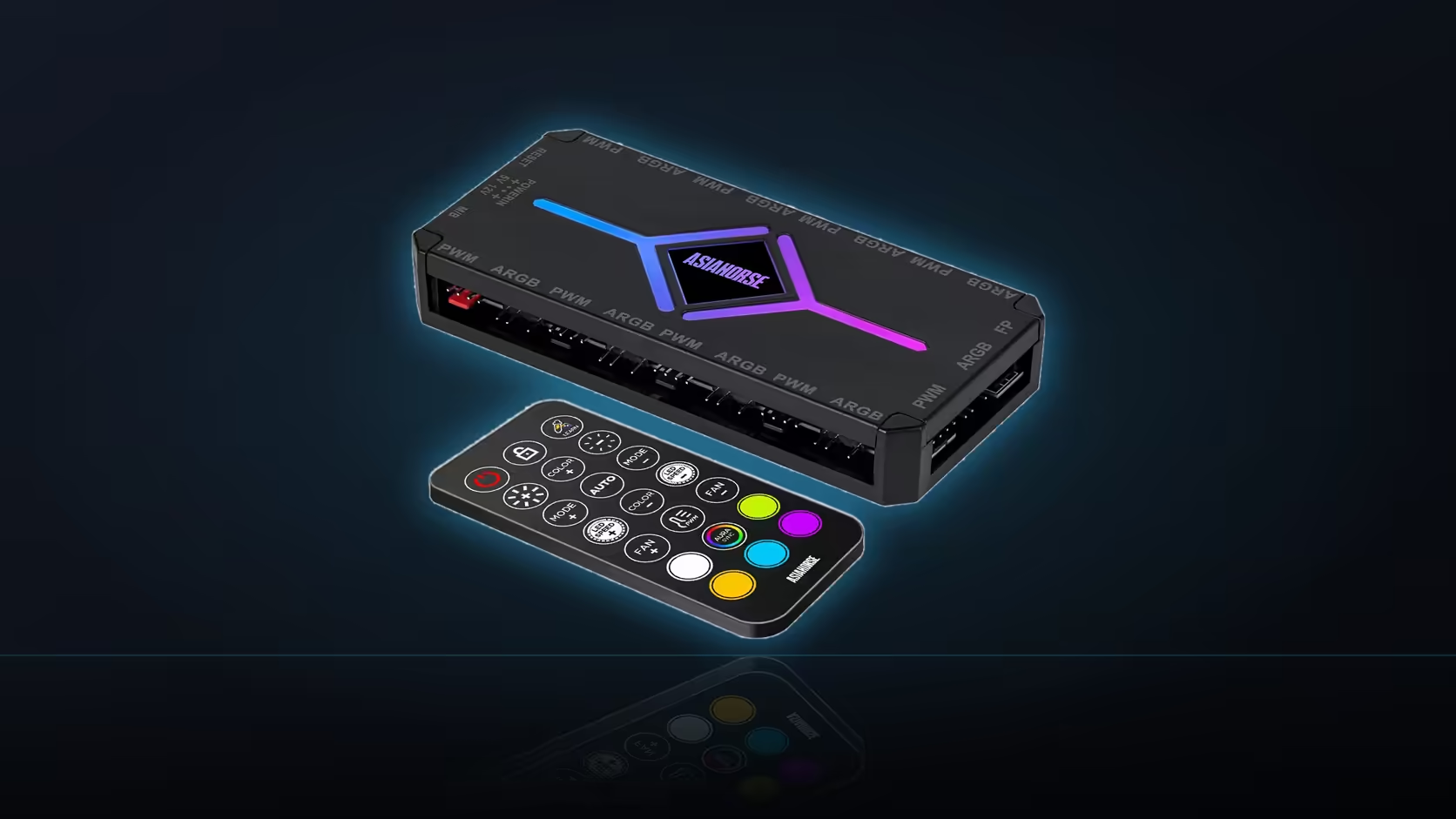
Twenty presets and ten effect levels sound like they might be the same thing described two ways, and mixing them up on the ASH-S1's remote is an easy way to spend longer than necessary hunting for a lighting scene that was actually one button press away.
Quick Answer
The ASH-S1's remote lists twenty presets and ten effect levels as separate controls: a preset selects which lighting scene runs, while the effect level adjusts how that scene behaves once selected. They are not the same setting, and confusing the two is the most common reason the remote feels harder to use than it actually is. The hub sells for R349 with the remote included.
🎛️ What a preset actually selects
Twenty presets are effectively twenty starting points - a preset picks which lighting pattern is running across the addressable bank, whether that is a static colour, a wave, a pulse or one of the other stored scenes. Cycling through presets is the fastest way to find a starting look for a build, and it is the first control worth reaching for before adjusting anything else.
🔧 What effect level changes afterwards
Once a preset is chosen, the ten effect levels adjust how that specific pattern behaves - how pronounced or subtle the effect reads, depending on which preset is active. This is a refinement on top of the preset rather than a different scene entirely, which is why cycling through effect levels without first settling on a preset can feel like nothing is changing much. Two other controls, ten speed levels and ten brightness levels, sit alongside effect level as further refinements once a preset is locked in.
🧠 Where Color-Learning and the sync modes fit in
Color-Learning is named in the description as a feature separate from the preset list, worth exploring on the actual hub rather than assumed from its name. A motherboard-sync mode sits apart from all of this too - switching to it hands lighting control to the board's own RGB software, at which point the remote's presets and effect levels step aside until you switch back to remote control. Whichever preset ends up as the favourite deserves lit fans worth showing off, and Evetech's case fan range is the place to start; where remote-driven control specifically is the deciding factor, the NZXT fan controller is worth lining up against it.
Frequently Asked Questions
What does a preset select?
One of twenty lighting scenes, which is the starting point before any adjustment is applied to it.
And what does an effect level do?
It adjusts how the chosen effect behaves, which is an adjustment rather than a different scene.
What other controls does the remote offer?
Ten speed levels and ten brightness levels, both separate from the preset and effect controls.
Is there a learning mode on the remote?
Color-Learning is named in the description as a separate feature alongside the presets and the adjustment levels.
Do the remote's settings apply across all nine ports?
The hub drives its addressable bank as a group, so settings affect the lighting connected across it.
Can the motherboard take over from the remote?
A motherboard-sync mode is listed, in which case board software takes over from the remote's presets.
Working out which lighting scene suits your build?
Browse Evetech's case fan range to see what the presets and effect levels would actually be lighting up.