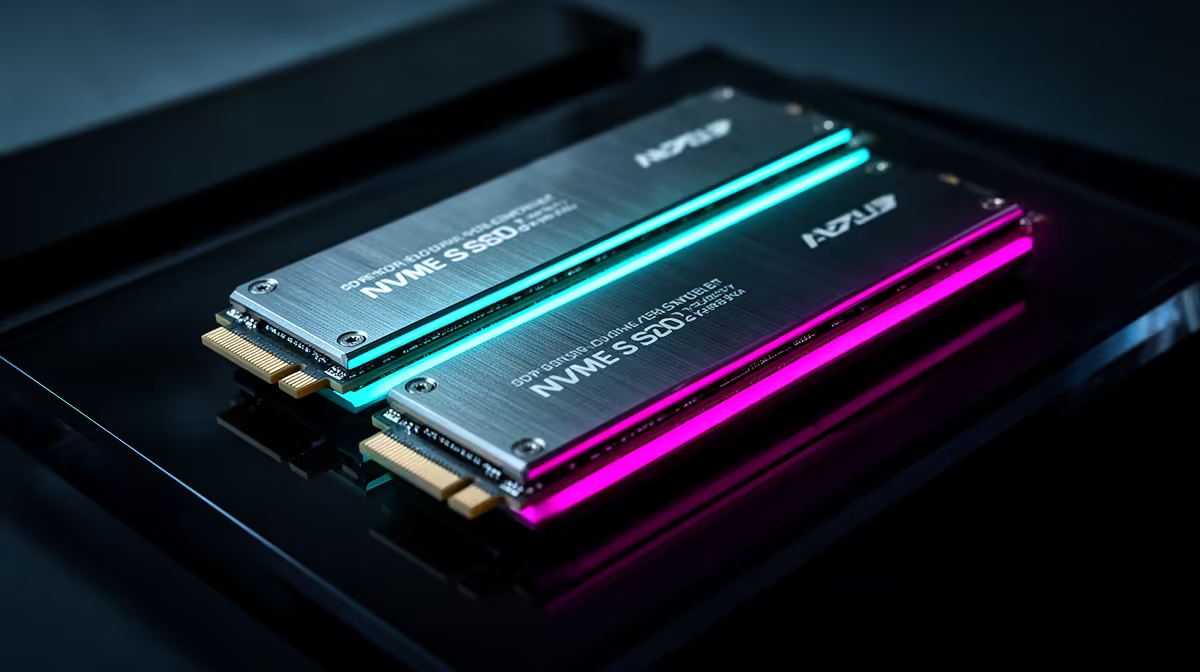
In a two-drive PC, put Windows on the SSD with the best latency, reliability and direct platform link. Place games according to load behaviour and free space. A large secondary SSD can hold most of the library without making every title slower in a way you will notice.
Quick Answer
Use the faster internal NVMe for Windows, applications, active projects and storage-heavy games. Put the broader game library, downloads and replaceable media on the larger secondary drive. Keep personal files backed up outside both, since two internal SSDs still share the same PC risks.
Compare sizes and interfaces in Evetech's solid-state drive selection, then use the SSD best-seller list to see current popular choices. Check motherboard lane sharing before adding the second drive.
Give Windows Working Room
The system drive needs space for updates, page file, hibernation, caches and application installs. Do not size it so the day-one Windows image leaves only a thin margin. A nearly full SSD can lose dynamic cache and complicate large updates.
Install launchers wherever their support process expects them, then set separate library folders for games. Save active video or code projects on the drive whose sustained behaviour suits them, not by a blanket fastest-drive rule.
Sort Games by Evidence
Move open-world and direct-storage titles to the faster drive when measured loading or traversal improves. Older games, esports titles and archives often run well from the secondary SSD. Steam and other launchers can move supported installations without a full download.
Keep temporary download and unpack space in mind. A game patch can need room on the installation drive to rewrite package files.
Files Still Need Backups
Splitting files across two internal drives helps organisation and capacity. It is not backup. Malware, theft, liquid, PSU damage and user error can affect both.
Back up saves, documents and projects to separate storage or an approved cloud route. Installed game data is usually replaceable; custom mods and local saves may not be.
Plan the Drive Letters
Give the secondary volume a stable letter and clear label before creating launcher libraries. Changing it later can break absolute paths used by mod managers, media applications and shortcuts. Windows can move ordinary user folders through their Location tab, but follow the supported process rather than dragging a live profile tree.
Keep screenshots, recordings and temporary exports away from the system SSD only when the second drive's sustained write speed handles them. A slower secondary disk can become the bottleneck during capture while the faster boot drive sits idle.
Check the Motherboard Layout
The second M.2 slot can share lanes with SATA ports or lower PCIe slots. Read the board manual, confirm every existing drive after installation and check the negotiated NVMe link under load. A well-organised folder plan cannot compensate for a slot running at half width or disabling another disk.
FAQ
Must every game be on the boot NVMe?
No. Put storage-sensitive games there and use the secondary SSD for titles whose measured experience remains good.
Should downloads go on the slower drive?
They can, provided patching and unpacking performance suits you and the drive has enough temporary space.
Are two internal SSDs a backup?
No. Keep verified copies outside the PC for data you cannot replace.
Give Windows and storage-heavy work room on the direct NVMe, organise the rest by measured need and back up irreplaceable files outside both drives.