


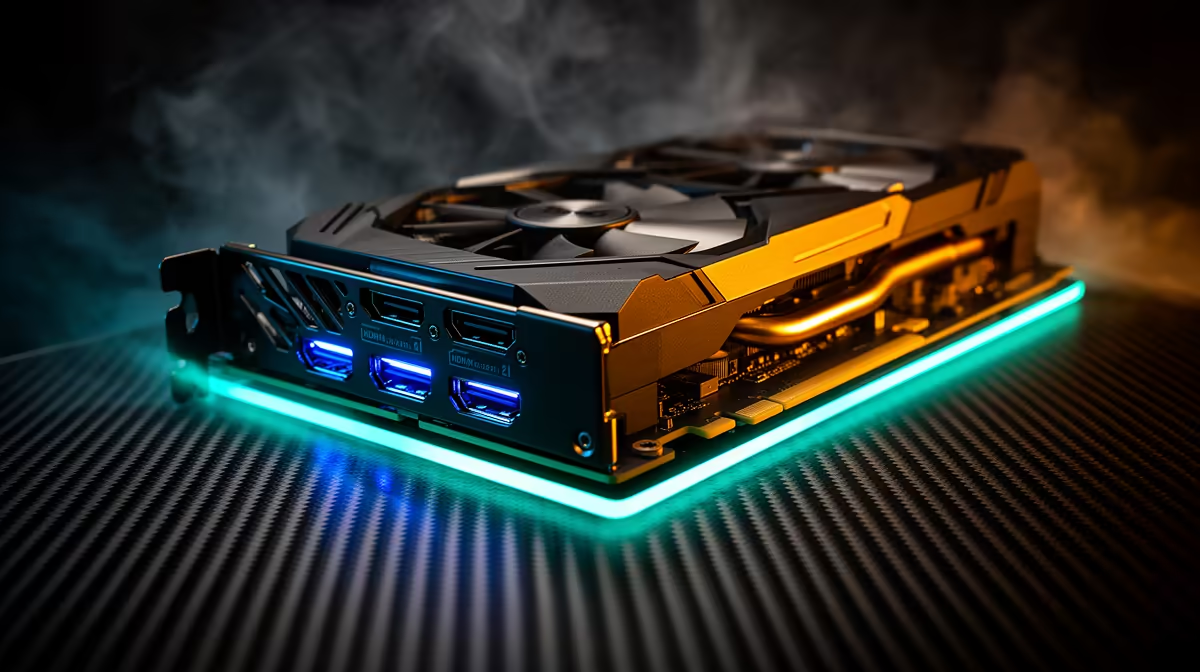
Gaming and recording simultaneously sounds like it should create lag. A signal going into a card, getting encoded, and then being sent to your monitor sounds like a chain with delays built in at every link. Ultra-HD pass-through breaks that assumption entirely by routing the display feed along a separate path that completely bypasses the encoding process. The result is a gaming experience that feels no different from plugging straight into the TV, while a clean 4K file builds in the background.
Quick Answer
Ultra-HD pass-through sends the raw 4K signal directly to your monitor before encoding starts, adding under 1ms of display lag. The card forks the incoming signal internally: one branch goes straight to your screen, the other gets encoded and recorded. You see the live game at full speed while the PC captures it.
🔆 How the Signal Split Actually Works
When a console HDMI signal arrives at the capture card's IN port, the card's internal circuitry immediately duplicates it. One copy exits through the HDMI OUT port heading to your display. This copy is untouched: it carries the same resolution, refresh rate and colour depth that left the console, and it arrives at your monitor in effectively the same time it would if no card were in the chain at all.
The second copy enters the card's encoding pipeline. Here it gets compressed, timestamped and queued for the PC to receive as a capture stream. This process takes time, typically 60 to 300ms depending on encoder settings, but that delay only affects the recorded file. Your display never waits for encoding to finish.
This internal fork is what separates a capture card with pass-through from a passive HDMI splitter used as a budget alternative. A splitter sends two identical copies of the signal but cannot encode either of them. The card does both: passes through one copy and encodes the other simultaneously.
⚡ Latency Numbers and Why They Matter for Competitive Play
Under 1ms of added display lag is the common specification for pass-through on 4K60 capture cards, and this is a meaningful figure for anyone playing at a competitive level. For reference, a 60Hz monitor refreshes every 16.7ms, and top-tier 240Hz gaming monitors refresh every 4.2ms. A sub-1ms pass-through contribution is invisible against either of these figures.
The alternative, gaming off the preview window inside OBS or your capture software, introduces somewhere between 60 and 300ms of delay depending on buffer size settings. At 100ms of input lag, fast-twitch reactions in competitive play become noticeably compromised. At 200ms, most players describe the feeling as the screen responding late. Pass-through exists precisely to eliminate this option from the equation.
For single-screen setups where the same monitor handles gameplay and capture preview, pass-through is not optional. It is the mechanism that makes the setup functional for anything requiring fast reactions.
🎯 Resolution and Refresh Rate Limits
Ultra-HD pass-through capability is bound by the HDMI standard the card supports. An HDMI 2.0 card passes 4K at 60Hz or 1080p at 120Hz. These are the two common modes on current PS5 and Xbox Series X titles, which makes HDMI 2.0 pass-through sufficient for the majority of next-gen game capture.
HDMI 2.1 cards extend pass-through to 4K at 120Hz. At the time of writing, the premium for HDMI 2.1 capture hardware in South Africa is significant, typically pushing the total card price above R8,000. For games that run at 4K120 modes on PS5, such as certain first-party titles in their quality-plus-performance configurations, HDMI 2.1 pass-through is worth the price. For the bulk of titles that run at 4K60 or 1080p120, an HDMI 2.0 card with pass-through covers every mode the console actually outputs.
Check the cable as well. The HDMI cable carrying the pass-through signal to your monitor needs to be rated for the bandwidth the resolution and refresh rate require. A High Speed HDMI cable rated at 18 Gbps handles 4K60 pass-through cleanly.
Frequently Asked Questions
Is ultra-HD pass-through available on all capture cards?
No. Pass-through is a hardware feature that requires the card to have both an HDMI IN and HDMI OUT port plus the internal circuitry to fork the signal. Budget or USB-only entry cards often omit pass-through to reduce cost and complexity. Check the card's specifications for "HDMI pass-through" listed separately from the capture resolution before purchasing.
Why does gaming through the capture software feel delayed?
Capture software previews the encoded stream, which has already passed through a buffer designed to ensure smooth playback rather than minimum latency. That buffer is why the preview looks clean but feels late. Pass-through avoids this entirely by feeding the display before the encoding buffer even receives the signal, which is why the two paths feel so different to play on.
Can I use ultra-HD pass-through on a single-monitor setup?
Yes, and this is the most common configuration. Your single monitor connects to the card's HDMI OUT port and receives the pass-through signal. The PC captures through USB simultaneously. You play on the same screen you always have, and OBS or your recording software captures in the background. No second monitor is required.
Does pass-through affect the quality of the recorded file?
No. The two paths are independent. Whatever encoding settings you choose in your capture software determine the recording quality. The pass-through feed to your monitor is completely separate and unaffected by changes to recording bitrate, resolution scaling, or encoder load.
Ready to play and record without the lag? Browse the 4K capture card range at Evetech and find a card with HDMI pass-through that keeps your gameplay sharp while the recording runs in the background.











