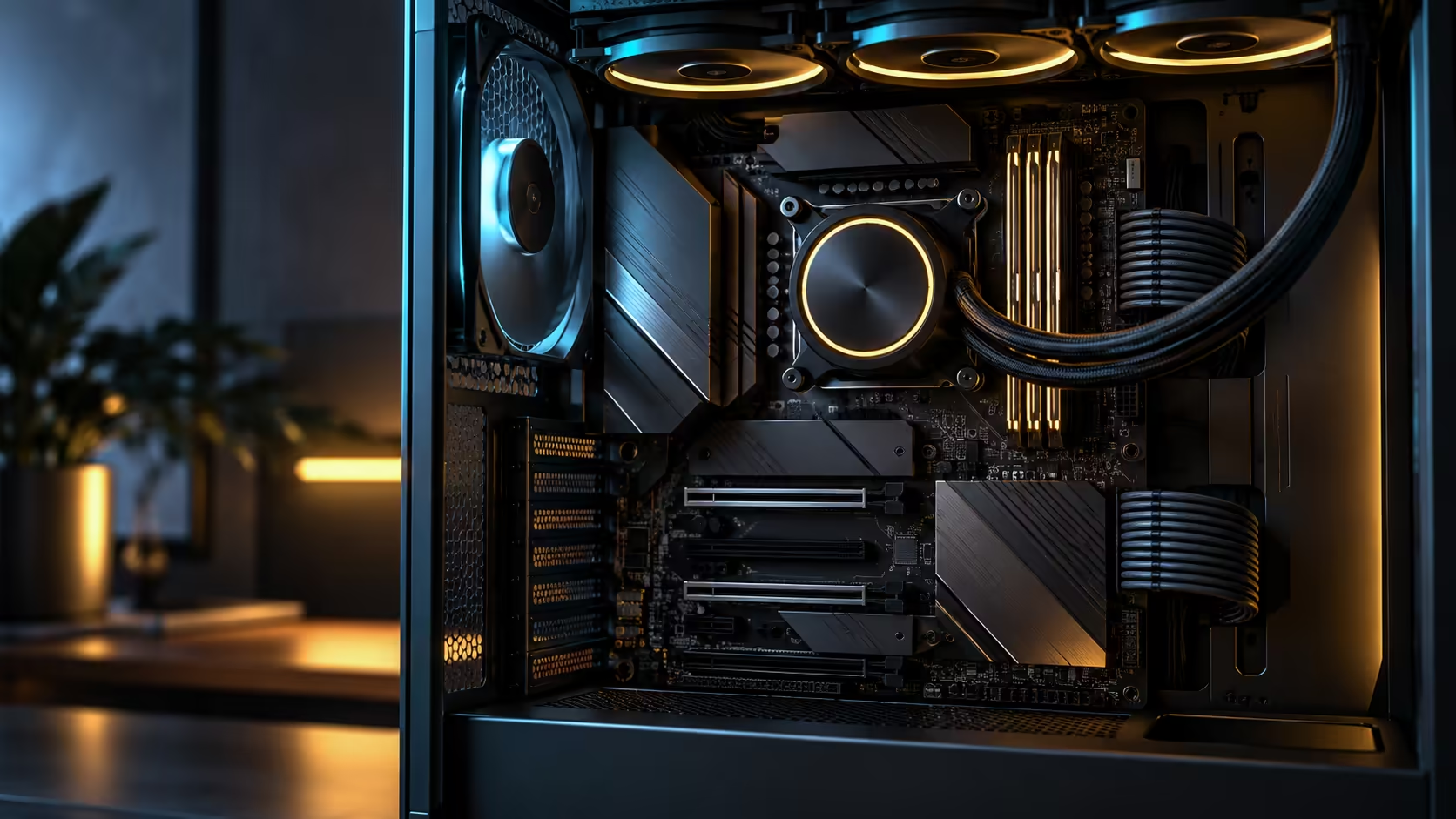
Spec sheets for E-ATX AM5 motherboards run long, but only four lines on them actually decide whether the board fits your build and does what you need. Everything else is detail worth reading once you have confirmed these four. The ROG Crosshair X870E Edition 20 answers all of them plainly at R54,999.
Quick Answer
Check case support for E-ATX width, the VRM power stage count, the number of onboard M.2 slots, and the rear port list, in that order, before comparing anything else. The R54,999 ROG Crosshair X870E Edition 20 answers with 24+2+2 power stages, five onboard M.2 sockets, dual 10Gb Ethernet and two USB4 ports, which covers a high-core build, fast storage and modern peripherals in one board.
📐 Case width comes first, because it is the hardest to fix later
E-ATX measures roughly 305mm across compared with 244mm for standard ATX, and not every case labelled full tower actually supports that extra width on its motherboard tray. Confirm this before anything else in the AMD motherboard range, since a board that will not physically mount makes every other spec irrelevant.
⚡ Power stages tell you what CPU the board actually supports well
A stated stage count such as 24+2+2 describes how the current delivered to the CPU is split across multiple smaller stages, each commonly rated around 90A, rather than fewer, larger stages carrying the same total load. A higher count generally means the board can sustain a high-core-count chip at full boost for longer without the VRM itself becoming the limiting factor.
🧩 Onboard M.2 count sets your storage ceiling without extra spending
5 onboard M.2 sockets, as on this board, cover most builds without needing an add-in card at all. Count this before assuming an expansion card is the only way to reach the storage layout you want, since some board tiers offer as few as 2 onboard slots and push buyers toward add-in cards sooner than necessary.
🔌 The rear port list decides what plugs in without an adapter
Dual 10Gb Ethernet and two USB4 ports on this board cover a fast wired network connection and high-speed peripheral docking without a single dongle. Read the rear I/O panel list on any X870 motherboard against the peripherals you already own, since a missing port here is an ongoing annoyance rather than a one-time inconvenience. Confirm case front-panel headers match too if you want front USB-C, since that connector is a board feature the case has to expose.
Before locking in a computer case, run this four-point check against the exact board model rather than the product family name, since spec differences between tiers of the same series are often larger than the naming suggests.
Frequently Asked Questions
Which of these four checks should decide the purchase if I can only verify one?
Case compatibility, without question. A board that will not fit the motherboard tray makes every other specification irrelevant.
Do higher power stage counts always mean better cooling?
Generally yes for sustained high-core-count loads, since the current splits across more stages, each running cooler individually than fewer stages carrying the same total.
Is five onboard M.2 slots enough for most builds?
For the majority of builds, yes. It covers a boot drive, active project storage and a game library without needing an add-in card.
Does USB4 replace the need for Thunderbolt peripherals?
USB4 and Thunderbolt share underlying technology and many devices work across both, but always check a specific peripheral's stated compatibility before assuming full interoperability.
Should I check the board model name or the exact SKU?
The exact SKU. Specification differences between tiers within the same board family are often significant, even when the marketing name looks similar.
Ready to shortlist a board using checks that actually matter?
Confirm case fit first, then power stages, M.2 count and rear ports, in that order.