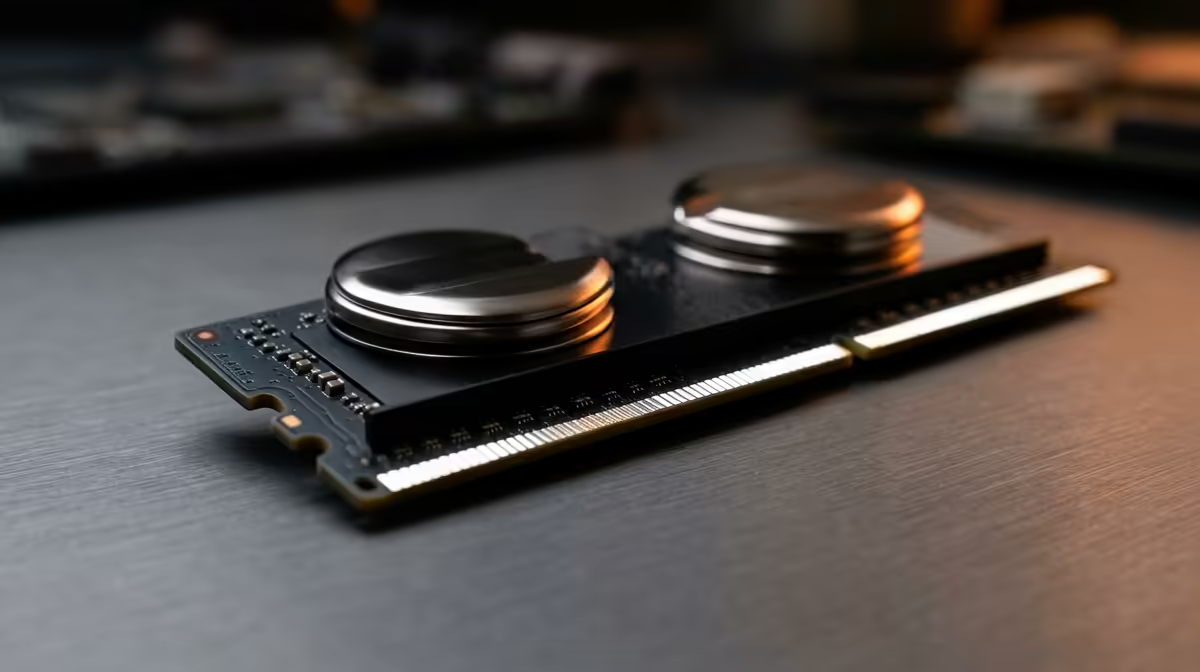
DDR5 memory is one of the easiest places to overspend, because the marketing pushes headline speed and lighting that your platform may never use.
Quick Answer
For quiet PC builds, the overrated specs are the biggest headline numbers — extreme speed ratings, peak DPI or wattage figures you will never use. DDR5-6000 with CL30 timings is the value sweet spot for both AMD AM5 and most Intel platforms; pushing past DDR5-7200 rarely adds real-world speed for everyday work. A solid 32GB DDR5-6000 CL30 kit currently sits around R1,400 to R2,200 at Evetech, while 64GB kits land near R2,800 to R4,500 depending on speed and timings.
What Actually Affects DDR5 Speed
A DDR5 kit only runs at its rated profile when the CPU, motherboard, BIOS and EXPO or XMP setting all agree. On AM5, DDR5-6000 CL30 is the documented sweet spot because it keeps the memory controller in sync; pushing to DDR5-7200 often forces the controller into a slower divider that erases the gain. For everyday study and gaming the difference between DDR5-5600 and DDR5-7200 is usually a few percent at most.
Capacity Beats Latency For Real Work
Having enough memory to keep a browser, document editor, meeting app and course software open at once matters far more than shaving a nanosecond off latency. 32GB is the comfortable target for most users; only virtual machines, large datasets, 4K timelines or heavy multitasking justify 64GB. Two matched sticks in dual channel also beat one large stick of the same total size.
Buying It Right In South Africa
32GB suits browsing, documents, meetings and light creative work; 64GB is the move only for virtual machines, large datasets, 4K timelines or heavy multitasking. For SA students on a tight budget, buying the right part once beats two cheaper purchases plus a courier return trip, so size the spec to the workload from the start.
FAQ
Do I need RGB or tall heatsinks on DDR5?
No. Lighting and tall heatsinks add nothing to stability and can clash with a tower cooler. Measure clearance and pick a low-profile matched kit with a verified EXPO or XMP profile instead.
EXPO or XMP — which should I enable?
Enable EXPO on AMD AM5 boards and XMP on Intel boards; they load the kit's rated speed and timings automatically. Both achieve the same goal of running the memory at its advertised profile. Run a quick stability pass afterward and leave it alone.
Does DDR5-7200 feel faster than DDR5-6000?
For most workloads no — DDR5-6000 CL30 is the value sweet spot, and faster kits often force a slower memory-controller divider that erases the gain. The few percent difference is rarely noticeable outside benchmarks. Spend the saved money on capacity or storage.
Compare DDR5-6000 CL30 matched kits at Evetech and enable EXPO or XMP after install for the rated speed.