


Marketing pushes keyboard features that look great on a spec sheet but mean little for travel-friendly study, where portability, battery and quiet typing decide the experience. Knowing which specs are overrated saves money for the things that actually help.
Quick Answer
For travel-friendly study, the most overrated keyboard specs are 8,000Hz polling, per-key RGB and onboard macro processors. Spend instead on a compact 65% layout, PBT keycaps and a detachable USB-C cable, available around R700 to R1,400 at Evetech, where durability and portability matter far more than polling rate.
Overrated: Polling Rate And RGB
An 8,000Hz polling rate is built for competitive aim duels, not for taking lecture notes, and it drains a wireless board's battery faster for zero benefit while studying. Per-key RGB looks good but adds cost and, on wireless boards, cuts runtime; a single backlight you can dim is more useful in a dark res room. Onboard macro processors rarely help essay or coding work.
What Actually Matters For Study
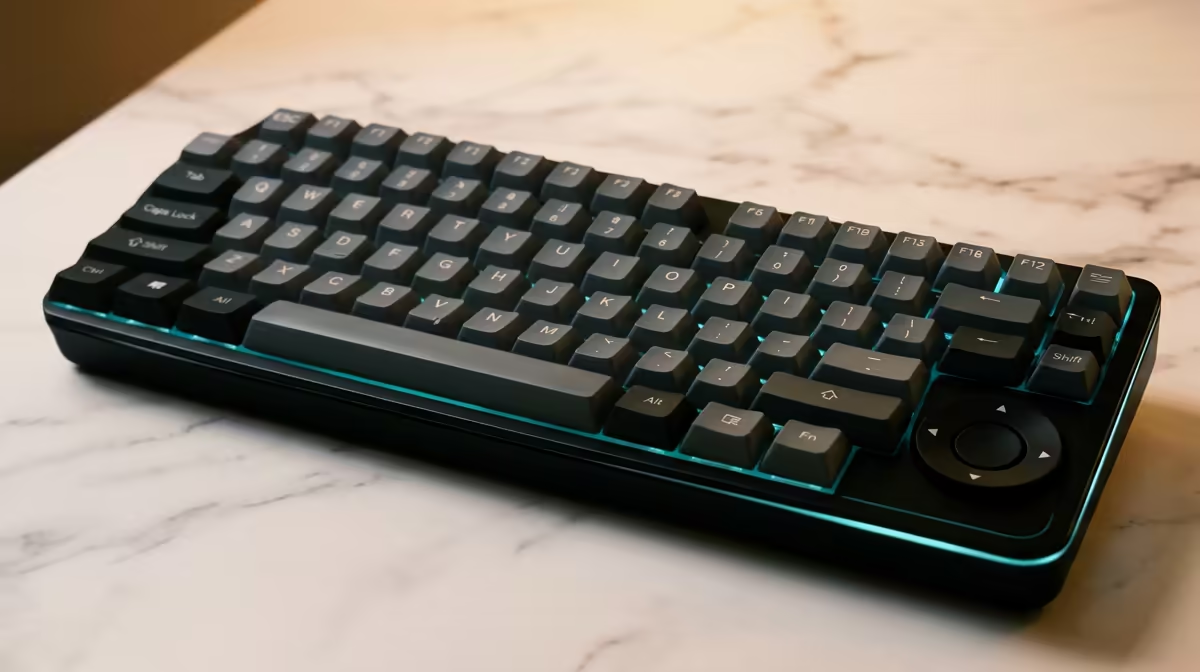
Portability and durability lead. A 65% layout fits a backpack and a small campus desk, PBT keycaps resist shine and keep legends for years, and a detachable USB-C cable survives repeated packing. Quiet linear or tactile switches keep you from annoying a library. Battery life of 40-plus hours on a wireless board beats any RGB feature for travel.
Where A Few Specs Still Help
N-key rollover is worth having for coding shortcuts, and a low actuation force reduces fatigue during long typing sessions. Bluetooth plus 2.4GHz lets you pair a laptop and tablet, which is genuinely useful on the move.
FAQ
Is a high polling rate worth it for study?
No. 1,000Hz is already imperceptible for typing, and 8,000Hz only matters for competitive aiming while draining wireless battery faster. For study, prioritise battery life and a comfortable layout instead.
Do I need RGB on a study keyboard?
A single dimmable backlight is useful in a dark room, but per-key RGB adds cost and reduces wireless runtime for no study benefit. Save the money for PBT keycaps and a better switch feel.
What is the best layout for travelling students?
A 65% layout is the sweet spot, keeping arrows and common keys while fitting a bag and a small desk. If you need a function row for shortcuts, a tenkeyless board is the next step up without becoming unwieldy.
Skip the 8,000Hz and per-key RGB hype and choose a 65% PBT keyboard with USB-C at Evetech that survives daily travel.









