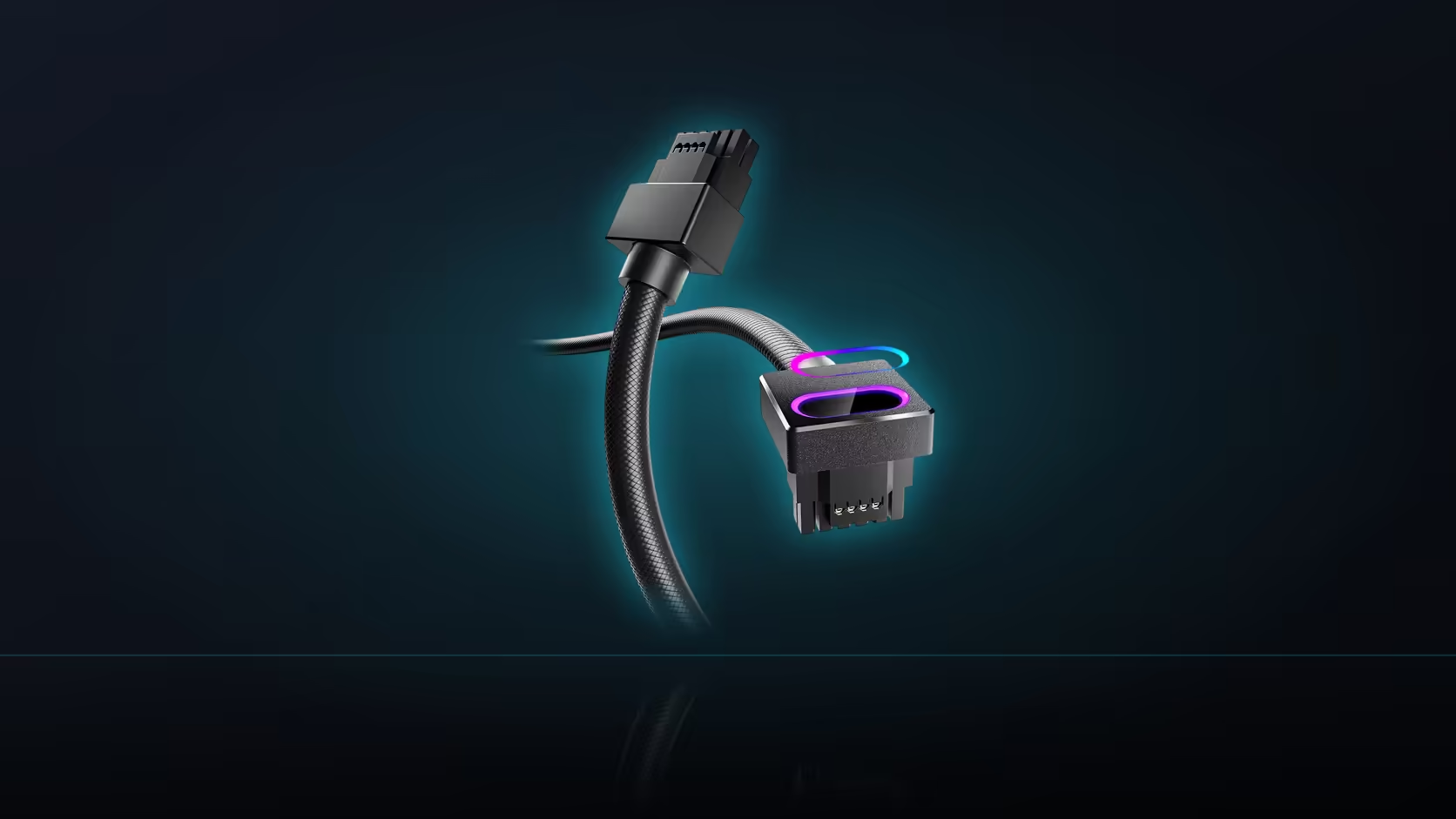
Names inside the Hydrus range get reused across genuinely different products, and that is where confusion starts. The Hydrus 16-pin cable plugs straight into a power supply and replaces its factory lead entirely, while the Hydrus ATX and EPS cables sitting alongside it in the same range do something else altogether - they extend a cable that is already there.
Quick Answer
This AsiaHorse cable, sold at R699 in black or white, is a full modular cable that connects directly into a power supply's native 16-pin socket, replacing the factory cable at that position. The Hydrus ATX and EPS cables are male-to-female extensions instead, joining onto a lead that stays in place - a genuinely different product type with a different set of requirements.
Two different jobs, one family name
A modular cable occupies a socket on the power supply itself and carries power the entire distance to whatever it connects to. An extension does something narrower: it plugs into the end of an existing lead - one that is already attached to the supply, whether the supply is modular or has fixed cables - and adds length or changes the connector on the far end without touching what is happening at the supply itself.
The 16-pin Hydrus cable is the first kind. It is not lengthening anything; it is the entire run from the supply's socket to the graphics card, in place of whatever cable the supply shipped with.
Why that difference creates a port requirement
Because this cable plugs into the supply directly, it needs a socket that is actually built into the unit - a native 16-pin 12VHPWR position on the modular panel. The extension cables in the range do not carry this requirement at all, since they connect to whatever lead is already there, including on non-modular supplies with fixed cables. That is the practical consequence of the product-type difference: one version needs a specific supply feature to exist, and the other does not.
The install experience differs too
Fitting an extension usually means nothing gets removed - you simply add the new cable onto the existing lead's connector. Fitting the 16-pin modular cable is a swap: the factory cable comes out of its socket on the supply, and this one goes in, connected at both ends. That makes the modular version a genuinely more involved install, and it is also why keeping the original factory cable stored afterward is worth doing, in case the swap ever needs reversing.
Length behaves differently as well
An extension's stated length is added on top of whatever the factory lead already provides, so a 30cm extension effectively stretches the reach by that amount. This 16-pin cable's 50cm is the entire distance available, since there is no factory lead sitting behind it once the swap is made - length planning works completely differently between the two product types.
What stays the same across the range
The lighting mechanism is consistent: both the modular cable and its extension siblings use a 5V 3-pin sync lead running to the motherboard, entirely separate from the power path in every case. Colour options, jacket finish and overall build quality also carry across the family, so choosing between them comes down to which job you actually need done rather than any difference in general quality.
Browse comprehensive cable solutions to compare the modular cable against its extension siblings directly, and see the graphics card accessories range for what else a 12VHPWR build calls for.
Frequently Asked Questions
What does plugging directly into the supply actually mean?
The cable occupies a modular socket on the power supply itself, making it the entire run rather than an addition to an existing one.
Why do the ATX and EPS Hydrus cables work differently?
They are extensions joining onto a lead already attached to the supply, which is why they work with any supply, including non-modular units.
Does the direct-connection design make this cable less flexible?
It makes it more specific. It needs a native 16-pin port, where the extensions only need the matching connector on an existing lead.
Is the factory cable removed when this one is fitted?
Yes, it comes out of the supply's socket and this one takes its place - worth remembering in case the swap needs reversing later.
Does length planning work the same way across the range?
No. An extension's length adds onto the factory lead; this cable's 50cm is the entire run, since nothing sits behind it.
Which is generally easier to install?
An extension, usually, since nothing is disconnected. This cable is a swap - disconnecting one cable and connecting another at both ends.
Do the modular cable and the extensions share the lighting setup?
Yes. Both use a 5V 3-pin sync lead to the motherboard, entirely separate from the power connection in every case.
Not sure whether you need an extension or the modular cable?
Check whether your supply already has a matching lead in place, then browse Evetech's cable range for the right fit.