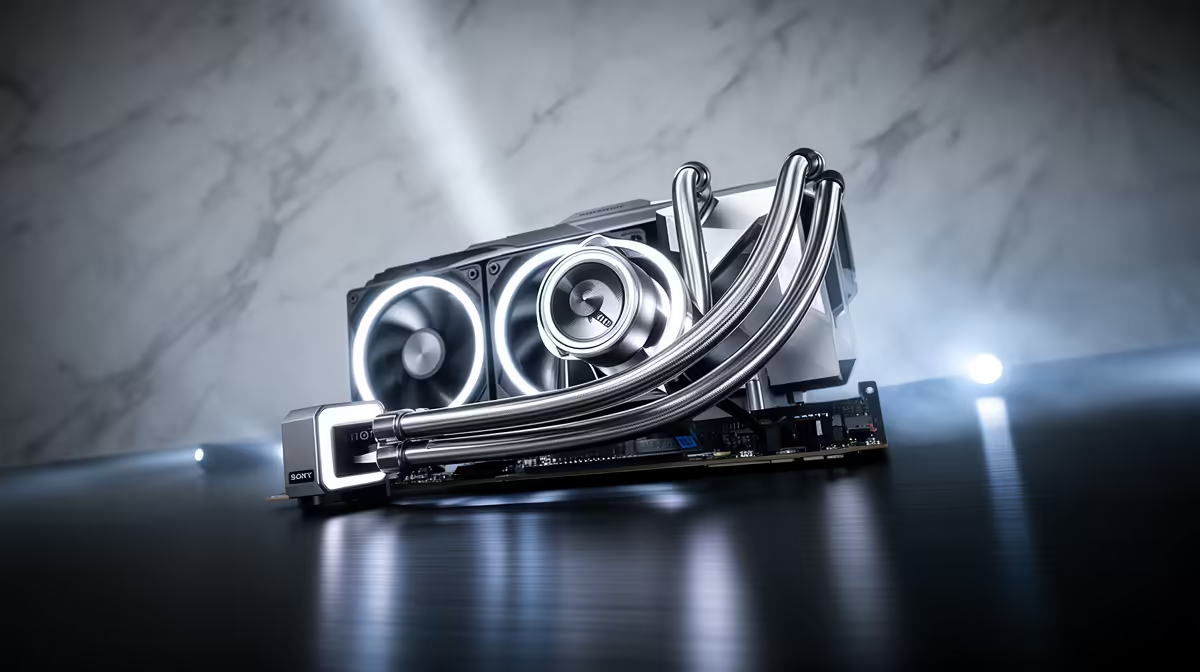
Nothing is more frustrating than installing a brand new AIO expecting a big thermal drop, only to watch the CPU temperature barely budge from what the old air cooler was doing. A 240mm liquid cooler that runs hot almost always points to an installation issue rather than a faulty unit, and the fix is usually simpler than swapping parts. Before assuming the cooler itself is the problem, a handful of quick checks will usually reveal what actually went wrong.
Quick Answer
A hot CPU despite a 240mm cooler often comes down to trapped air in the loop, weak thermal paste contact, or fans pushing air the wrong direction through the radiator. Reseating the MasterLiquid 240 Atmos pump block and confirming fan orientation usually resolves it, and everything needed for that check is included at R1,399.
Trapped Air Left Over from Installation
Air pockets that formed during manufacturing or shipping can settle near the pump after installation, reducing how efficiently coolant moves heat away from the CPU block. Running the system for twenty to thirty minutes under load, then letting it idle, often lets trapped air work its way out and settle in the reservoir where it does not interfere with circulation. If temperatures are still high after that settling period, a firmer reseat of the pump block is the next step.
Thermal Paste Contact Problems
Uneven mounting pressure, a bent bracket, or paste applied too thick or thin can all leave the pump block making poor contact with the CPU's heat spreader. Removing this exact cooler, the MasterLiquid 240 Atmos, cleaning both surfaces and reapplying a thin, even layer of paste before remounting resolves the majority of contact-related heat issues. Check that all four mounting screws are torqued down evenly rather than one corner tighter than the rest.
Fan Direction Fighting the Radiator
Fans mounted backward or blowing the wrong way relative to the case's overall airflow direction can trap heat near the radiator instead of clearing it. Confirm the SickleFlow Edge PWM fans are oriented to either pull air through the radiator into the case or push it out, matching the rest of your case's fan layout rather than working against it. Mismatched airflow direction is a common and easily missed installation mistake.
Pump Speed and BIOS Settings
Some motherboards default to a conservative pump header profile that can throttle pump speed unnecessarily, reducing coolant flow even when everything else is installed correctly. Checking the pump header's BIOS setting and setting it to full speed or a dedicated AIO pump profile, where available, ensures the pump is not artificially limited. If none of these checks resolve the issue, other liquid coolers in stock can help confirm whether a specific unit has a fault worth returning.
Frequently Asked Questions
How long should I wait before troubleshooting a new AIO install?
Run it for at least a full day of normal use first, since some trapped air settles out naturally within the first few hours.
Can bent mounting brackets cause overheating?
Yes, uneven pressure from a bent bracket reduces contact between the pump block and CPU, directly raising temperatures.
Should case fans and radiator fans face the same direction?
They should work together, either all pulling air in the same direction through the case or coordinated to avoid fighting each other.
Does reapplying thermal paste really make a difference?
Yes, poor paste application or contact is one of the most common causes of unexpectedly high temperatures on a new install.
Where can I find replacement parts if something is faulty?
Browse the cooler component listings for replacement units or accessories if troubleshooting points to a hardware fault.
Ready to fix a CPU that runs hot despite a 240mm cooler?
Swap in the 240mm Cooler Master Atmos cooler, priced at R1,399, via Evetech's AIO lineup, and check pump orientation and fan direction while you're at it.