


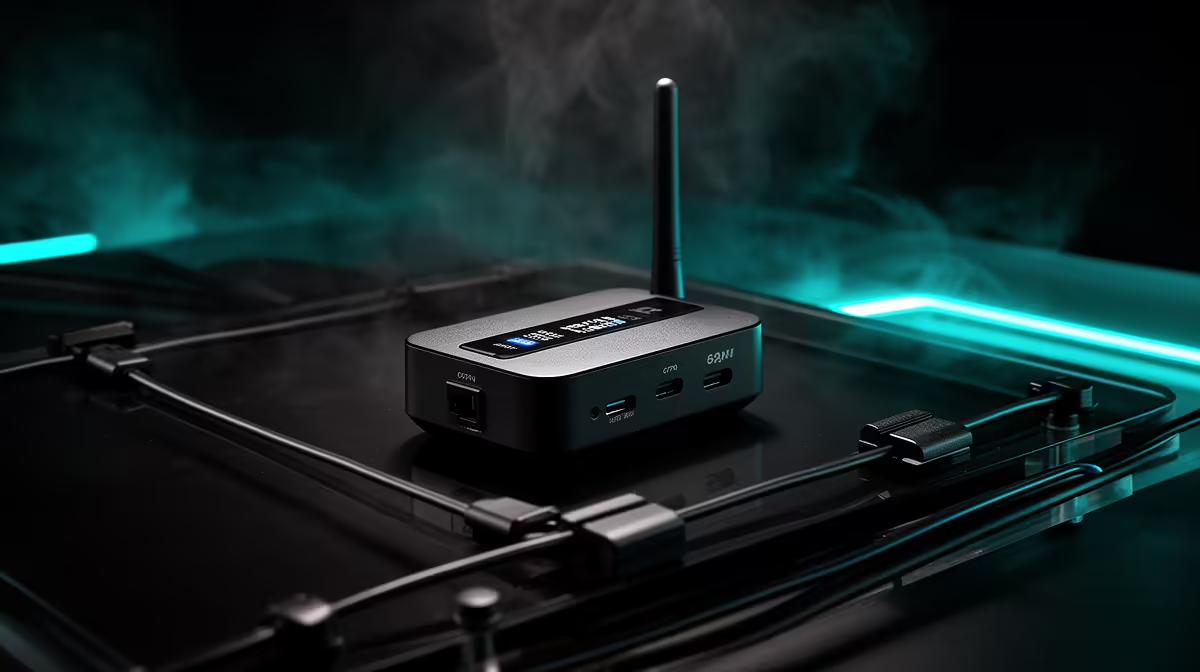
Cables have a way of multiplying. One HDMI to the monitor, one to the capture card, one USB for audio, another USB for the camera, and by the time the stream goes live the desk resembles a cable management project rather than a broadcast setup. Wireless RTMP broadcasting cuts through that by giving the camera its own encoding and transmission chain, pushing the stream directly over Wi-Fi so the entire physical run between camera and PC disappears.
Quick Answer
A wireless RTMP camera encodes the video internally and pushes the stream over Wi-Fi to the server. No HDMI cable, no capture card, and no USB lead are needed between the camera and the computer. The camera needs power, and everything else travels over the air.
🔌 Why the Cable Run Exists and How RTMP Removes It
In a traditional wired setup, the video signal travels out of the camera as HDMI, lands on a capture card, gets converted to a format the streaming software understands, and then goes to the server from the PC. Each step requires a physical connection and anchors the camera to a specific spot.
A camera with onboard RTMP encoding collapses that chain. The encoding happens inside the camera body, and the stream data travels over Wi-Fi to the server directly. From the server's perspective, the camera is just another device on the network pushing a valid stream. From the streamer's perspective, the desk is suddenly clear of the cables that used to run between camera and PC.
The only physical connection that remains is power. Depending on the camera, that is either a USB-C charge lead or an internal battery, so the desk can be almost completely cable-free.
📡 Where the Setup Actually Goes Wireless
Freedom from cables only feels meaningful when you act on the placement options it opens up. A camera that previously had to sit within HDMI reach of the capture card can now go anywhere the Wi-Fi signal reaches.
That could mean mounting high on a bookshelf for a wide angle, placing the camera on the far side of the room to show the full workspace, or decoupling it from the PC corner entirely. For South African creators streaming from a flat with limited desk real estate, that flexibility solves the layout problem. The camera no longer competes for the same surface as the monitors and capture hardware.
⚡ Network Stability on a Wireless Feed
Removing the cable introduces a dependency on the Wi-Fi environment, and that is worth understanding before going fully wireless.
A 1080p RTMP stream needs around 5 to 6 Mbps of stable throughput. On a clean 5GHz band with good signal, that is well within what most modern routers deliver. The risk comes from congestion: neighbouring networks on the same channels, other devices competing for airtime, or being too far from the router.
The practical mitigation is to run the camera on 5GHz rather than 2.4GHz. The 5GHz band carries more channels with less overlap and handles sustained throughput for live streaming more reliably. For South African fibre setups, the upload side is rarely the constraint. A standard 25 Mbps line has far more upstream capacity than a 1080p RTMP stream requires. The variable is the wireless hop from camera to router.
Frequently Asked Questions
Does streaming wirelessly actually remove all the cables?
Almost entirely. The video and audio path is fully wireless, so the HDMI lead, capture card, and USB run are gone. What remains is a power supply, either a USB-C lead or an internal battery. If the camera runs on battery, even that goes, leaving the setup fully untethered.
What happens to stream quality when going wireless?
For a well-configured 5GHz network, quality is comparable to a wired RTMP push. The camera still encodes at the bitrate you set. If Wi-Fi is weak or congested, dropped frames appear the same way they would on a poor wired link. The encoding quality itself is unrelated to the wireless path.
How do I stop wireless dropouts ruining a live broadcast?
Isolate the camera on the 5GHz band, keep the router within clear line-of-sight if possible, and reduce competing devices on that band during the stream. Keep bitrate at or below 60 percent of measured upload to leave headroom when the link fluctuates.
Can a wireless RTMP camera work in another room?
Yes, provided the Wi-Fi signal reaches with reasonable strength. The camera is limited only by network coverage, not cable length. A Wi-Fi extender or mesh node in a far room is the reliable fix for weaker signal.
Is a capture card ever needed for wireless RTMP?
No. The capture card converts a camera's HDMI output for the PC's software. When the camera handles encoding and pushes RTMP directly, there is nothing for a capture card to do and no slot in the chain for it to occupy.
Ready to clear the desk and place the camera where it actually belongs? Browse the wireless RTMP streaming camera range and find the model that fits your home studio layout.











