


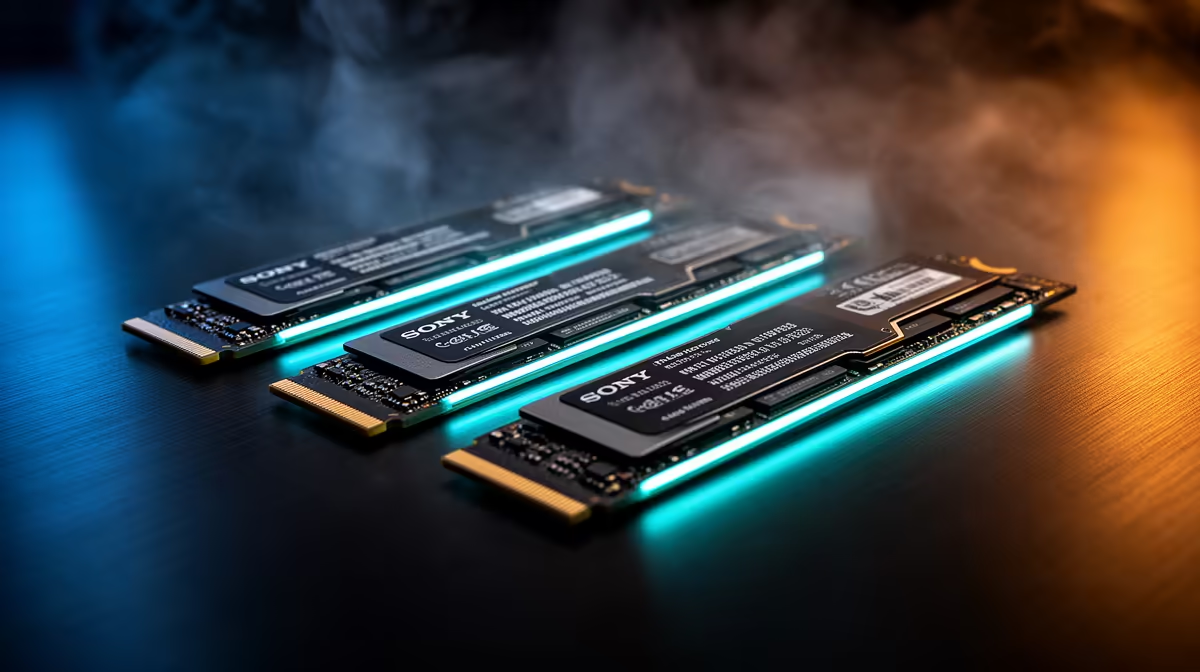
Staring at a loading screen while your mates are already dropping into the action? We've all been there. That painful stutter when you enter a new area in an open-world epic… it’s a vibe killer. For gamers across the country, the conversation around a performance-boosting NVMe upgrade in South Africa is getting louder. It’s not just about numbers on a benchmark; it's about reclaiming your gaming experience, one lightning-fast load at a time. 🚀
The Real-World Impact of an NVMe Upgrade
Let's be honest, marketing specs can feel a bit abstract. What does "5,000MB/s read speed" actually mean for your daily grind? It means less waiting and more doing.
Take Jono, a competitive Warzone player from Joburg. His old hard drive was costing him precious seconds during the initial drop, with textures often loading in late. After his upgrade, he wasn't just loading into the map faster; his entire system felt more responsive. An NVMe drive eliminates the data bottleneck, allowing your powerful CPU and GPU to stretch their legs. It’s a foundational upgrade that elevates your entire rig's performance. If you're considering a system refresh, browsing the wide range of SSDs is the perfect place to start.
From Old-School SATA to Blazing-Fast NVMe ⚡
For years, the trusty 2.5-inch SATA SSD was the go-to upgrade from a mechanical hard drive. And don't get us wrong, it's still a massive leap forward. A jump to a modern 2.5-inch SSD can revitalise an older laptop or desktop, slashing boot times and making the whole operating system feel snappy.
But NVMe (Non-Volatile Memory Express) is a different beast entirely. It plugs directly into your motherboard's M.2 slot, communicating via the high-speed PCIe bus—the same one your graphics card uses. The difference is staggering.
We heard from Anika, a content creator in Cape Town, who was struggling with her video editing workflow. "Scrubbing through 4K footage was a nightmare of dropped frames and delays," she told us. Her NVMe upgrade didn't just speed up her final exports; it made the entire editing process smoother, allowing her to preview effects in real-time. That's the power of near-instant data access.
Check Your M.2 Slot! 🔧
Before you buy, quickly check your motherboard's manual or product page. You're looking for an "M.2 slot" that supports "PCIe" or "NVMe". Some older boards have M.2 slots that only support the slower SATA protocol, so a quick check saves a headache later!
Making the NVMe Upgrade Happen: Is It Worth It?
So, you're convinced. But what about the cost and installation? Here’s the good news: getting an NVMe upgrade in South Africa has never been more affordable. Prices have tumbled, and the performance-per-Rand value is simply unbeatable. You can often find incredible value by keeping an eye on the latest SSD deals, making this high-impact upgrade accessible for most budgets. ✨
Installation is surprisingly straightforward. It involves opening your PC, locating the M.2 slot, and securing the small drive with a single screw. It’s one of the easiest physical component upgrades you can perform. The result is the single most noticeable performance boost you can give your PC, short of a full GPU or CPU overhaul. From game loading times to everyday tasks, everything just feels... instant.
Ready for Your Own Success Story? Stop letting slow storage hold your R50,000 rig back. It’s time to experience instantaneous loading and a flawlessly responsive system. Find your perfect NVMe drive for performance that leaves lag in the dust.









