


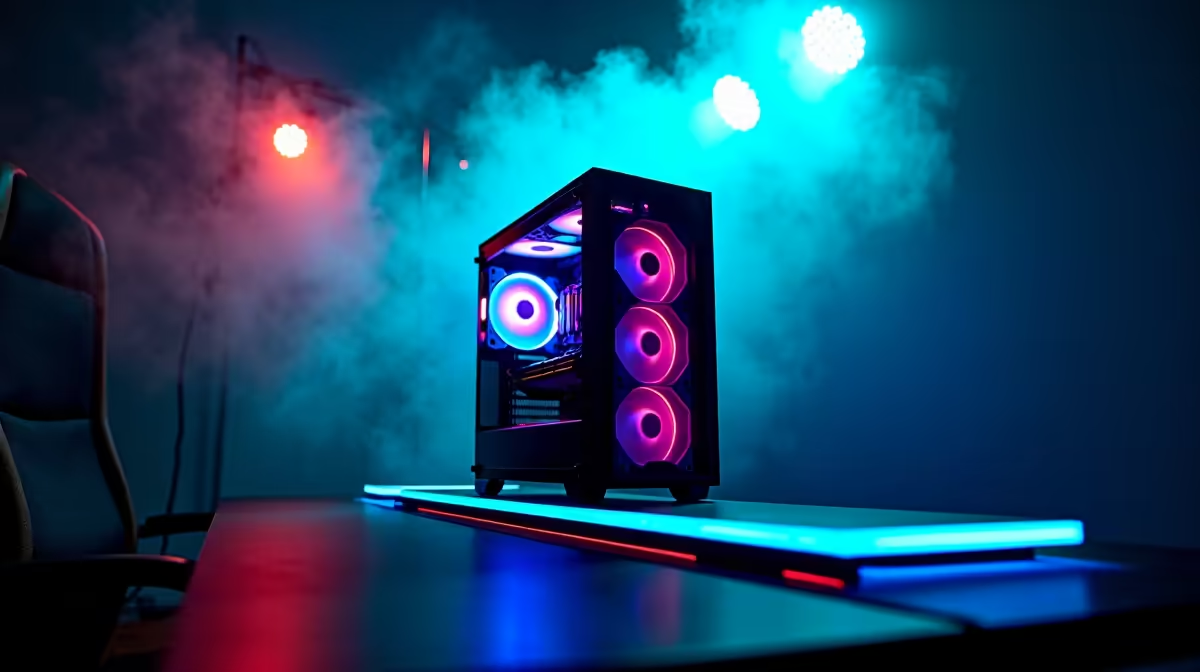
AI isn't just for tech giants anymore. It's right here in South Africa, powering everything from mind-blowing DLSS 3 frame generation in your favourite games to creating stunning art with a single sentence. The question is no longer if you'll use AI, but how. To truly harness this power, you need more than just an average desktop. You need an AI Ready PC, a machine specifically built to stay ahead of the curve. 🚀
What Exactly Is an "AI Ready PC"?
Let's clear something up: "AI Ready PC" isn't an official brand or a sticker on a box. It's a way of thinking about your next build. It means choosing components that are optimised for the unique demands of artificial intelligence workloads. While a high-end gaming rig is a fantastic starting point, an AI Ready PC focuses specifically on parts that excel at parallel processing, handling massive datasets, and running complex models locally, right on your desk.
Whether you're experimenting with local language models like Llama 3, training a custom Stable Diffusion model, or accelerating your video editing workflow, building a PC for AI gives you ultimate control, privacy, and speed... without paying for cloud subscriptions.
The Core Components for Your AI Build 🔧
Building a PC to stay ahead in AI is all about making smart choices where they count the most. It's less about raw gaming FPS and more about computational muscle and memory bandwidth.
The GPU: The Engine of AI
The Graphics Processing Unit (GPU) is, without a doubt, the most critical component for any AI Ready PC. Its architecture, designed to handle thousands of simple tasks simultaneously, is perfect for machine learning.
- NVIDIA's CUDA & Tensor Cores: For years, NVIDIA has been the top choice for AI development thanks to its CUDA platform. This software layer gives developers direct access to the GPU's processing power. Modern GeForce RTX cards, with their dedicated Tensor Cores, are specifically designed to accelerate AI operations. If you're serious about compatibility and performance, exploring a system from our range of NVIDIA GeForce gaming PCs is the best place to start.
- AMD's ROCm & Value: AMD is quickly becoming a powerful contender in the AI space. Their high-VRAM cards, like the Radeon RX 7900 XTX, offer incredible value for money. While their ROCm software ecosystem is still maturing, it's a potent open-source alternative for many AI tasks. For budget-conscious builders, an AMD Radeon gaming PC can offer fantastic performance per Rand.
The number one spec to watch? VRAM. Think of it as the GPU's short-term memory. Larger AI models require more VRAM to run efficiently. We recommend at least 12GB of VRAM for a solid entry-level AI experience.
Check Your Software First! ⚡
Before you buy a GPU, check the requirements for the AI tools you plan to use. Many popular applications like the Adobe Creative Suite and DaVinci Resolve have specific optimisations for NVIDIA's CUDA. For deep learning frameworks like TensorFlow or PyTorch, compatibility can vary. A quick search can save you a lot of headaches later!
CPU and RAM: The Essential Support System
While the GPU does the heavy lifting, the CPU and system RAM play vital roles. The CPU prepares data, manages the operating system, and keeps everything running smoothly. You don't need the absolute best, but a modern processor with multiple cores (like an AMD Ryzen 7 or Intel Core i7) is crucial.
For RAM, 32GB of fast DDR5 memory should be your baseline for a new AI Ready PC. If you plan on training models or working with very large datasets, jumping to 64GB is a wise investment that will prevent system bottlenecks.
Storage: Speed is Non-Negotiable
AI involves massive files. Datasets can be hundreds of gigabytes, and trained models aren't small either. A fast NVMe SSD is essential. It dramatically reduces the time you spend waiting for data to load, letting you iterate and experiment faster. A 2TB NVMe drive is a great starting point, giving you enough room for your OS, apps, and a few projects.
Future-Proofing Your Rig for the AI Revolution
Building a PC for AI isn't just about today's technology; it's an investment in your skills for tomorrow. The principles are similar to building a top-tier creative or gaming machine, just with a sharper focus on GPU VRAM and system memory.
For those who need maximum, uncompromising power for professional AI development, data science, or complex 3D rendering, a pre-configured workstation is often the most reliable path. These systems are built and tested for stability under extreme loads, making them perfect for mission-critical work. You can explore a range of powerful, professionally built workstation PCs designed for exactly these kinds of demanding tasks. ✨
An AI Ready PC you build today will not only crush the latest games but also serve as your personal laboratory for exploring one of the most exciting fields in technology. It’s a machine that grows with you.
Ready to Build Your AI Future? The world of AI is moving fast, and having the right hardware is your ticket to the front row. Whether you're a gamer, a creator, or a future tech pioneer, Evetech has the components and expertise to help you build the ultimate AI Ready PC. Explore our custom PC builder and pre-built rigs today!










