


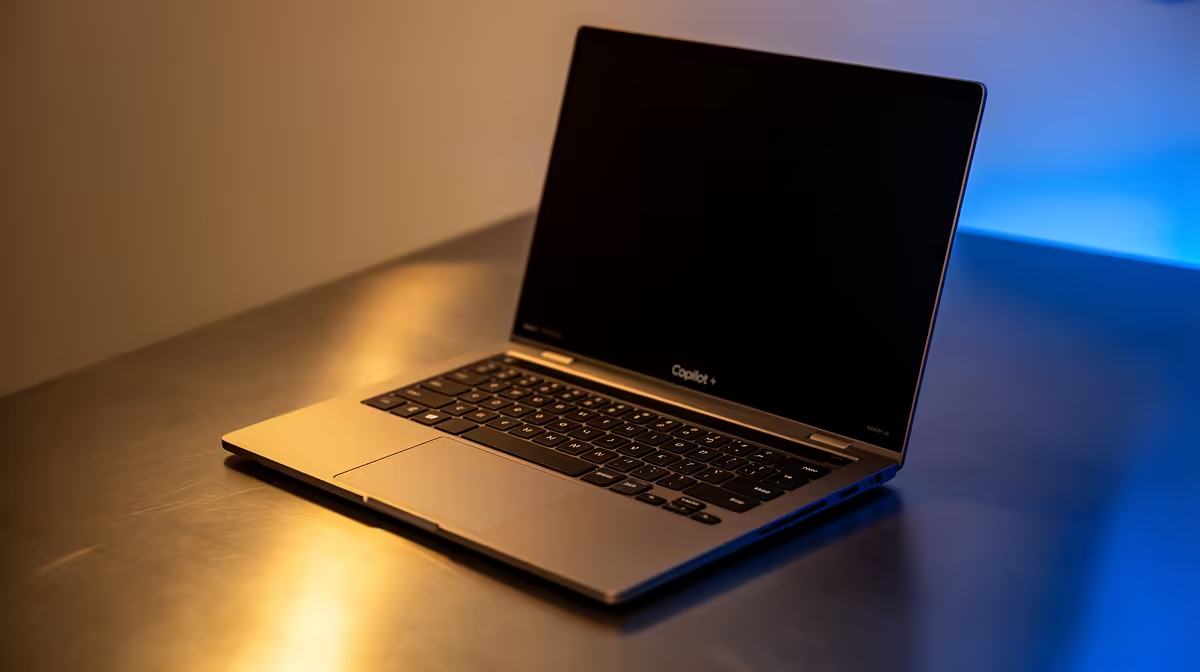
So, you’ve got your eye on a new Copilot+ PC, or maybe you’ve already unboxed one. Awesome! These machines are packed with next-level AI that will change how you work and play in South Africa. But with great power comes… a new set of rules. To keep that lightning-fast AI running at its peak, your old maintenance routine needs an upgrade. Ready to learn how to properly care for your new brainy companion? 🚀
Beyond Dusting: The New Rules of Copilot+ Laptop Maintenance
Forget everything you thought you knew about laptop care. While keeping your keyboard crumb-free is still a good idea, proper Copilot+ laptop maintenance goes much deeper. These devices aren't just running programs; they're constantly learning and processing information on-device using a dedicated Neural Processing Unit (NPU). This means performance is tied directly to software optimisation and data management, not just raw hardware specs.
These new AI laptops are redefined by their on-device intelligence. Features like Recall, which lets you search for anything you've ever seen on your screen, rely on a healthy, well-managed system. A cluttered drive or outdated driver can cause more than just slowdowns… it can directly impact the AI features you bought the laptop for.
Keep Your AI Sharp: Software & Driver Tips
The heart of your Copilot+ experience is the software. Keeping it in top shape is your number one priority for long-term performance.
Update, Update, Update
This is non-negotiable. Microsoft will be rolling out frequent updates to refine and expand Copilot+ features. Ensure Windows Update is enabled and running. These aren't just security patches; they are performance enhancements for the NPU and core AI services. Check for optional driver updates too, especially for your graphics card, as these often contain crucial optimisations.
Control Your AI's Memory 🧠
The new Recall feature in Copilot+ is powerful, but it uses storage to save snapshots of your activity. You can control how much space it uses! Head to Settings > Privacy & security > Recall & snapshots. Here, you can clear snapshots, pause the feature, or adjust the storage allocation to free up valuable gigabytes on your SSD.
Tame Your Digital Footprint
A fast SSD can be slowed down by clutter.
- Run Storage Sense: This built-in Windows tool automatically clears out temporary files and old downloads.
- Analyse Your Drive: Use the "Storage settings" to see what's eating up your space. Large game installs or old video projects might be the culprits.
- Cloud is Your Friend: Offload large, seldom-used files to a cloud service to keep your local drive lean and responsive.
Keeping your system optimised is crucial, regardless of the underlying architecture. Whether you're running the latest silicon in our range of AMD laptops on special or another brand, a clean software environment is key.
Physical Care for Your High-Tech Machine 🔧
While software is the new frontier of Copilot+ PC maintenance, the physical hardware still needs love.
Smart Cooling is Key
The NPU, CPU, and GPU all generate heat, especially during intense AI tasks or gaming sessions.
- Keep Vents Clear: Never use your laptop on a soft surface like a bed or couch that can block airflow.
- Clean Regularly: A quick blast of compressed air into the vents every few months can prevent dust buildup.
- Consider a Stand: A simple laptop stand can significantly improve airflow and ergonomics.
A cooler machine is a faster, happier machine.
Screen and Chassis Care
Your Copilot+ laptop is a premium piece of tech, so treat it like one. Use a soft, lightly dampened microfibre cloth to wipe down the screen and body. Avoid harsh chemicals that can damage the coating on the display or the finish of the chassis.
Sometimes, despite the best maintenance efforts, a machine just reaches the end of its effective life. Before a small issue becomes a big repair bill, it might be smarter to consider an upgrade. With a huge variety of laptop specials for sale in South Africa, getting a brand-new, worry-free machine with the latest AI tech can be surprisingly affordable.
Ready to Find Your Perfect AI Companion? The world of AI PCs is exciting, and having the right machine makes all the difference. For the best performance, choice, and value in South Africa, a new Copilot+ PC is hard to beat. Explore our massive range of laptop specials and find the perfect machine to conquer your world.











