


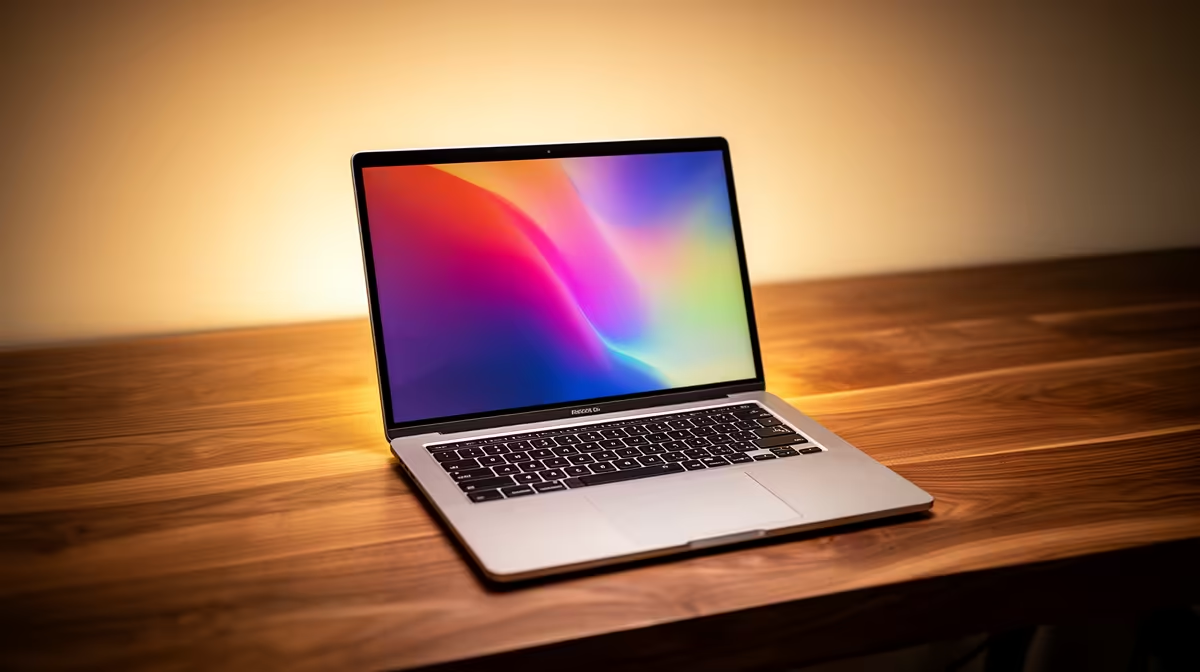
Tired of your laptop groaning under the weight of Adobe Premiere? As a South African creative, you need a machine that keeps up with your imagination, not one that holds it back. Enter Copilot+ laptops. These aren't just faster; they're smarter. Powered by dedicated AI hardware, they promise to revolutionise your workflow from concept to final render. This expert guide breaks down exactly what Copilot+ laptops for creatives mean for you, right here in ZA.
What Makes Copilot+ Laptops Different for Creatives? ⚡
For years, laptop upgrades meant a slightly faster CPU or a bit more RAM. Copilot+ PCs change the entire formula. The key is the new Neural Processing Unit (NPU)—a dedicated chip designed specifically for artificial intelligence tasks. Instead of your main processor handling everything, the NPU takes on AI-heavy workloads, freeing up resources and boosting battery life.
For you, this means creative apps that run smoother and new AI features that work instantly, right on your device. This is the new era of on-device AI, where your laptop doesn't need a constant internet connection to be intelligent. These new Copilot+ laptops for creatives are a fundamental shift, making them some of the most exciting AI Laptops redefined for power users.
Key AI Features Creatives in SA Will Actually Use
Let's cut through the marketing hype. What can these new machines really do for your day-to-day grind? These AI-powered tools are deeply integrated into Windows, offering tangible benefits for designers, editors, and artists.
Recall: Your Photographic Project Memory
Ever spent ages hunting for that one specific asset or colour palette you saw online last week? Recall acts as a searchable, visual timeline of everything you've seen or done on your PC. You can scroll back in time or simply type a description like "blue geometric logo inspiration," and Recall will find it for you. It’s a massive time-saver for research and asset management.
Cocreator: From Rough Sketch to Concept Art
Stuck on a concept? The new Cocreator tool in Paint uses your rough doodles and text prompts to generate polished images in seconds. It’s perfect for rapidly iterating on ideas, creating mood boards, or visualising a scene before committing hours in Photoshop. This makes brainstorming incredibly efficient. ✨
Workflow Pro Tip 🔧
Use the PowerToys FancyZones utility on Windows to create custom snap layouts. It's a lifesaver for creatives using ultrawide monitors, letting you perfectly organise your Adobe timeline, preview window, and asset folders without constantly resizing windows.
Choosing the Right Copilot+ Laptop for Your Craft
The first wave of Copilot+ PCs is powered by Qualcomm's Snapdragon X Elite and X Plus chips, which have shown incredible performance and efficiency. But the landscape is expanding. Keep an eye out for upcoming AMD-powered options and Intel's Lunar Lake chips, which will also meet the Copilot+ standard.
When choosing a Copilot+ laptop for creative work, focus on these specs:
- RAM: 16GB is the absolute minimum. 32GB is highly recommended for video editing or complex 3D work.
- Storage: A fast NVMe SSD is non-negotiable. 1TB or more will ensure you have space for large project files and apps.
- Display: Look for a high-resolution screen with excellent colour accuracy (100% sRGB is a good starting point, DCI-P3 is even better).
These machines are built for sustained performance, making them a fantastic choice for any South African creative looking to future-proof their setup. 🚀
Ready to Supercharge Your Workflow? Copilot+ laptops represent a massive leap forward for creative professionals. For the best selection, pricing, and expert advice in South Africa, Evetech is your go-to. Explore our massive range of laptop specials and find the perfect AI-powered machine to unleash your creativity.










