


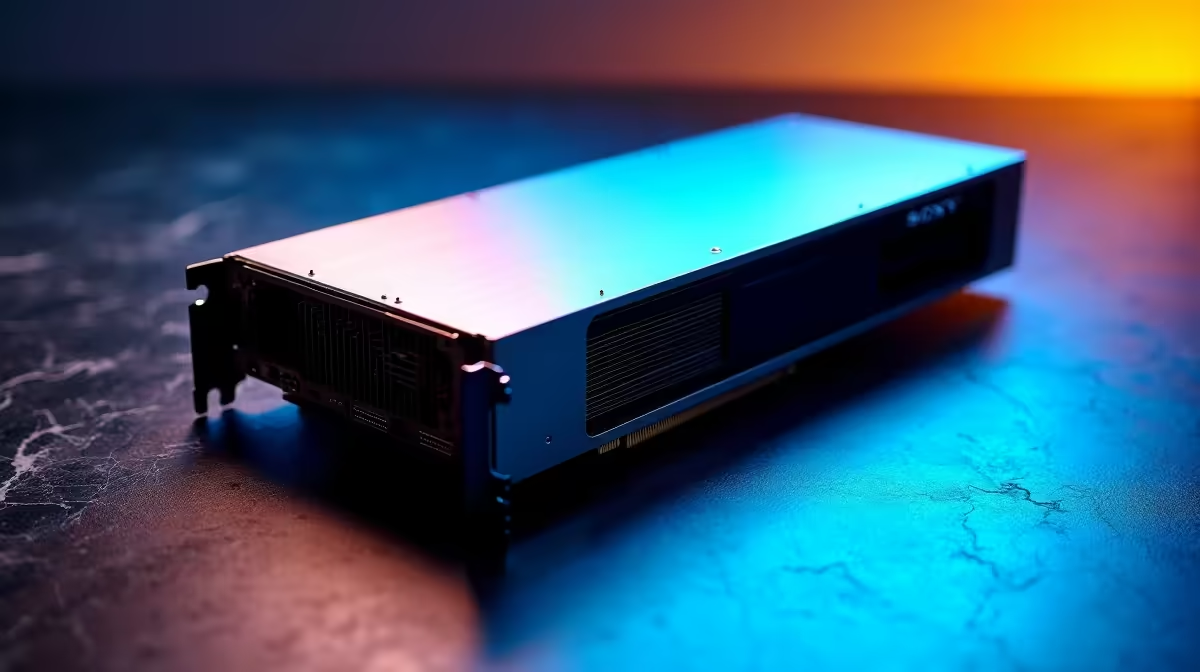
So, you’ve heard the buzz about DeepSeek. This powerful family of AI models is making serious waves, especially with its open-source code-generation tools that are giving developers superpowers. But the big question for tech enthusiasts across South Africa is: what kind of rig do you actually need to run it locally? Forget paying for cloud access… let's talk about the real DeepSeek hardware requirements for your home setup and how to get you AI-ready. ⚡
Unpacking the Core DeepSeek Hardware Requirements
Before we dive into components, it's crucial to understand that there isn't just one "DeepSeek." It's a collection of models with different sizes, measured in billions of parameters (e.g., 7B, 33B, 67B). The bigger the model, the more demanding the hardware.
However, the fundamental hardware requirements for DeepSeek always revolve around four key components: your GPU (and its VRAM), system RAM, CPU, and storage speed. Getting the balance right is key to a smooth experience, whether you're coding, experimenting, or just exploring the future of AI.
The GPU: Your AI Command Centre 🚀
When running AI models, your Graphics Processing Unit (GPU) does most of the heavy lifting. The single most important specification to consider is its video memory, or VRAM. This is where the AI model is loaded, and if you don't have enough, you simply can't run it.
VRAM Tiers for DeepSeek
- Entry-Level (8GB - 12GB VRAM): This is enough to start experimenting with smaller, optimised (quantized) versions of the DeepSeek models. It's a great way to learn without breaking the bank. Modern NVIDIA GeForce gaming PCs with cards like the RTX 4060 fit perfectly here.
- Mid-Range (16GB VRAM): This is the sweet spot for serious hobbyists. With 16GB of VRAM, you can run larger and more capable models, making it a fantastic middle-ground. Both AMD Radeon gaming PCs and NVIDIA offer excellent options in this bracket.
- Pro-Level (24GB+ VRAM): For those who want to run the biggest, most powerful models without compromise, 24GB or more is the goal. Interestingly, some of the latest Intel Arc gaming PCs offer compelling VRAM for their price, making them a smart choice for an AI-focused build.
CPU and RAM: The Supporting Cast
While the GPU gets the spotlight, the CPU and system RAM are critical for ensuring your system doesn't bottleneck. A slow CPU can struggle to feed the GPU data, and insufficient RAM will bring everything to a grinding halt.
Your CPU choice doesn't need to be top-of-the-line, but a modern multi-core processor is essential for a responsive system. Both modern Intel Core processors and AMD's powerful Ryzen CPUs provide the performance needed to support a powerful AI workflow.
For system RAM, a good rule is to have at least as much RAM as your GPU has VRAM, though more is always better. We recommend a minimum of 32GB for any serious AI build.
VRAM & RAM Estimation Tip 🔧
A simple way to estimate memory needs is to look at the model's size. A 7-billion parameter model (7B) in its standard 16-bit format will require roughly 14GB of VRAM (7 x 2 bytes). Quantized (compressed) versions can drastically lower this, often fitting into 8GB. Always check the specific model's page for its memory footprint!
Storage and System Integrity
Finally, don't overlook your storage. DeepSeek models are massive files, often exceeding 50GB for a single large model. A fast NVMe SSD is non-negotiable for loading these models quickly and keeping your workflow snappy.
Putting it all together can be daunting, which is why considering one of our expertly configured pre-built PC deals is a fantastic, hassle-free option. Whether you're starting with one of our budget gaming PCs or aiming higher with the best gaming PC deals in South Africa, you'll find a system that can be your gateway to local AI. For the ultimate power, our powerful workstation PCs are built to handle the most demanding computational tasks, making them perfect for serious AI development.
Meeting the system specs for DeepSeek is about building a balanced, powerful machine ready for the future. ✨
Ready to Build Your AI Powerhouse? Running models like DeepSeek locally is the ultimate tech flex. From powerful workstations to custom gaming rigs ready for the AI edge, Evetech has the hardware you need. Explore our massive range of PC deals and build the machine that will power your future.










